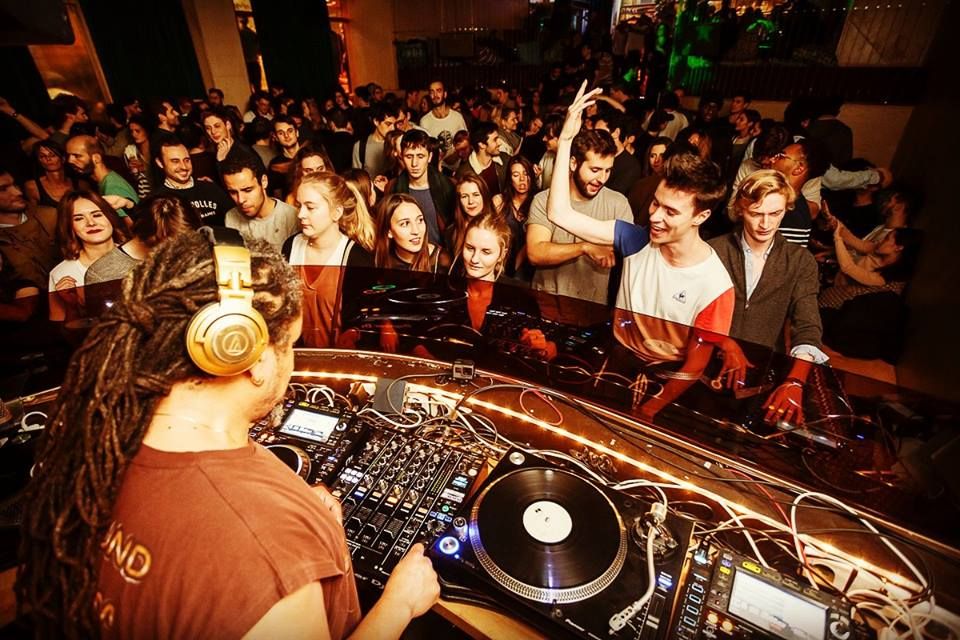
- So you’ve rocked your bedroom and the local bar, next stop superclub main room! A hefty sound system in a large space is an entirely different challenge, so what are the key technical aspects you should know before you step into the big league? Sankeys in the UK has hosted the biggest international DJs and was voted DJ Magazine’s number one club in the world in 2010. Here are some tips from their sound engineer Rob Thomas and resident DJ Jozef K on how to play a big room.
1. Bring earplugs!
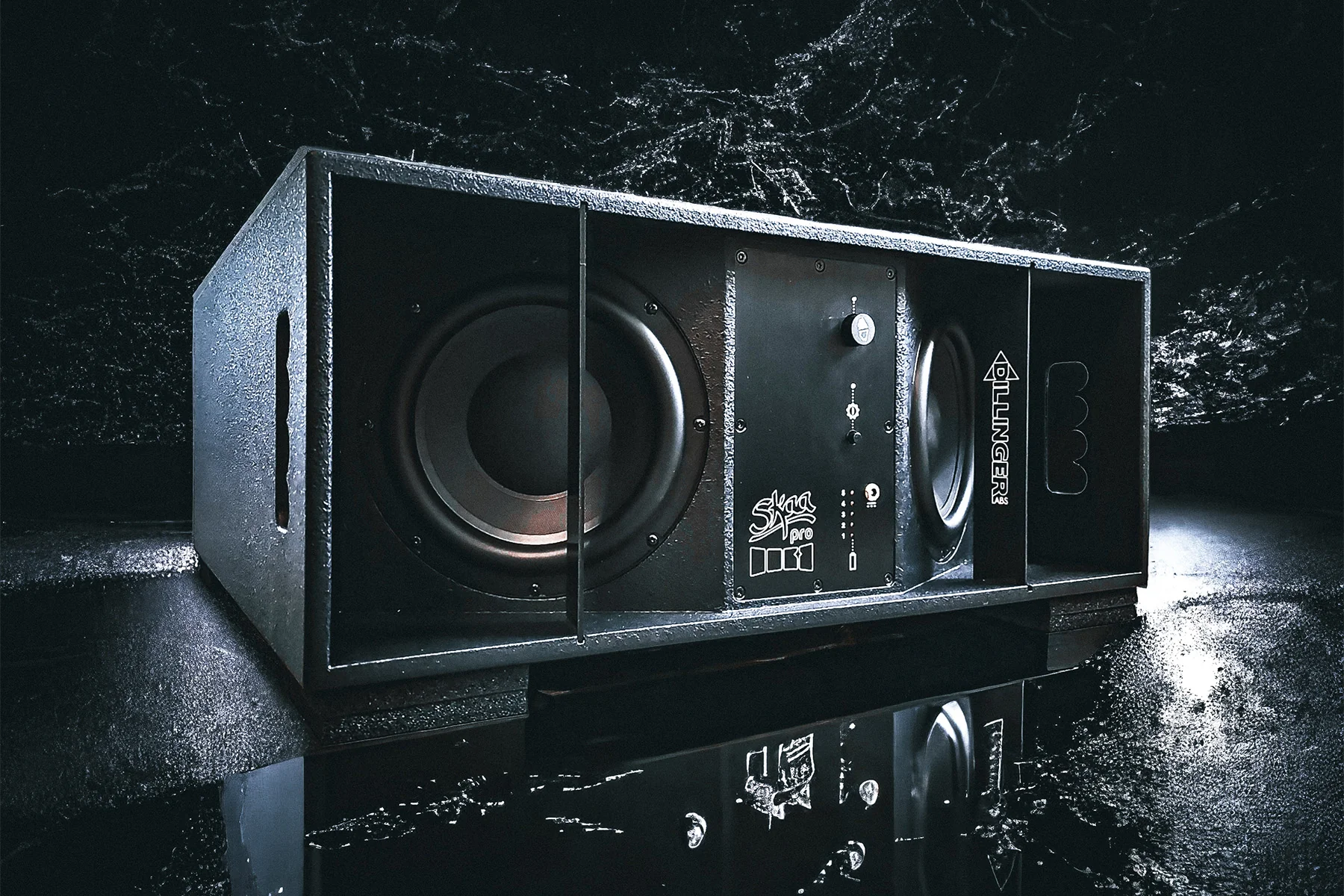
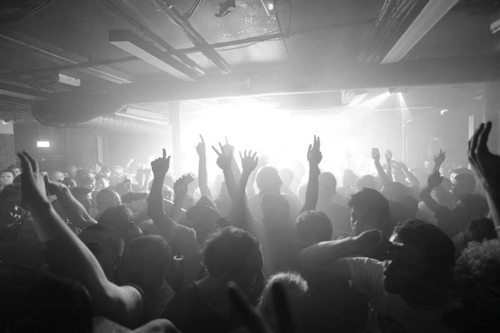
Sankeys’ Phazon system reaches 120 db (equivalent to a loud rock concert). Described by Rob as ‘sillily loud’, the sheer size of the sound can be overwhelming to a new DJ.
“At first it scares you,” says Jozef K, who had to upgrade his headphones after they blew on his first gig there, “you put your tune on and think “fuckin hell” because there’s so much bass there, but you get used it.”
Rob confirms that all the top DJs now use earplugs – except some of the older ones because “they’ve already buggered their ears up!” – but earplugs dull the higher frequencies, so be careful not to over-compensate.
2. Mind your monitors!
At these volumes managing the way you listen to the output becomes vital – you don’t want to burst your eardrums by whacking up the monitor speakers, but they must be louder than the reverberated sound from the dancefloor, otherwise your mixing will be constantly out of time due to the delay.
Jozef K says: “I’m quite cautious with my hearing – sometimes I turn my monitors down between mixing. Normally DJs have the headphones on full blast (dial at six o’clock) but I’m usually two or three o’clock.”
Preferences vary among top DJs according to Rob: “Some have told me they don’t need to use monitors, others ask for the monitors to be louder to cut through the ear plugs. But I ask them: ‘why not take out your ear plugs and turn the monitors down?!’
“Others will mix in their headphones – Laidback Luke used in-ear monitors the other week. They tend to only turn up the monitor speakers for the benefit of mates in the booth and also so they can feel it.”
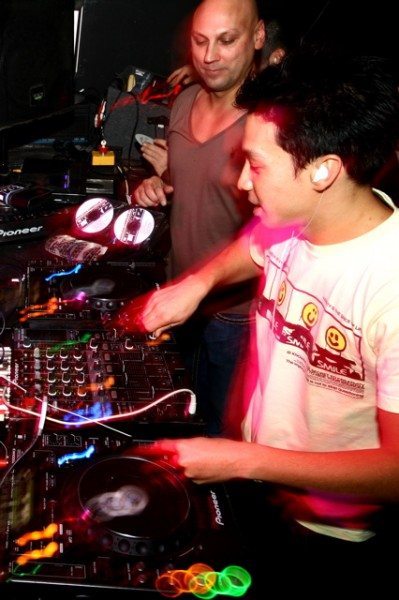
Check out: The best in ear monitors for DJs and DJing with in-ears
3. Sounds jump out on a big system
Jozef K says: “You get used to it and usually you know which sounds are gonna come alive, but even people who’ve been playing here for ages can get surprised.
“I had this tune called DimDim by Sis – when I heard it in my headphones the vibe of the track was pretty relaxed, but when I played it on the big system the kick drum was so banging and there were lots of tough sounds – I thought ‘Sh*t! I shouldn’t be playing this in a warm-up set!’”
He advises to choose more groovy tunes rather than percussive for warm-up sets.
The below video shows how the music changes during a warm-up:
[youtube]http://www.youtube.com/watch?v=ZJxYpxfEqAk&feature=fvsr[/youtube]
4. Be prepared to adjust your mixing style
For Jozef K the big sound requires a different method: “When you’re playing at home in your bedroom you can hear every tiny sound, but when you’re playing in a room like this when it’s loud as fuck and there’s loads of reverb the sounds aren’t as intricate, so I like to do a nice bold mix.
“Just go ‘bam’ swop the kick drums over, then you’ll wait for a good bit when the melody’s running out, swop that one in – you’re just a bit more aggressive with your mixing style when it’s so loud.”
But at least, he says, the less detailed sound means you have a bigger margin for error.
5. How far should you turn up the music?
You are in control of the booth mixer but the engineer has overall control from upstairs – even down to individual speaker stacks.
“It’s generally a no-no for me to touch the [booth] mixer,” says Rob, “but if you max it out then the sound is going to distort and I have had to have a word in the past.
“Everything’s limited so there’s protection there, but there’s no limiter fast enough all the time that will catch everything – once in a while they will pop something.”
Also, people act as sound absorbers, so the busier the dancefloor the more volume is needed.
Rob says: “To us they are water bags. The more people you get in, the more they mask how loud it is. So if you have it at full blast when there’s hardly anyone in, it’ll just rattle about all over the place.”
6. Pre-gig
So you get the call – the club wants you to play – but what happens with equipment?
Rob explains: “The headline DJ always gets priority – their spec supercedes what anyone else wants – this or that mixer.
“Here it’s mainly a fight between the DJM800 [Pioneer] and the Allen And Heath [Xone 92] though Armin van Buuren requested the Pioneer DJM2000 mixer to go with the CDJ2000s.
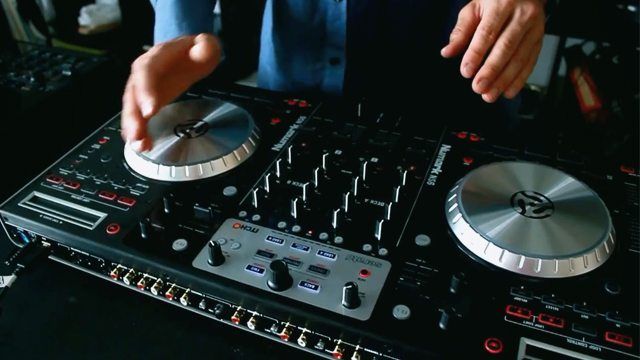
If you’re bringing other gear (controller with a laptop etc) it’s a good idea to warn the engineer because at Sankeys he will be the one plugging it into the mixer.
“Most of my trouble comes from the DJ changeovers – sometimes I have to say to the DJ ‘look you’re not gonna do that tonight mate’”, adds Rob.
7. I wanna scratch!
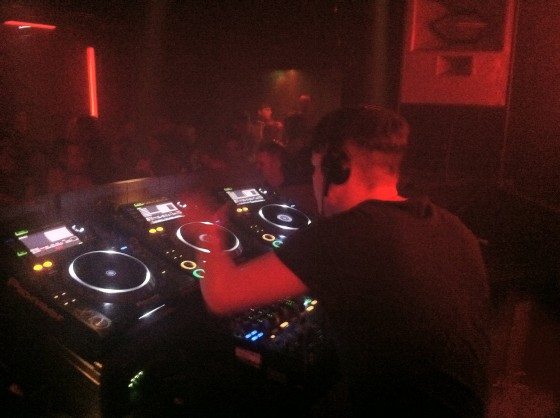
With scratch DJs and turntablists the harsh mids can be an issue at a club.
“Some of the bigger scratch DJs will come in and do a sound-check beforehand and we’ll EQ a system to what they want – we just have a chat with them about their requirements”, says Rob.
However, unless you’re a big name it’s unlikely you’ll get this opportunity – but do at least warn the engineer you might be scratching.
8. A big system will expose poor file quality
Rob says: “With some MP3s you’re like “oooh god” – I have to run upstairs and take the top end out because you can just hear them straight away.
“The higher quality MP3s are ok but if it’s below 192 kbits/sec you really start noticing it, in fact once you go below 320 you start to hear it.”
Jozef K prefers not to mix WAVs with 320s during a set: “I get the piss taken out of me for it, but I think the change in dynamics is too noticeable on these massive speakers.”
You don’t want to undermine an intense breakdown like the one below with poor MP3s:
[youtube]http://www.youtube.com/watch?v=BYIoc4jIpu8&feature=related[/youtube]9. Alternative DJs beware!
Keep in mind that that the system is not designed for a country and western – rock – blues mashup.
Rob says: “It wouldn’t sound great because it’s been set up for dance music. It’s been tweaked and tweaked and tweaked but always around the dance genre. Every once in a while we do get the occasional band here and we can tweak things to sound better for bands but most of the time there’s no need for that.”
10. Know your shit!
Rob says: “Never turn up to a venue with something you don’t know how to use. I’ve had kids turn up with Serato and never used it before!
“Because for us house engineers – all we need to know is how to plug it in and how to look out for errors on it – we don’t need to know how it works.
“But some DJs will think we know how to use everything – but there are too many things out there. A guitarist wouldn’t ask the engineer to tune up for him.”