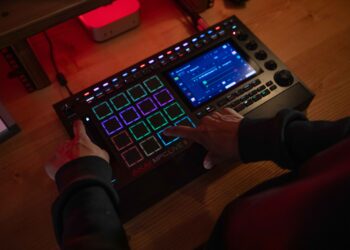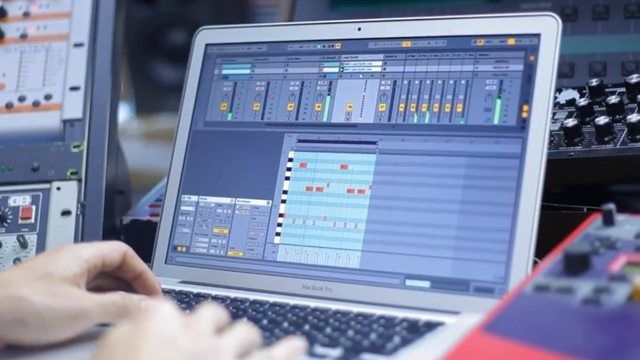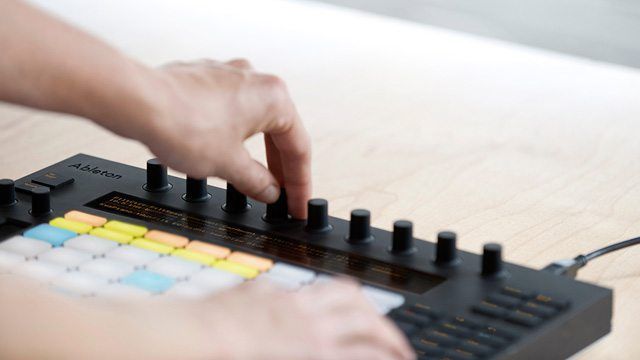
Ableton’s just announced a dedicated control surface for Live called “Push”. After engineering trusted software for years, they now aim to solve an old problem with a new hardware solution: how to make a song from scratch. DJ TechTools attended a private preview of the new offerings last week in Berlin, where Push was described as “a hardware instrument for playing and composing with Live”. Keep reading for a full look at the hardware, including the full video walkthrough from Ableton.
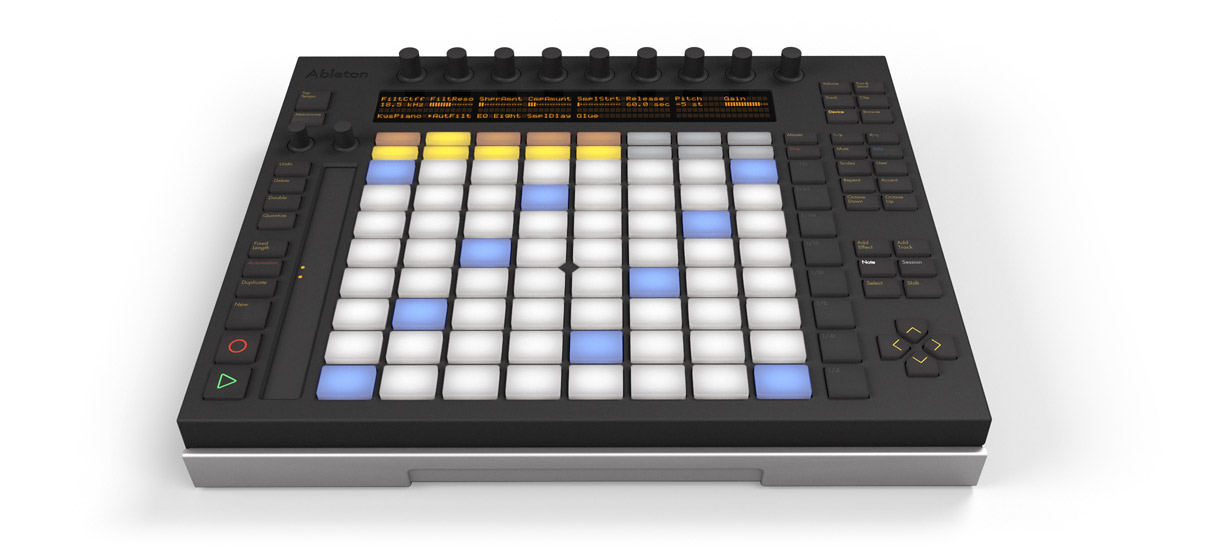
In the new electronic world of chips and bits, where many modern musicians create their art predominantly in a computer, what is their instrument? Here is what Ableton themselves tells us about Push:
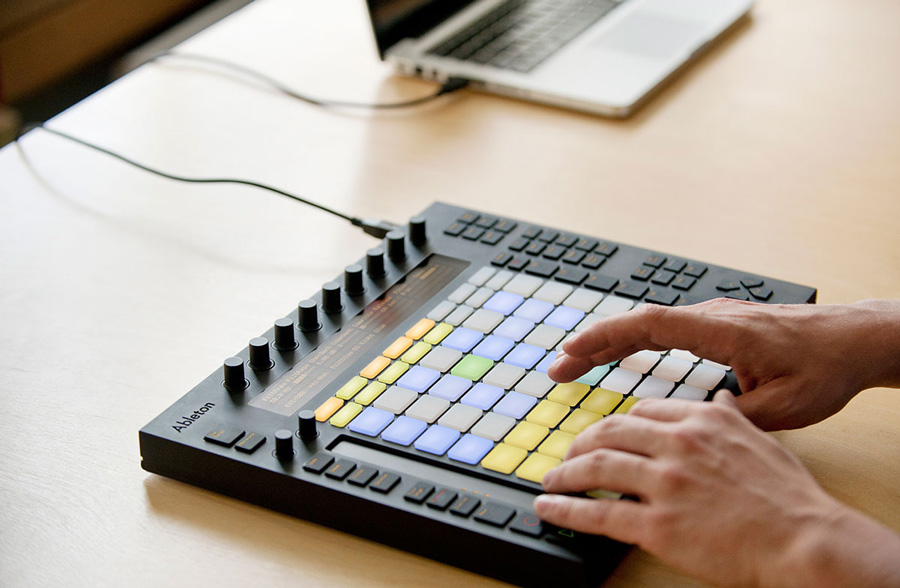
Push provides direct, hands-on control of melody and harmony, beats, sounds and structure, powered by Ableton Live running on your computer. High-quality, dynamic pads, buttons, encoders and display combined with an innovative workflow allow you to play and compose musical ideas without the need to look at or touch your computer, and more importantly, without interrupting the musical flow.
Ableton Push
Available: Q1 2013
Price: $599 / €499
Includes: Ableton Live 9 Intro
Compatible with: All versions of live including Intro, Standard, Suite
Power Source: USB
Weight: 6.6 lbs
Features
- Two assignable foot-switch inputs
- 64 velocity and pressure-sensitive pads
- RGB backlighting
- Designed by Akai Professional
- 11 touch-sensitive encoders
- Four line LCD alphanumeric display
- 12 cm touch strip for pitch bend/scrolling
THE NEW HIGH-END LAUNCHPAD?
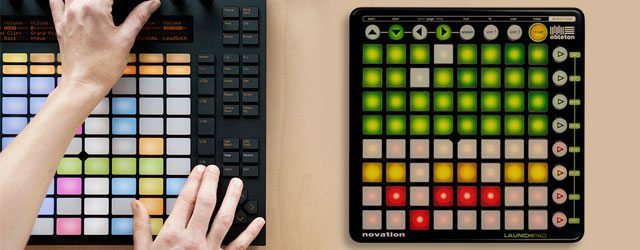
The Novation Launchpad – which has become an iconic YouTube fixture due to its very low price ($149ish) and mass adoption – has become one of the unlikely success stories of the Ableton Live revolution. On the surface, Push looks like a sexier Launchpad with more dedicated Live functionality, but if you diver deeper there is more that might justify the price hike.
Color Buttons
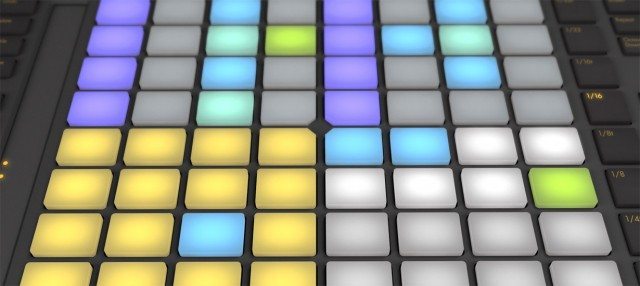
The Push boasts RBG colors while the Launchpad is limited to just three colors (orange, red and green)
Better Feel
Built and designed just like the MPC pads, the Push has pads that can be playable as an instrument. While they work, the Launchpad buttons are notoriously “squishy” and reveal their low cost construction.
Deeper Data
The Push’s pads have aftertouch control, allowing you to push into a parameter and modify values without knobs or faders. The Launchpad lacks any equivalent control style over such parameters.

Better Integration
Since everything has been designed in-house, Ableton’s team has achieved remarkable integration with Live that goes far beyond the hardware presently on the market. This includes advanced control.
More Control
Along with the standard clip launching tools, Push offers a dynamic touch strip for modulation and pitch bends. The unit also sports eight touch-sensitive pots that display their information on the screen directly below them.
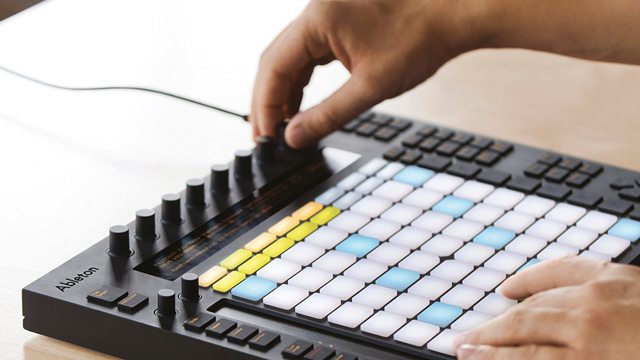
Every artist, young and old, needs an intro point and the Launchpad has launched (pun intended) many new performing artists into the world of Ableton and controllers. It’s quite possible that Push may be the next logical choice for those looking at a well-needed upgrade.

Here are the Key Features via Ableton’s Press Release
- Play and sequence beats: Push’s 64 velocity- and pressure-sensitive multi-color pads can be used to play, step sequence, and navigate within rhythm patterns – all at the same time. The 11 touch-sensitive endless encoders can control device parameters, adjust velocity, nudge timing and more.
- Play melodies and chords in a new way: Push’ “folds” a keyboard’s worth of notes into its 64 pads, with different pad colors showing the key center and other notes in the key. This allows you to play in every key using the same finger patterns, move between keys at the touch of a button, and explore new harmonies and phrases.
- Improvise with song structure: Push expands the scope of creation with its unique workflow. Using just a few buttons to trigger clips, overdub notes, move between song materials and variations lets Ableton Live itself become an intuitively playable instrument.
- Move smoothly from creation to arrangement: Push offers both the inspiring instrument to start creating music, and the full-featured software to finish off a track. Everything created with Push is laid out in Ableton Live on your computer – ready for fine-tuning, arrangement and export.
- Includes Ableton Live 9: Push comes with either Ableton Live 9 Intro, Standard or Suite Edition. All the included instruments, effects and sounds, as well as your own libraries, are ready to be played, tweaked, and personalized.
- Designed by Ableton, built by Akai: Push features 64 pressure and velocity-sensitive RGB (multi-colored) pads with an adaptive layout, plus a touch strip with 24 LEDs for pitch bending or navigating through a drum rack. 11 touch-sensitive endless encoders and a four line LCD display adapt dynamically to control and show instrument and effect parameters.
OUR TAKE AWAY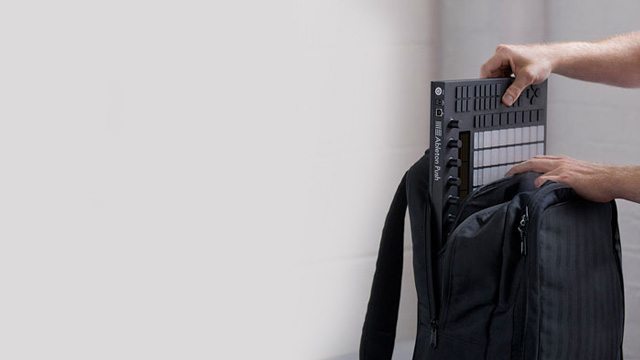
Hardware manufacturing was a good move for Ableton. With so many people pirating their software and other companies raking in the dollars from gear sales, it makes sense to build a 1:1 controller for Live. The challenge lies in building something that stands out, while keeping it at a price people are willing to jump on board for. Ableton made a smart move by partnering with Akai, who have extensive expertise in the controller manufacturing area.
While we only saw a hand-built prototype, the quality does appear on the surface to be comparable to the MPC line of products. However, only time and extensive (road) testing will reveal its true pedigree. My one disappointment was in the lack of innovation in the software department. Instead of building a new software/hardware paradigm from the ground up that re-defines music writing today, Ableton has instead settled for building what might end up being the best Live controller on the market.
More Info:
- Ableton Live 9 featurelist | DJTT
- High resolution photos of the Push controller | DJTT Facebook
- Ableton Push product page | Ableton

Ean Golden is the founder of Dj TechTools and a worldwide Dj specializing in controllers and new performance technology.
Follow Ean on: Twitter Facebook SoundCloud YouTube