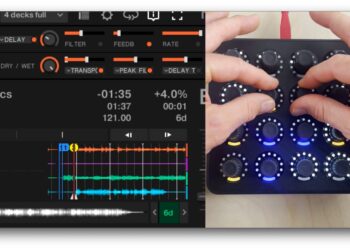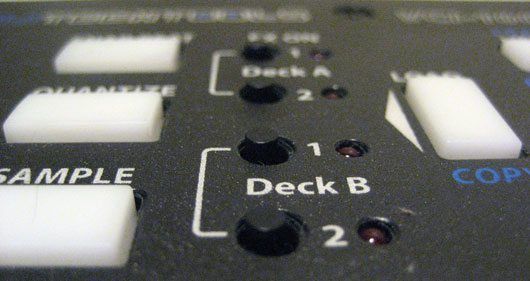
Do you want to grab a loop from a deck and keep it running without using 4 decks? Have you ever thought about sampling a beat juggle live in Traktor Pro? Then you sir need to get up to speed with the one click sampling trick we discovered a few months back. Check out the video bellow that walks you through how it is done on our VCI-100 mapping. Then to learn how you to set this up your self, read on after the break.
The Idea
The Goods
Creating a one click sampler is easy, just assign all the following functions to one button!
*Load Beatmasher into a FX slot
*Set Dry-Wet to 100% (this will keep the volumes consistent)
*Set Beat Masher to 0 (grabs the maximum 4 counts)
*Turn Beatmasher ON
You may also want to consider adding a command that turns the FX slot into an advanced effect and even the fx routing if you can afford to put a “sampler” button on each deck. One thing to remember, if you have another fx loaded in that slot then it actually takes 2 clicks- one to load the settings and FX and one to start recording.
Have fun!