DJ TechTools
  • Blog
    • DJ Gear
      • DIY Projects
      • Gear Reviews
      • New Products
      • Controllerism
    • Techniques + Tips
      • Beginner DJ
      • Advanced DJ
      • Producer
      • Finger Drummer
    • News + Culture
      • Editorials + Opinions
      • Artist Interviews
      • Performances + Routines
      • How I Play
    • DJ Software Tutorials
      • Serato Tips
        • Traktor Tips
      • CDJ Tips
      • Ableton Live Tips
  • Store
    • Run by real DJs, not a corporation
    • DJ Controllers
      • Midi Fighter Twister
      • Midi Fighter Spectra
      • Midi Fighter 64
      • View All
    • Accessories
      • Chroma USB Drive for DJs
      • Chroma Caps
      • Chroma Cables Audio
      • Chroma Cables USB-A
      • Chroma Cables: USB-C
      • DJTT Gift Card
      • Midi Fighter T-Shirt
      • Keyboard Covers
      • Earplugs by V-Moda
    • Production Gear
    • Soundcards & Mixers
  • Community
    • Popular Forums
      • General Discussion
      • Buy & Sell
      • Reviews
      • Mixes
      • Music Production
      • Show Your Setup
      • Off Topic
    • Handy Links
      • New Posts
      • Private Messages
      • Register
      • Search
    • Midi Maps
      • Traktor
      • Ableton
      • Serato DJ
      • Midi Fighter 3D
      • Midi Fighter Twister
      • Midi Fighter Spectra
  • Midi Fighter
  • Chroma
No Result
View All Result
DJ TechTools
  • Blog
    • DJ Gear
      • DIY Projects
      • Gear Reviews
      • New Products
      • Controllerism
    • Techniques + Tips
      • Beginner DJ
      • Advanced DJ
      • Producer
      • Finger Drummer
    • News + Culture
      • Editorials + Opinions
      • Artist Interviews
      • Performances + Routines
      • How I Play
    • DJ Software Tutorials
      • Serato Tips
        • Traktor Tips
      • CDJ Tips
      • Ableton Live Tips
  • Store
    • Run by real DJs, not a corporation
    • DJ Controllers
      • Midi Fighter Twister
      • Midi Fighter Spectra
      • Midi Fighter 64
      • View All
    • Accessories
      • Chroma USB Drive for DJs
      • Chroma Caps
      • Chroma Cables Audio
      • Chroma Cables USB-A
      • Chroma Cables: USB-C
      • DJTT Gift Card
      • Midi Fighter T-Shirt
      • Keyboard Covers
      • Earplugs by V-Moda
    • Production Gear
    • Soundcards & Mixers
  • Community
    • Popular Forums
      • General Discussion
      • Buy & Sell
      • Reviews
      • Mixes
      • Music Production
      • Show Your Setup
      • Off Topic
    • Handy Links
      • New Posts
      • Private Messages
      • Register
      • Search
    • Midi Maps
      • Traktor
      • Ableton
      • Serato DJ
      • Midi Fighter 3D
      • Midi Fighter Twister
      • Midi Fighter Spectra
  • Midi Fighter
  • Chroma
No Result
View All Result
DJ TechTools

Exclusive Look: Allen & Heath Xone K2

Chris Cartledge by Chris Cartledge
October 5, 2011
in DJ Controllers, Reviews, Video Posts
Reading Time: 2 mins read
0
Exclusive Look: Allen & Heath Xone K2
214
VIEWS
Post on FacebookTweet thisUpvote on Reddit

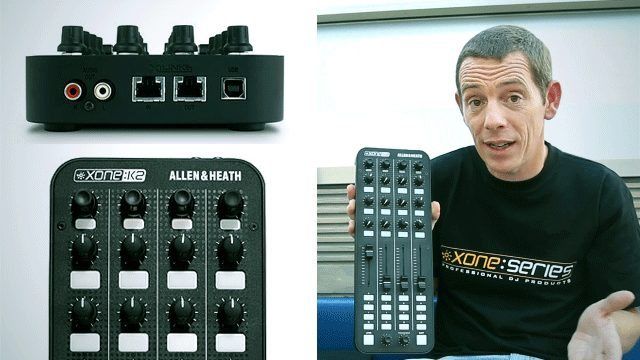
One of the biggest announcements at BPM (and best kept secrets leading up to it) was Allen & Heath’s K2 audio interface and controller unit. I snuck Richard Brace, one of the main men behind the controller, away from the hustle and bustle to get the low down and a good feel for it; it didn’t take too much to realise that the K2 was one of the stars of the show for a few reasons.

Check out the video for the full story, but here are a few of the key features.

Four channel audio interface
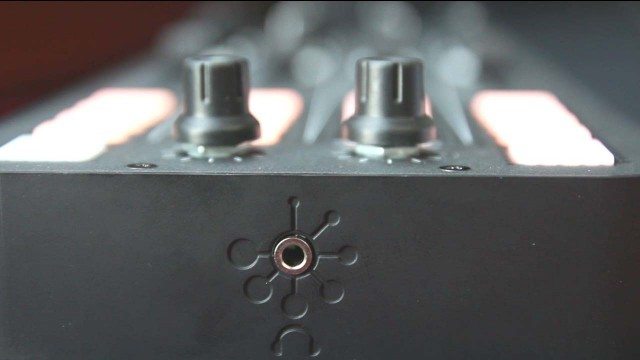
The K2 has two stereo outputs: a stereo RCA round the back and a 3.5mm headphone socket in front. In order to ensure the greatest versatility, the 1-2 outputs are actually the headphones. This means that even without the drivers installed the K2 will default to at least being able to be a cueing device.

X Link
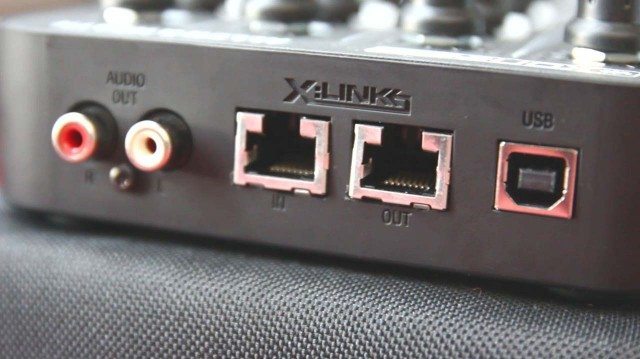
Last year’s introduction of X Link on the DB4 remained a puzzle until last weekend and it all became a little clearer. X Link is A&H’s own cable interface which connects with a standard ethernet cable and allows K2s to daisy chain, the DB2 or DB4 to power the K2, MIDI to transfer between the devices… basically it’s a way to make connections whilst also being mindful of USB limitations, and maybe more in future.

Multiple Layers
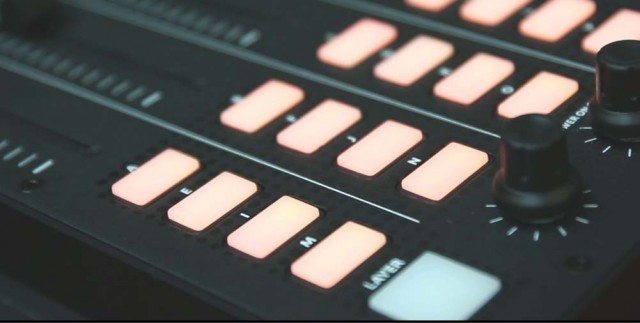
The controls on the K2 can be split into three layers. The layers can be as simple as pages, but they can also be customised and layers can be set to change only buttons, pots and sliders, top buttons, or combinations. LED feedback can be controlled by software, so layers can show off different LEDs depending on how you have things set up.

The Feel
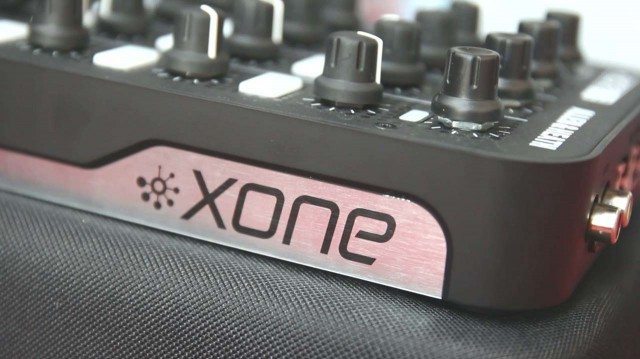
The K2 feels really nice in action. It’s light, and the included soft case also acts as a riser to bring it up to standard equipment height. The buttons are easy to press, and they’re shallow so that the action is nice and quick. The feel isn’t too dissimilar to the X1 when it comes to buttons, the rotary encoders are lighter and smoother though and the faders are buttery smooth. All in all, the K2 has a lot of blank canvas potential and we’re really looking forward to seeing what we can come up with with them.

We’ll have the K2 in for review soon – keep ’em peeled and let us know what you think! 
Tags: allen and heathaudio interfacecontrollerK2sound card
Share2Tweet1Share
Previous Post

Unlock the Power of Aftertouch!

Next Post

Live POV Cameras – Through The Eyes Of DJs

Related Posts

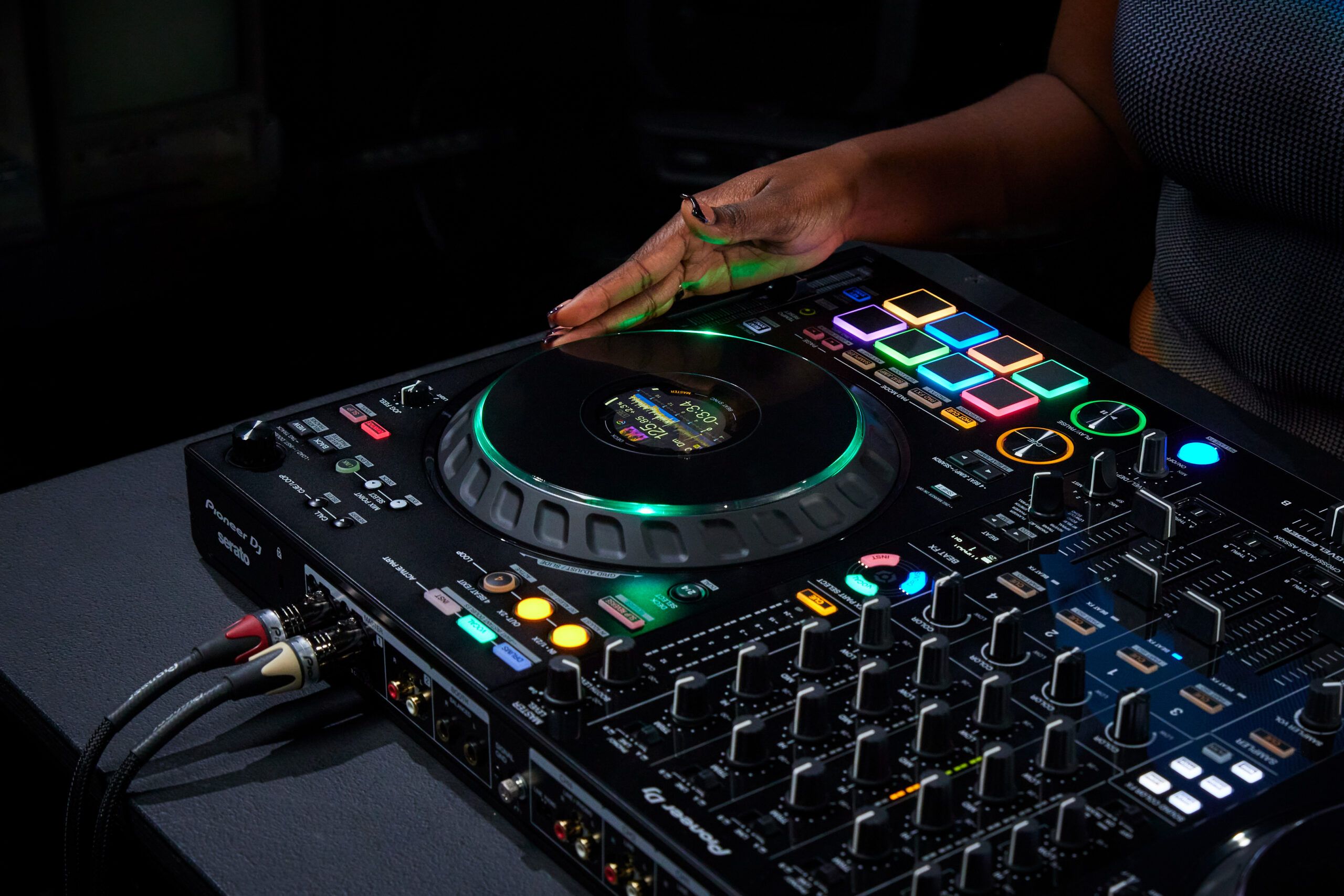
This is the DDJ-GRV6 by AlphaTheta: a 4-channel controller with the ability to live remix drum loops
Breaking News

This is the DDJ-GRV6 by AlphaTheta: a 4-channel controller with the ability to live remix drum loops

October 8, 2024
This is the DDJ-FLX10, with new Track Separation and Mix Point Link features for mashups and more
DJ Gear

This is the DDJ-FLX10, with new Track Separation and Mix Point Link features for mashups and more

March 23, 2023
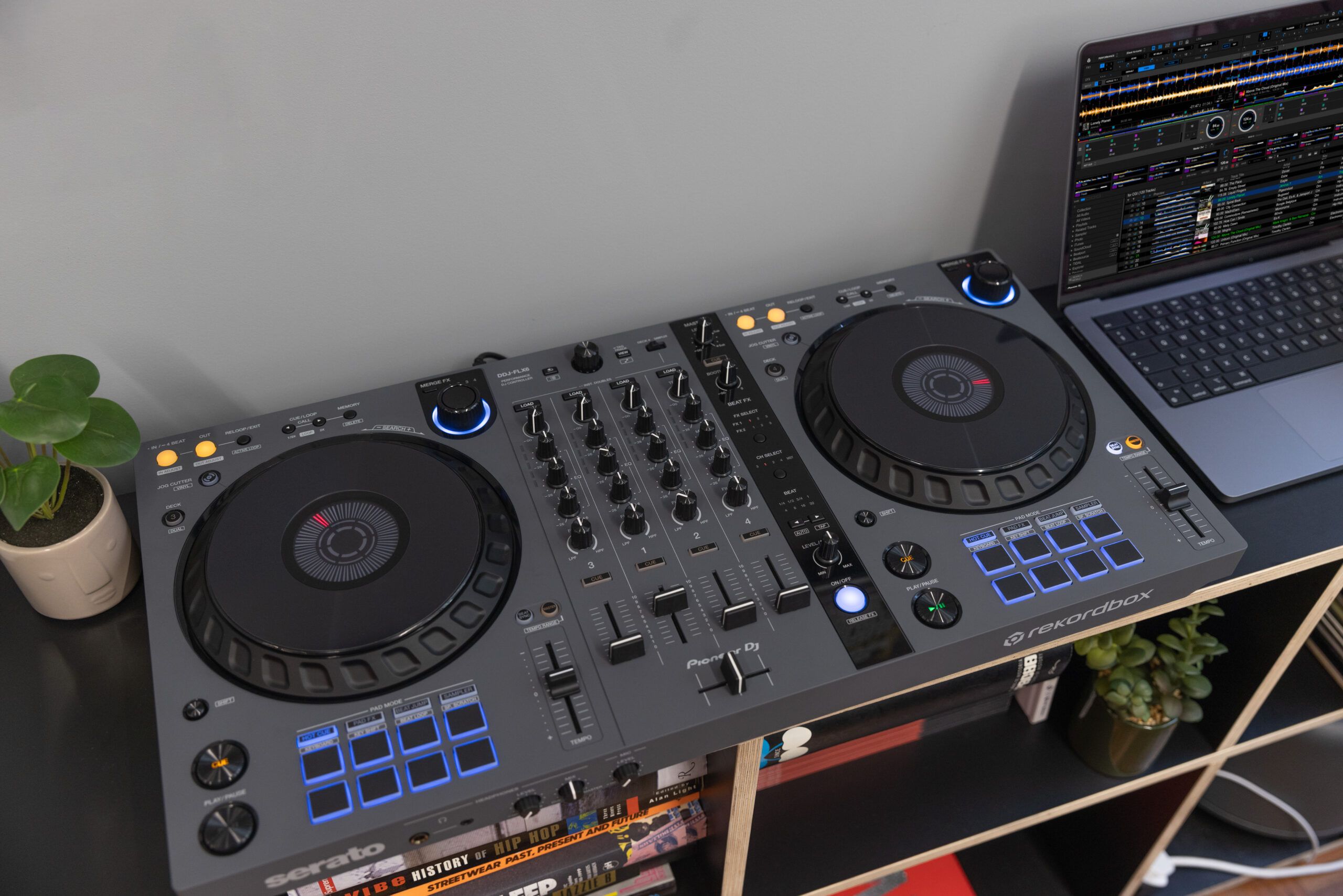
The DDJ-FLX6-GT from Pioneer DJ: 4 channels, Merge FX + Virtual DJ compatibility
DJ Gear

The DDJ-FLX6-GT from Pioneer DJ: 4 channels, Merge FX + Virtual DJ compatibility

November 15, 2022
Load More
Next Post
Live POV Cameras – Through The Eyes Of DJs

Live POV Cameras - Through The Eyes Of DJs

Want to reach DJTT's audience here?

Shoot an email to advertising@djtechtools.com

DJTT ads
DJTT newsletter
Midi Fighter
Chat with us
  • ABOUT DJTT
  • CONTACT
  • PRIVACY
  • MIDI FIGHTER HELP
  • ABOUT DJTT
  • JOBS
  • CONTACT US
  • ADVERTISE
  • PRIVACY POLICY
  • ACCESSIBILITY STATEMENT

© 2024 DJ Techtools all rights reserved by DJ TechTools on all content unless otherwise noted.

No Result
View All Result
  • Blog
    • DJ Gear
      • DIY Projects
      • Gear Reviews
      • New Products
      • Controllerism
    • Techniques + Tips
      • Beginner DJ
      • Advanced DJ
      • Producer
      • Finger Drummer
    • News + Culture
      • Editorials + Opinions
      • Artist Interviews
      • Performances + Routines
      • How I Play
    • DJ Software Tutorials
      • Serato Tips
      • CDJ Tips
      • Ableton Live Tips
  • Store
    • Run by real DJs, not a corporation
    • DJ Controllers
      • Midi Fighter Twister
      • Midi Fighter Spectra
      • Midi Fighter 64
      • View All
    • Accessories
      • Chroma USB Drive for DJs
      • Chroma Caps
      • Chroma Cables Audio
      • Chroma Cables USB-A
      • Chroma Cables: USB-C
      • DJTT Gift Card
      • Midi Fighter T-Shirt
      • Keyboard Covers
      • Earplugs by V-Moda
    • Production Gear
    • Soundcards & Mixers
  • Community
    • Popular Forums
      • General Discussion
      • Buy & Sell
      • Reviews
      • Mixes
      • Music Production
      • Show Your Setup
      • Off Topic
    • Handy Links
      • New Posts
      • Private Messages
      • Register
      • Search
    • Midi Maps
      • Traktor
      • Ableton
      • Serato DJ
      • Midi Fighter 3D
      • Midi Fighter Twister
      • Midi Fighter Spectra
  • Midi Fighter
  • Chroma

© 2024 DJ Techtools all rights reserved by DJ TechTools on all content unless otherwise noted.

This website uses cookies. By continuing to use this website you are giving consent to cookies being used. Visit our Privacy and Cookie Policy.