DJ TechTools
  • Blog
    • DJ Gear
      • DIY Projects
      • Gear Reviews
      • New Products
      • Controllerism
    • Techniques + Tips
      • Beginner DJ
      • Advanced DJ
      • Producer
      • Finger Drummer
    • News + Culture
      • Editorials + Opinions
      • Artist Interviews
      • Performances + Routines
      • How I Play
    • DJ Software Tutorials
      • Serato Tips
        • Traktor Tips
      • CDJ Tips
      • Ableton Live Tips
  • Store
    • Run by real DJs, not a corporation
    • DJ Controllers
      • Midi Fighter Twister
      • Midi Fighter Spectra
      • Midi Fighter 64
      • View All
    • Accessories
      • Chroma USB Drive for DJs
      • Chroma Caps
      • Chroma Cables Audio
      • Chroma Cables USB-A
      • Chroma Cables: USB-C
      • DJTT Gift Card
      • Midi Fighter T-Shirt
      • Keyboard Covers
      • Earplugs by V-Moda
    • Production Gear
    • Soundcards & Mixers
  • Community
    • Popular Forums
      • General Discussion
      • Buy & Sell
      • Reviews
      • Mixes
      • Music Production
      • Show Your Setup
      • Off Topic
    • Handy Links
      • New Posts
      • Private Messages
      • Register
      • Search
    • Midi Maps
      • Traktor
      • Ableton
      • Serato DJ
      • Midi Fighter 3D
      • Midi Fighter Twister
      • Midi Fighter Spectra
  • Midi Fighter
  • Chroma
No Result
View All Result
DJ TechTools
  • Blog
    • DJ Gear
      • DIY Projects
      • Gear Reviews
      • New Products
      • Controllerism
    • Techniques + Tips
      • Beginner DJ
      • Advanced DJ
      • Producer
      • Finger Drummer
    • News + Culture
      • Editorials + Opinions
      • Artist Interviews
      • Performances + Routines
      • How I Play
    • DJ Software Tutorials
      • Serato Tips
        • Traktor Tips
      • CDJ Tips
      • Ableton Live Tips
  • Store
    • Run by real DJs, not a corporation
    • DJ Controllers
      • Midi Fighter Twister
      • Midi Fighter Spectra
      • Midi Fighter 64
      • View All
    • Accessories
      • Chroma USB Drive for DJs
      • Chroma Caps
      • Chroma Cables Audio
      • Chroma Cables USB-A
      • Chroma Cables: USB-C
      • DJTT Gift Card
      • Midi Fighter T-Shirt
      • Keyboard Covers
      • Earplugs by V-Moda
    • Production Gear
    • Soundcards & Mixers
  • Community
    • Popular Forums
      • General Discussion
      • Buy & Sell
      • Reviews
      • Mixes
      • Music Production
      • Show Your Setup
      • Off Topic
    • Handy Links
      • New Posts
      • Private Messages
      • Register
      • Search
    • Midi Maps
      • Traktor
      • Ableton
      • Serato DJ
      • Midi Fighter 3D
      • Midi Fighter Twister
      • Midi Fighter Spectra
  • Midi Fighter
  • Chroma
No Result
View All Result
DJ TechTools

Building A Serato DJ-Style Slicer In Traktor Pro

Ryan Dejaegher by Ryan Dejaegher
October 5, 2014
in Advanced DJ Tips, DJ Software Tips, DJ Techniques / Tips, Traktor Tips
Reading Time: 3 mins read
0
Building A Serato DJ-Style Slicer In Traktor Pro
285
VIEWS
Post on FacebookTweet thisUpvote on Reddit

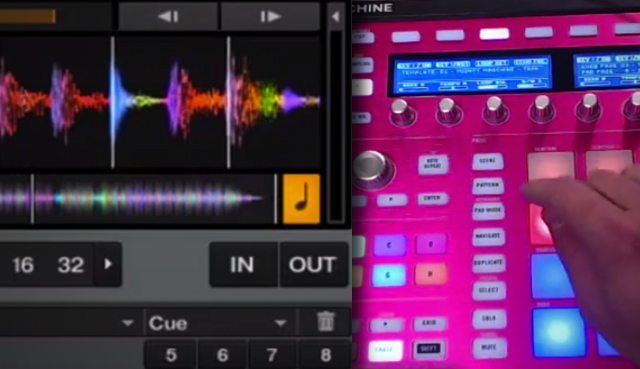
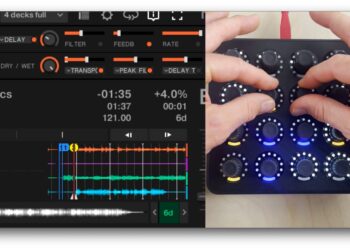
Traktor DJ and Serato DJ/Itch have had a feature that’s been missing from Traktor Pro 2 for a while, the freeze mode (Traktor DJ) or Slicer (Serato DJ). But today that all changes. In typical DJTT fashion, we’re going to show you how you can map this yourself, using Maschine.

(*Note: Even though I’m using the MK2, this can be done with any Maschine model. This mapping could also be done with other velocity sensitive controllers such as the Livid Base)

What You Need To Make A Traktor Slicer:

  • Maschine controller (MK1, MK2, Mikro or Studio)
  • Mapping to follow along in tutorial

WHAT DOES THE TRAKTOR SLICER DO?

The Slicer and Traktor DJ’s (iOS-only) Freeze Mode are functionally similar. For the purpose of simplicity we’ll refer to it as the Slicer. The Slicer was a very popular feature that was first introduced in Novation’s Twitch. As the track plays the slicer chops the track into 8 cue points across the pads on the controller.

The main difference between the slicer and using hot cues is that the slicer’s cue points are temporary. This feature has been implemented in several controllers recently for Serato DJ including the Pioneer DDJ controllers and the Numark NV. This allows for some really creative performances. For an in-depth demonstration and explanation i’d recommend checking out Chris’s video here.

VIDEO DEMO OF THE DJTT TRAKTOR SLICER

CUSTOMIZED SLICER

While Serato’s Slicer is a great feature, the downside is that it’s only supported on specific Serato hardware. Unlike Traktor, Serato doesn’t have a deep MIDI mapping system that allows DJs to create complex mappings that are unique to their performance style.

If you want a feature like the Slicer, you have to own the right hardware. Traktor’s MIDI mapping capabilities have always been a huge advantage of the software and it allows DJs to breathe new life into their controllers. A great example is Tekken’s F1 Isolate mapping along with many other mappings in the DJTT Maps site.

*Update: Native Instruments released an official Freeze Mode with Traktor Pro 2.7. Freeze Mode is natively mapped to the Traktor Kontrol S8 and the Traktor Kontrol D2.

USING OTHER HARDWARE

This can be done with any controller that has velocity-sensitive pads (DDJ SR/SX, Livid Base, Push). To do so, you’ll need to find out what MIDI messages the pads send. A great way to do this is using a MIDI monitor software (Bome’s MIDI Translator on PC, Snoize’s MIDI Monitor on Mac).

These programs will display the MIDI messages that your controller sends when you trigger a pad or move a knob. Once you have your MIDI messages for your pads you should be able to send it

I find it really easy with Maschine because NI’s Controller Editor gives you a lot of control over the MIDI messages that the pads are sending. Another benefit of using Maschine is that it’s easy to make the mapping compatible with all models. Even if I don’t own a Mikro, I can simply make a Controller Editor template and make the MIDI messages match the MK2’s midi messages.

A final note: this could be done using a software like Midi Pipe, but this adds another of layer of complexity and instability – not necessarily something you want to be relying on in a performance environment.

DOWNLOAD RYAN’S TRAKTOR SLICER MAPPING:

For those of you that just want to jump in and play with the slicer on both decks, you can download my mapping that I used in the very beginning of the video here.
 

Tags: Cue Pointsmaschinemidi mappingserato slicerslicer modetraktor slicer
Share2Tweet2Share
Previous Post

How I Play: Ill.Gates Live Setup and New Performance Soundpacks

Next Post

The ScrubBoard: A Cassette-Based Take On Turntablism

Related Posts

A Prime 4+ and a Kontrol S3 intercut against eachother over a black background
Breaking News

InMusic just bought Native Instruments. So what now for Traktor?

May 8, 2026
Midi Fighter Twister controlling Traktor Pro 4 Stem decks
DJ Techniques / Tips

Ean’s powerful Midi Fighter Twister mapping for Traktor Pro 4’s Stems + Pattern Player

July 17, 2024
MASCHINE+ Review: Finally, a standalone Maschine, albeit with a $1,400 pricetag
DJ Gear

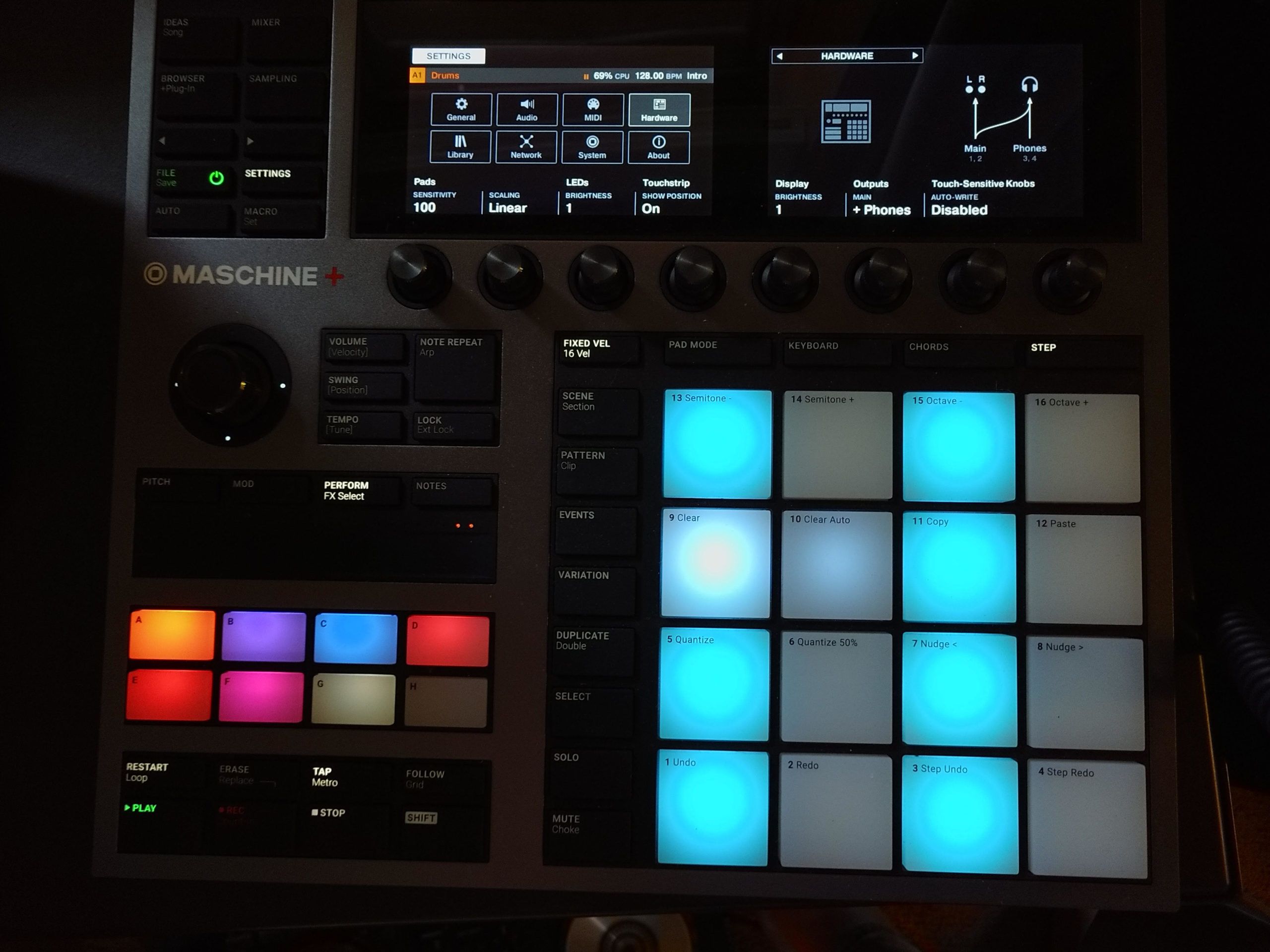
MASCHINE+ Review: Finally, a standalone Maschine, albeit with a $1,400 pricetag

December 16, 2020
Load More
Next Post
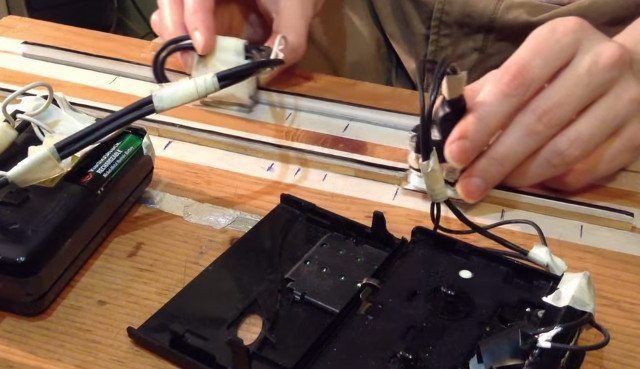
The ScrubBoard is a new take on turntablism that uses audio cassette tapes and a movable tape head.

The ScrubBoard: A Cassette-Based Take On Turntablism

Want to reach DJTT's audience here?

Shoot an email to advertising@djtechtools.com

DJTT ads
DJTT newsletter
Midi Fighter
Chat with us
  • ABOUT DJTT
  • CONTACT
  • PRIVACY
  • MIDI FIGHTER HELP
  • ABOUT DJTT
  • JOBS
  • CONTACT US
  • ADVERTISE
  • PRIVACY POLICY
  • ACCESSIBILITY STATEMENT

© 2024 DJ Techtools all rights reserved by DJ TechTools on all content unless otherwise noted.

No Result
View All Result
  • Blog
    • DJ Gear
      • DIY Projects
      • Gear Reviews
      • New Products
      • Controllerism
    • Techniques + Tips
      • Beginner DJ
      • Advanced DJ
      • Producer
      • Finger Drummer
    • News + Culture
      • Editorials + Opinions
      • Artist Interviews
      • Performances + Routines
      • How I Play
    • DJ Software Tutorials
      • Serato Tips
      • CDJ Tips
      • Ableton Live Tips
  • Store
    • Run by real DJs, not a corporation
    • DJ Controllers
      • Midi Fighter Twister
      • Midi Fighter Spectra
      • Midi Fighter 64
      • View All
    • Accessories
      • Chroma USB Drive for DJs
      • Chroma Caps
      • Chroma Cables Audio
      • Chroma Cables USB-A
      • Chroma Cables: USB-C
      • DJTT Gift Card
      • Midi Fighter T-Shirt
      • Keyboard Covers
      • Earplugs by V-Moda
    • Production Gear
    • Soundcards & Mixers
  • Community
    • Popular Forums
      • General Discussion
      • Buy & Sell
      • Reviews
      • Mixes
      • Music Production
      • Show Your Setup
      • Off Topic
    • Handy Links
      • New Posts
      • Private Messages
      • Register
      • Search
    • Midi Maps
      • Traktor
      • Ableton
      • Serato DJ
      • Midi Fighter 3D
      • Midi Fighter Twister
      • Midi Fighter Spectra
  • Midi Fighter
  • Chroma

© 2024 DJ Techtools all rights reserved by DJ TechTools on all content unless otherwise noted.

This website uses cookies. By continuing to use this website you are giving consent to cookies being used. Visit our Privacy and Cookie Policy.