DJ TechTools
  • Blog
    • DJ Gear
      • DIY Projects
      • Gear Reviews
      • New Products
      • Controllerism
    • Techniques + Tips
      • Beginner DJ
      • Advanced DJ
      • Producer
      • Finger Drummer
    • News + Culture
      • Editorials + Opinions
      • Artist Interviews
      • Performances + Routines
      • How I Play
    • DJ Software Tutorials
      • Serato Tips
        • Traktor Tips
      • CDJ Tips
      • Ableton Live Tips
  • Store
    • Run by real DJs, not a corporation
    • DJ Controllers
      • Midi Fighter Twister
      • Midi Fighter Spectra
      • Midi Fighter 64
      • View All
    • Accessories
      • Chroma USB Drive for DJs
      • Chroma Caps
      • Chroma Cables Audio
      • Chroma Cables USB-A
      • Chroma Cables: USB-C
      • DJTT Gift Card
      • Midi Fighter T-Shirt
      • Keyboard Covers
      • Earplugs by V-Moda
    • Production Gear
    • Soundcards & Mixers
  • Community
    • Popular Forums
      • General Discussion
      • Buy & Sell
      • Reviews
      • Mixes
      • Music Production
      • Show Your Setup
      • Off Topic
    • Handy Links
      • New Posts
      • Private Messages
      • Register
      • Search
    • Midi Maps
      • Traktor
      • Ableton
      • Serato DJ
      • Midi Fighter 3D
      • Midi Fighter Twister
      • Midi Fighter Spectra
  • Midi Fighter
  • Chroma
No Result
View All Result
DJ TechTools
  • Blog
    • DJ Gear
      • DIY Projects
      • Gear Reviews
      • New Products
      • Controllerism
    • Techniques + Tips
      • Beginner DJ
      • Advanced DJ
      • Producer
      • Finger Drummer
    • News + Culture
      • Editorials + Opinions
      • Artist Interviews
      • Performances + Routines
      • How I Play
    • DJ Software Tutorials
      • Serato Tips
        • Traktor Tips
      • CDJ Tips
      • Ableton Live Tips
  • Store
    • Run by real DJs, not a corporation
    • DJ Controllers
      • Midi Fighter Twister
      • Midi Fighter Spectra
      • Midi Fighter 64
      • View All
    • Accessories
      • Chroma USB Drive for DJs
      • Chroma Caps
      • Chroma Cables Audio
      • Chroma Cables USB-A
      • Chroma Cables: USB-C
      • DJTT Gift Card
      • Midi Fighter T-Shirt
      • Keyboard Covers
      • Earplugs by V-Moda
    • Production Gear
    • Soundcards & Mixers
  • Community
    • Popular Forums
      • General Discussion
      • Buy & Sell
      • Reviews
      • Mixes
      • Music Production
      • Show Your Setup
      • Off Topic
    • Handy Links
      • New Posts
      • Private Messages
      • Register
      • Search
    • Midi Maps
      • Traktor
      • Ableton
      • Serato DJ
      • Midi Fighter 3D
      • Midi Fighter Twister
      • Midi Fighter Spectra
  • Midi Fighter
  • Chroma
No Result
View All Result
DJ TechTools

Maschine Sample Slicing Tips From Bass Kleph + Maschine/Komplete Giveaway

Dan White by Dan White
March 11, 2014
in DJ Techniques / Tips, Production Tips
Reading Time: 2 mins read
0
Maschine Sample Slicing Tips From Bass Kleph + Maschine/Komplete Giveaway
47
VIEWS
Post on FacebookTweet thisUpvote on Reddit

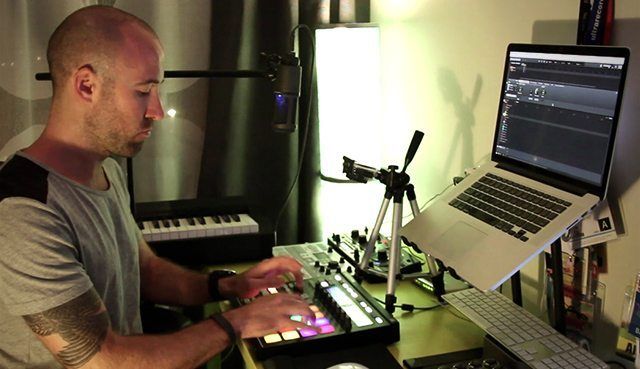
Today we’ve got an exclusive quick Maschine video from live performer and finger drummer Bass Kleph. In this tutorial, he’s sharing some of his favorite techniques for taking a single sound from a full song and creating dynamic, playable samples out of that sound. We’re also giving away a Maschine + Komplete bundle in this post – click through to enter!

BASS KLEPH’S MASCHINE TIPS

Maschine makes it incredibly easy to get sounds ready to sample, with just a few steps to quickly get a few copies of your starting sample into the unit’s pads.

  • Load a full song into the first position on a Maschine group
  • Hit the Sampling button to enable sample-trigger mode.
  • Hit the Edit button, and then adjust the start/end points to find the single sound you want to isolate
  • Switch to “Truncate” in the left Maschine LCD and press “Apply” – this puts the sound into a standalone file and removes the rest of the song.
  • Use Duplicate to make two more copies of the sample

Then you’re set to use one of the ways that Bass Kleph outlines in the video above to length a sample and make it more usable for a live routine or a remix.

  • Changing the play type to ADSR and link two of the samples together – making one short and punchy and one time stretched with a long tail.
  • Apply a Beat Delay plugin to add an echo tail to a time stretched sample – maybe add a bit of reverb to create more space.
  • Add a loop near the end of the sample – this works well in Pad Mode for playing a sample across different keys. (try adding Glide in for serious fun!)

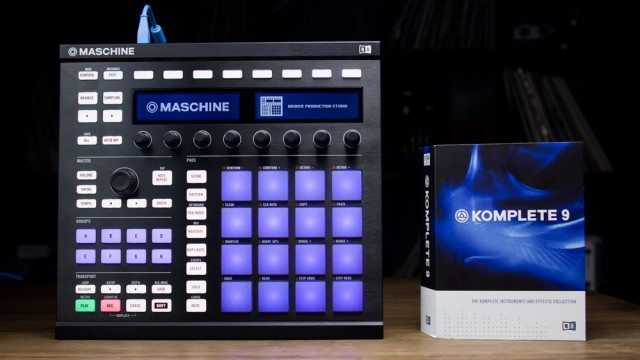
MASCHINE + KOMPLETE BUNDLE GIVEAWAY
maschine-komplete-9-header-button-edit

We’re currently running a sale on a bundle of the Maschine MK2 and Komplete 9 in the DJTT webstore – $799 for the month of March. But for this article, we decided we’d give away one of the bundles! You can enter up to two times in the widget below via Twitter and Facebook – note that the contest ends Thursday Night/Friday Morning at midnight EST.

a Rafflecopter giveaway

Watch Our Interview: How Bass Kleph Performs Live on Maschine

 

Tags: bass klephgiveawaymaschine mk2sample techniquesTips
ShareTweetShare
Previous Post

Allen & Heath’s Xone:23C Mixer With USB Soundcard

Next Post

Pioneer’s Secret Turntable Project Revealed

Related Posts

Meet the Koala sampler app: a mobile production powerhouse, now with stems
DJ Gear

Meet the Koala sampler app: a mobile production powerhouse, now with stems

February 7, 2023
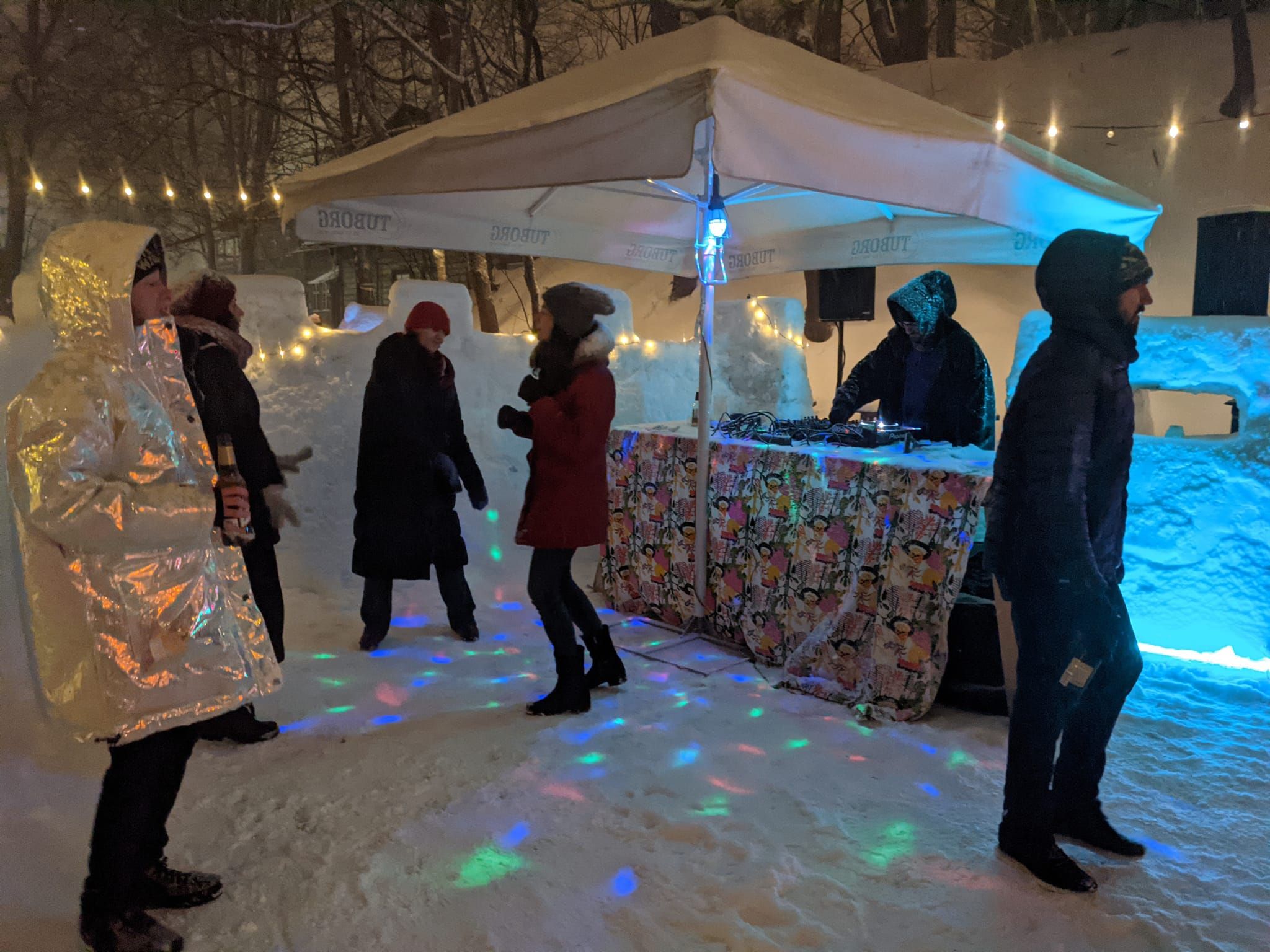
Tips for DJing in Extreme Cold: DJTT readers share their advice
DJ Techniques / Tips

Tips for DJing in Extreme Cold: DJTT readers share their advice

January 30, 2023
treat your self giveaway - Roland dj505 midi fighter 64 twister
DJ Gear

Treat Yo’ Self: Win A DJ-505; Midi Fighter 64 + Twister; Chroma Cables

February 6, 2019
Load More
Next Post
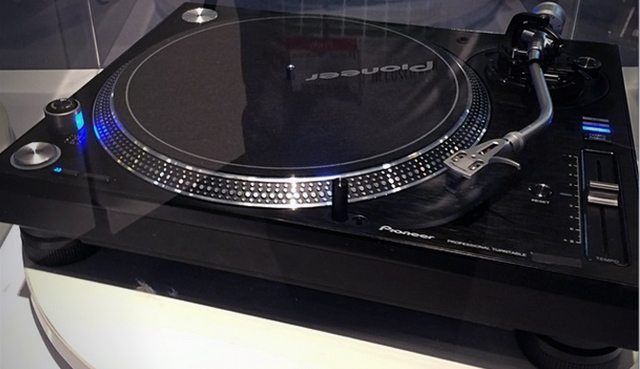
Pioneer’s Secret Turntable Project Revealed

Pioneer's Secret Turntable Project Revealed

Want to reach DJTT's audience here?

Shoot an email to advertising@djtechtools.com

DJTT ads
DJTT newsletter
Midi Fighter
Chat with us
  • ABOUT DJTT
  • CONTACT
  • PRIVACY
  • MIDI FIGHTER HELP
  • ABOUT DJTT
  • JOBS
  • CONTACT US
  • ADVERTISE
  • PRIVACY POLICY
  • ACCESSIBILITY STATEMENT

© 2024 DJ Techtools all rights reserved by DJ TechTools on all content unless otherwise noted.

No Result
View All Result
  • Blog
    • DJ Gear
      • DIY Projects
      • Gear Reviews
      • New Products
      • Controllerism
    • Techniques + Tips
      • Beginner DJ
      • Advanced DJ
      • Producer
      • Finger Drummer
    • News + Culture
      • Editorials + Opinions
      • Artist Interviews
      • Performances + Routines
      • How I Play
    • DJ Software Tutorials
      • Serato Tips
      • CDJ Tips
      • Ableton Live Tips
  • Store
    • Run by real DJs, not a corporation
    • DJ Controllers
      • Midi Fighter Twister
      • Midi Fighter Spectra
      • Midi Fighter 64
      • View All
    • Accessories
      • Chroma USB Drive for DJs
      • Chroma Caps
      • Chroma Cables Audio
      • Chroma Cables USB-A
      • Chroma Cables: USB-C
      • DJTT Gift Card
      • Midi Fighter T-Shirt
      • Keyboard Covers
      • Earplugs by V-Moda
    • Production Gear
    • Soundcards & Mixers
  • Community
    • Popular Forums
      • General Discussion
      • Buy & Sell
      • Reviews
      • Mixes
      • Music Production
      • Show Your Setup
      • Off Topic
    • Handy Links
      • New Posts
      • Private Messages
      • Register
      • Search
    • Midi Maps
      • Traktor
      • Ableton
      • Serato DJ
      • Midi Fighter 3D
      • Midi Fighter Twister
      • Midi Fighter Spectra
  • Midi Fighter
  • Chroma

© 2024 DJ Techtools all rights reserved by DJ TechTools on all content unless otherwise noted.

This website uses cookies. By continuing to use this website you are giving consent to cookies being used. Visit our Privacy and Cookie Policy.