DJ TechTools
  • Blog
    • DJ Gear
      • DIY Projects
      • Gear Reviews
      • New Products
      • Controllerism
    • Techniques + Tips
      • Beginner DJ
      • Advanced DJ
      • Producer
      • Finger Drummer
    • News + Culture
      • Editorials + Opinions
      • Artist Interviews
      • Performances + Routines
      • How I Play
    • DJ Software Tutorials
      • Serato Tips
        • Traktor Tips
      • CDJ Tips
      • Ableton Live Tips
  • Store
    • Run by real DJs, not a corporation
    • DJ Controllers
      • Midi Fighter Twister
      • Midi Fighter Spectra
      • Midi Fighter 64
      • View All
    • Accessories
      • Chroma USB Drive for DJs
      • Chroma Caps
      • Chroma Cables Audio
      • Chroma Cables USB-A
      • Chroma Cables: USB-C
      • DJTT Gift Card
      • Midi Fighter T-Shirt
      • Keyboard Covers
      • Earplugs by V-Moda
    • Production Gear
    • Soundcards & Mixers
  • Community
    • Popular Forums
      • General Discussion
      • Buy & Sell
      • Reviews
      • Mixes
      • Music Production
      • Show Your Setup
      • Off Topic
    • Handy Links
      • New Posts
      • Private Messages
      • Register
      • Search
    • Midi Maps
      • Traktor
      • Ableton
      • Serato DJ
      • Midi Fighter 3D
      • Midi Fighter Twister
      • Midi Fighter Spectra
  • Midi Fighter
  • Chroma
No Result
View All Result
DJ TechTools
  • Blog
    • DJ Gear
      • DIY Projects
      • Gear Reviews
      • New Products
      • Controllerism
    • Techniques + Tips
      • Beginner DJ
      • Advanced DJ
      • Producer
      • Finger Drummer
    • News + Culture
      • Editorials + Opinions
      • Artist Interviews
      • Performances + Routines
      • How I Play
    • DJ Software Tutorials
      • Serato Tips
        • Traktor Tips
      • CDJ Tips
      • Ableton Live Tips
  • Store
    • Run by real DJs, not a corporation
    • DJ Controllers
      • Midi Fighter Twister
      • Midi Fighter Spectra
      • Midi Fighter 64
      • View All
    • Accessories
      • Chroma USB Drive for DJs
      • Chroma Caps
      • Chroma Cables Audio
      • Chroma Cables USB-A
      • Chroma Cables: USB-C
      • DJTT Gift Card
      • Midi Fighter T-Shirt
      • Keyboard Covers
      • Earplugs by V-Moda
    • Production Gear
    • Soundcards & Mixers
  • Community
    • Popular Forums
      • General Discussion
      • Buy & Sell
      • Reviews
      • Mixes
      • Music Production
      • Show Your Setup
      • Off Topic
    • Handy Links
      • New Posts
      • Private Messages
      • Register
      • Search
    • Midi Maps
      • Traktor
      • Ableton
      • Serato DJ
      • Midi Fighter 3D
      • Midi Fighter Twister
      • Midi Fighter Spectra
  • Midi Fighter
  • Chroma
No Result
View All Result
DJ TechTools

DJ Visuals: How VJs Build Lightshows For Touring Artists

Michael Fullman by Michael Fullman
August 17, 2015
in Digital VJ Tips
Reading Time: 4 mins read
0
DJ Visuals
581
VIEWS
Post on FacebookTweet thisUpvote on Reddit

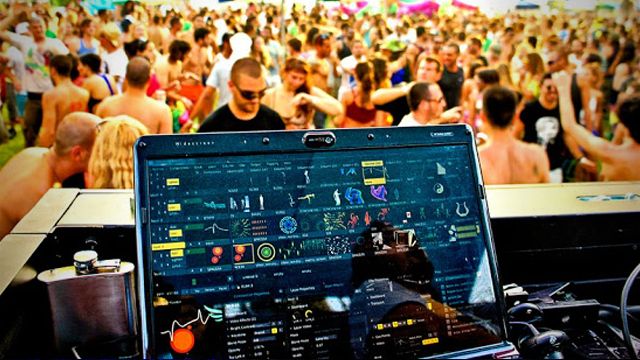
A touring DJ without a unique visuals / lighting show is increasingly rare. Dance music audiences have come to expect interesting on-stage visuals – but how are these shows set up and run, and is it possible to have visuals with a DJ who plays a spontaneous set? Today, experienced production designer Michael Fullman shares some of the secrets behind professional visuals work.

DJ Techtools asked me to outline the general pros and cons of doing visuals for pre-programmed vs. on-the-fly DJ sets. In my years of work with many artists, there tend to be three approaches to triggering a show with a DJ or performance artist:

A MIDI Triggered Visuals Set

In a MIDI triggered set, we can actually program Ableton to spit out OSC or MIDI messages to a Resolume (very common VJ software) or other media server session – and the visual set will kind of follow along with the show. Essentially the concept is:

  • the DJ or producer triggers tracks/clips in Ableton
  • those clips also send out MIDI signals that go to the media server
  • the media server launches video clips and lighting scenes that are mapped to those MIDI signals

I know a couple of artists who have done this really successfully – including Flume with Infinity Prism rig. While I don’t have firsthand knowledge that it was MIDI triggered, all the telltale signs are there. This was an interactive light sculpture that sat in front of Flume, made of six LED screens and two mirrors, as well as additional visual screens, and (as the below video’s description puts it) “was driven entirely by Flume’s performance” – which makes it pretty clear that he’s in control:

The cool thing about MIDI-triggered visual sets is that an artist or lighting designer can get really modular with a setup, moving things around the stage or reorienting projectors, screens, etc. Even after a bunch of changes, the MIDI and the OSC will just keep up and stay on point. It’s usually best when you have a start trigger (like at the beginning of each song, breakdown, etc), then you could add some effect-based triggers too. It still can make a pretty tight show, but it’s not the peak of cueing ability in that once it is going, my job is basically just to make sure things are on track.

Example: A good example of a MIDI-cued show from Ableton to Resolume is Icicle’s show (ed- this is the best footage we’ve found of it yet online), my buddy Drew Best designed that one.

Timecode Synchronized DJ Visuals

The concept of running timecode out of a DJ set into a visuals setup has been around for a little while – you might remember it from this interview with Armin Van Buuren explaining how he sends SMPTE timecode out from two of his CDJs to his visuals guy in the front of house booth:

Timecode is really awesome because you can get so accurate with lighting and video cues, but the drawback is that it is very unforgiving if you want to change or rearrange the set whatsoever. It really stays locked in and solid the entire time which guarantees the most consistent show (and allows intricate and powerful moments for the visual production designer), but is the most creatively limiting by far for the artist who is actively changing the set.

I run Linkin Park’s visuals show this way, and it allows us to do a completely repeatable show that flows the same way every single time. We can get really intricate with our cueing to specific moments in songs, and the video is also just plug and play and spot on for certain hits.

On-The-Fly Visuals

This is a completely on-the-fly set where we are just following the DJ or performer. Often when making one of these shows I’ll build an actual flow to it and rehearse that flow so it gives us some points of rhythm to stick to, but it allows the artist to still improvise and feel free. It absolutely is more difficult than either of the other styles, but really this is just about having a skilled operator or VJ and that person having at least some kind of understanding or idea of what the set is going to be or at least the style of music.

Kaskade is great example of a non-time coded but really cued show. There are no MIDI-cued events, just good operators that we timeline out and rehearse, creating a really tight show.  Incredible, disciplined operators really made this show possible.

In any show environment not one persona make it, You are all a part of a team to really execute a thought out goal and that team all being incredibly talented people can really come together to make an incredible show. You are only as strong as your team, enabling those individuals to have the tools to be the best that they can will really guarantee an amazing show.

Want to see more content about DJ visuals, Resolume, and more? Let us know in the comments what you would like to see!   

Header photo credit: user Godzil on the Resolume forums.
Tags: dj visualsmichael fullmanmidi-triggered visualson-the-fly visualsresolumetime code
Share5Tweet3Share
Previous Post

6 Under-Appreciated Controllerism Routines On YouTube

Next Post

Watch The Fresherthans’ Metal / DnB DMC Team Routine

Related Posts

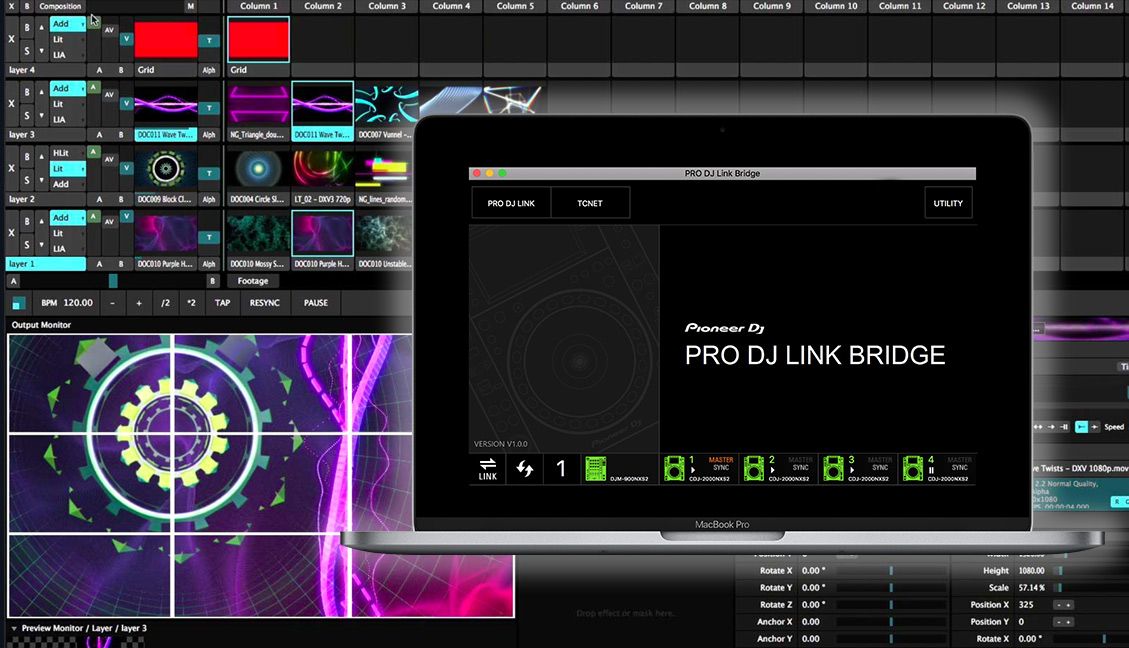
Pioneer Pro DJ Link Bridge to VJ software, lighting
Breaking News

Pro DJ Link Bridge: Connect NXS2 Hardware To Visual + Lighting

March 28, 2019
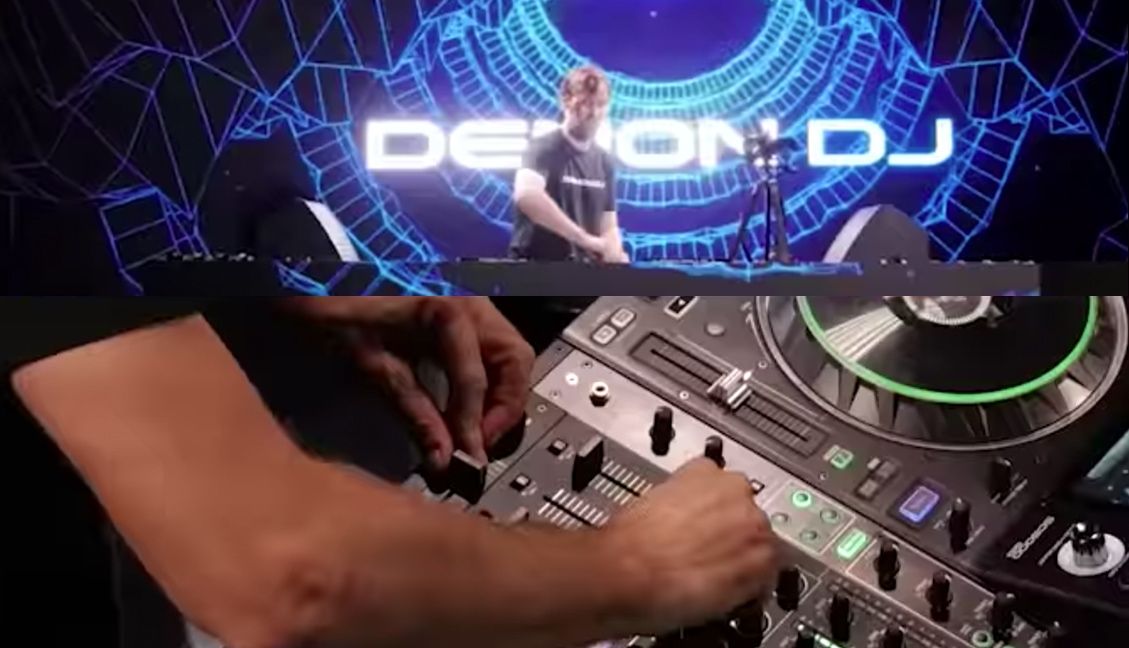
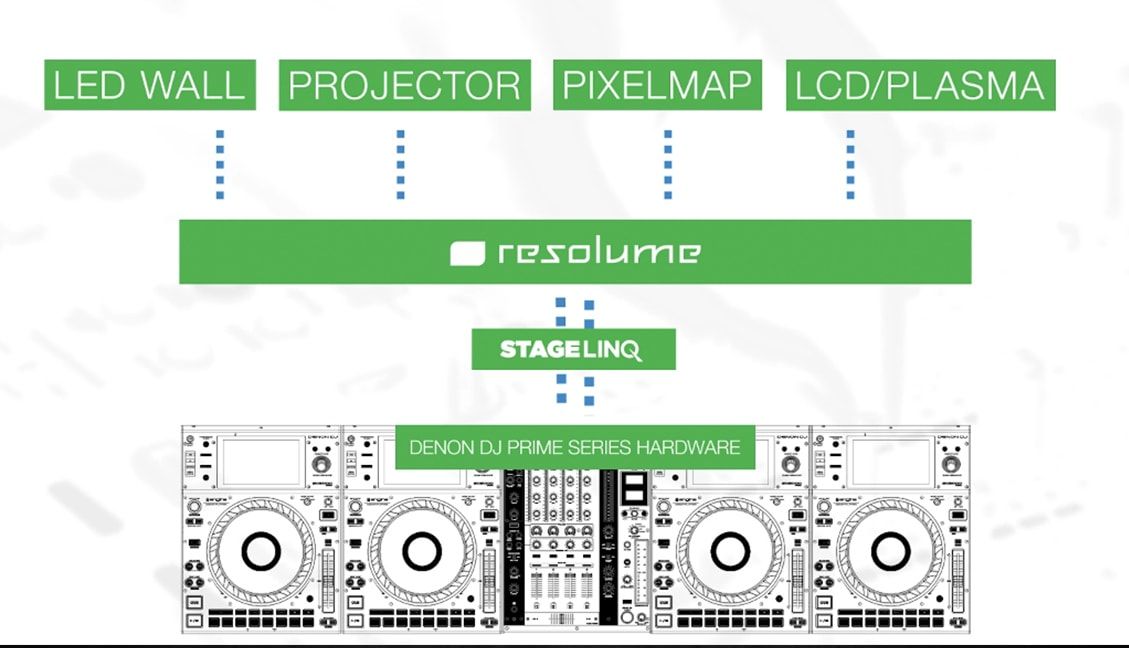
Denon DJ + Resolume Demo: What All DJ Visuals Should Be Like
News

Denon DJ + Resolume Demo: What All DJ Visuals Should Be Like

January 16, 2019
DJs + VJs Rejoice: Denon DJ Has Teamed Up With Resolume
News

DJs + VJs Rejoice: Denon DJ Has Teamed Up With Resolume

August 16, 2018
Load More
Next Post
Watch The Fresherthans’ Metal / DnB DMC Team Routine

Watch The Fresherthans' Metal / DnB DMC Team Routine

Want to reach DJTT's audience here?

Shoot an email to advertising@djtechtools.com

DJTT ads
DJTT newsletter
Midi Fighter
Chat with us
  • ABOUT DJTT
  • CONTACT
  • PRIVACY
  • MIDI FIGHTER HELP
  • ABOUT DJTT
  • JOBS
  • CONTACT US
  • ADVERTISE
  • PRIVACY POLICY
  • ACCESSIBILITY STATEMENT

© 2024 DJ Techtools all rights reserved by DJ TechTools on all content unless otherwise noted.

No Result
View All Result
  • Blog
    • DJ Gear
      • DIY Projects
      • Gear Reviews
      • New Products
      • Controllerism
    • Techniques + Tips
      • Beginner DJ
      • Advanced DJ
      • Producer
      • Finger Drummer
    • News + Culture
      • Editorials + Opinions
      • Artist Interviews
      • Performances + Routines
      • How I Play
    • DJ Software Tutorials
      • Serato Tips
      • CDJ Tips
      • Ableton Live Tips
  • Store
    • Run by real DJs, not a corporation
    • DJ Controllers
      • Midi Fighter Twister
      • Midi Fighter Spectra
      • Midi Fighter 64
      • View All
    • Accessories
      • Chroma USB Drive for DJs
      • Chroma Caps
      • Chroma Cables Audio
      • Chroma Cables USB-A
      • Chroma Cables: USB-C
      • DJTT Gift Card
      • Midi Fighter T-Shirt
      • Keyboard Covers
      • Earplugs by V-Moda
    • Production Gear
    • Soundcards & Mixers
  • Community
    • Popular Forums
      • General Discussion
      • Buy & Sell
      • Reviews
      • Mixes
      • Music Production
      • Show Your Setup
      • Off Topic
    • Handy Links
      • New Posts
      • Private Messages
      • Register
      • Search
    • Midi Maps
      • Traktor
      • Ableton
      • Serato DJ
      • Midi Fighter 3D
      • Midi Fighter Twister
      • Midi Fighter Spectra
  • Midi Fighter
  • Chroma

© 2024 DJ Techtools all rights reserved by DJ TechTools on all content unless otherwise noted.

This website uses cookies. By continuing to use this website you are giving consent to cookies being used. Visit our Privacy and Cookie Policy.