DJ TechTools
  • Blog
    • DJ Gear
      • DIY Projects
      • Gear Reviews
      • New Products
      • Controllerism
    • Techniques + Tips
      • Beginner DJ
      • Advanced DJ
      • Producer
      • Finger Drummer
    • News + Culture
      • Editorials + Opinions
      • Artist Interviews
      • Performances + Routines
      • How I Play
    • DJ Software Tutorials
      • Serato Tips
        • Traktor Tips
      • CDJ Tips
      • Ableton Live Tips
  • Store
    • Run by real DJs, not a corporation
    • DJ Controllers
      • Midi Fighter Twister
      • Midi Fighter Spectra
      • Midi Fighter 64
      • View All
    • Accessories
      • Chroma USB Drive for DJs
      • Chroma Caps
      • Chroma Cables Audio
      • Chroma Cables USB-A
      • Chroma Cables: USB-C
      • DJTT Gift Card
      • Midi Fighter T-Shirt
      • Keyboard Covers
      • Earplugs by V-Moda
    • Production Gear
    • Soundcards & Mixers
  • Community
    • Popular Forums
      • General Discussion
      • Buy & Sell
      • Reviews
      • Mixes
      • Music Production
      • Show Your Setup
      • Off Topic
    • Handy Links
      • New Posts
      • Private Messages
      • Register
      • Search
    • Midi Maps
      • Traktor
      • Ableton
      • Serato DJ
      • Midi Fighter 3D
      • Midi Fighter Twister
      • Midi Fighter Spectra
  • Midi Fighter
  • Chroma
No Result
View All Result
DJ TechTools
  • Blog
    • DJ Gear
      • DIY Projects
      • Gear Reviews
      • New Products
      • Controllerism
    • Techniques + Tips
      • Beginner DJ
      • Advanced DJ
      • Producer
      • Finger Drummer
    • News + Culture
      • Editorials + Opinions
      • Artist Interviews
      • Performances + Routines
      • How I Play
    • DJ Software Tutorials
      • Serato Tips
        • Traktor Tips
      • CDJ Tips
      • Ableton Live Tips
  • Store
    • Run by real DJs, not a corporation
    • DJ Controllers
      • Midi Fighter Twister
      • Midi Fighter Spectra
      • Midi Fighter 64
      • View All
    • Accessories
      • Chroma USB Drive for DJs
      • Chroma Caps
      • Chroma Cables Audio
      • Chroma Cables USB-A
      • Chroma Cables: USB-C
      • DJTT Gift Card
      • Midi Fighter T-Shirt
      • Keyboard Covers
      • Earplugs by V-Moda
    • Production Gear
    • Soundcards & Mixers
  • Community
    • Popular Forums
      • General Discussion
      • Buy & Sell
      • Reviews
      • Mixes
      • Music Production
      • Show Your Setup
      • Off Topic
    • Handy Links
      • New Posts
      • Private Messages
      • Register
      • Search
    • Midi Maps
      • Traktor
      • Ableton
      • Serato DJ
      • Midi Fighter 3D
      • Midi Fighter Twister
      • Midi Fighter Spectra
  • Midi Fighter
  • Chroma
No Result
View All Result
DJ TechTools

MIDI-Mapped Tone Play Cue Points: A Powerful Turntablism Technique

Dan White by Dan White
June 19, 2016
in Advanced DJ Tips, Controllerism, Turntablism Tips
Reading Time: 4 mins read
0
Midi-Mapped Tone Play Cue Points
481
VIEWS
Post on FacebookTweet thisUpvote on Reddit

In the turntablism world, it’s always exciting when a new technique gets invented or popularized. In the last month, we’ve seen a new tool for turntablists make a splash on the scene: MIDI-mapped tone play cue points. Championed by turntable-focused artists like A-Trak, DJ Craze, Four Color Zach, and Teeko, this technique is fun, easy to map, and quickly becoming all the rage in the DJ community. Read on for video examples and to learn how to do it yourself.

What’s The Technique?

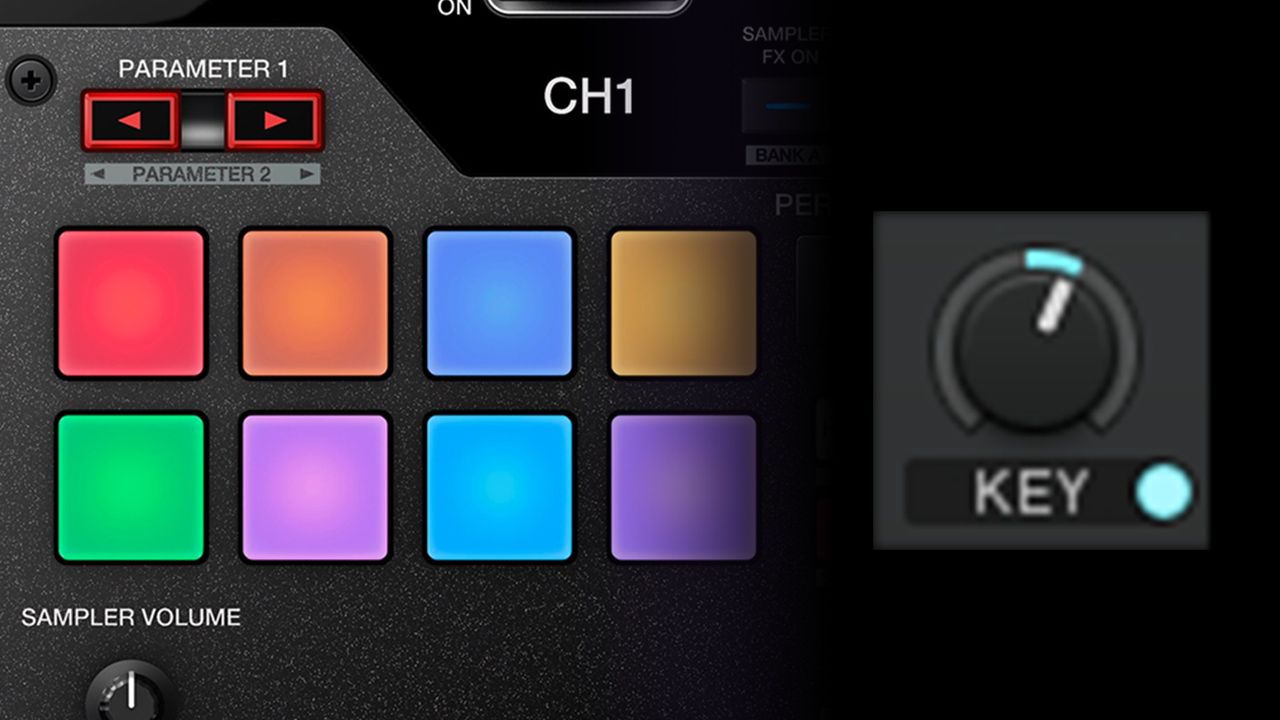
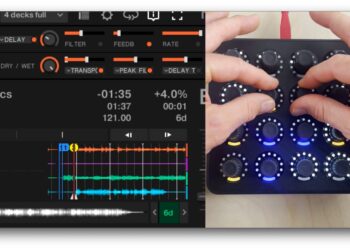
The basic idea is that instead of mapping out 8 cue points across a set of MIDI pads or buttons, map a single cue point and then the pads around it as increasing or decreasing the key shift knob and triggering that same cue point at the same time. This allows a DJ to take a single cue point and play it up or down in semi-tones.

Watch as a group of well-known DJs figure out how to map this concept and immediately start having fun with it (warning, explicit language):

The moment when…The exact moment when we figured out I could map the key-shift. Whoa. Minds blown DJ CRAZE Four Color Zack Teeko

Posted by A-Trak on Wednesday, May 25, 2016

This naturally leads into more advanced tone play routines (tone play is when you use notes from the song you’re mixing out of to play out a melody from a second song you’re mixing into) – but instead of trying to find notes that match up naturally, you can pitch-shift a single note and play the melody of your choice.

How This Technique Works

You need to do a bit of MIDI mapping to get this to work. Watch this video from DJ 69Beats that explains the concept in full:

In Traktor, the key knob needs to be mapped out to the right amount to equal semitones – as explained in this classic video we last saw on the DJTT forums back in 2010:

With Serato DJ, it’s also not hard to modify an XML file to do the same thing. We recommend starting with an XML mapping file already made by Radikarl for the DJM-S9 and modifying it to your own controller – watch this video from DJ City if you need a walk through of how this can be done.

Why Are MIDI-Mapped Tone Play Cue Points Popular Right Now?

Conceptually, all the elements used in this technique aren’t anything new – but the combination of a few factors have given rise to this recent wave of turntablists embracing the idea:

  • The Pioneer DJM-S9 mixer is rapidly becoming a favorite for turntablists – with 16 pads (8 per deck) right on the mixer. This means that there are great pads right there on the mixer, with enough to reasonably move across an entire octave
  • The Vestax Controller One turntable (still highly desired by turntablists but out of production for years) had a feature that allowed DJs to re-pitch playing tracks on the fly. DJs have been doing this for years, and Teeko’s been prominently using the feature since 2008, watch him explain it in our own video below: 
  • DJ Rafik’s 2016 Red Bull Thre3Style set – which unfortunately had to be scrapped due to major humidity issues with his Kontrol Z2 during the competition – was a major source of inspiration for a lot of turntablists. If it weren’t for the equipment issues, he easily would have been a contender for first place – watch it below, he switches into the MIDI-mapped tone play cue points at about 5:15:

Rafik: Red Bull Thre3style 2016 SetThis is my set for the 2016 Red Bull Thre3Style competition. I do want to take the opportunity to give you the set how it’s intended to be, since luck did not have much in store for me that night.

I need to thank a number of people for their incredible input and help: Mom and Dad of course, AZAD & Xatar for the crazy exclusives, LE JAD and Drunken Masters for actual production help (!), Jonny Santos and his golden voice, GWA, Andre Wallukat, Roger Rekless , Sophie Traverse, Kid Fresh, INFINIT and Yarnstudios I fucking love all of u.

Regardless of what happened, I need to give a big shout out to Thre3style too. While I hope this may never happen to anyone ever again, I am stupid happy to see an organization grow that is so up to date, full of passion and run by the right peeps. I don’t blame anyone and have nothing but <3.

Posted by Dj Rafik on Sunday, May 8, 2016

Roots In A 2010 DJ Techtools Contest?

As is often the case with many “new advances” in DJ technology, a DJ Techtools reader already thought of this concept years ago. We actually found evidence that one of the first videos ever published to the internet that used this technique was in a submission to a 2010 contest on DJ Techtools – where LVO submitted a routine that uses pitched cue points:

Editor’s Note: We know a lot of different DJs who have helped craft and refine this technique for a while – if you know of someone (including yourself!) who has a great routine or performance video that uses this technique, share it in the comments below so we can make sure they get proper credit! 
Tags: Cue PointsDJ techniquemidi mappingtone playturntablism technique
Share4Tweet3Share
Previous Post

Apps For DJs + Producers To Learn To Play Piano

Next Post

Serato DJ 1.9.2 Public Beta: Smart Subcrates, Subscription Plans

Related Posts

Midi Fighter Twister controlling Traktor Pro 4 Stem decks
DJ Techniques / Tips

Ean’s powerful Midi Fighter Twister mapping for Traktor Pro 4’s Stems + Pattern Player

July 17, 2024
6 ways DJs can get organized during lockdown (you’ll thank yourself later)
Basic DJ Tips

6 ways DJs can get organized during lockdown (you’ll thank yourself later)

July 9, 2020
Cue Points That DJs Should Set On Every Track: DJ Fundamentals
Basic DJ Tips

Cue Points That DJs Should Set On Every Track: DJ Fundamentals

December 30, 2019
Load More
Next Post
Serato DJ 1.9.2

Serato DJ 1.9.2 Public Beta: Smart Subcrates, Subscription Plans

Want to reach DJTT's audience here?

Shoot an email to advertising@djtechtools.com

DJTT ads
DJTT newsletter
Midi Fighter
Chat with us
  • ABOUT DJTT
  • CONTACT
  • PRIVACY
  • MIDI FIGHTER HELP
  • ABOUT DJTT
  • JOBS
  • CONTACT US
  • ADVERTISE
  • PRIVACY POLICY
  • ACCESSIBILITY STATEMENT

© 2024 DJ Techtools all rights reserved by DJ TechTools on all content unless otherwise noted.

No Result
View All Result
  • Blog
    • DJ Gear
      • DIY Projects
      • Gear Reviews
      • New Products
      • Controllerism
    • Techniques + Tips
      • Beginner DJ
      • Advanced DJ
      • Producer
      • Finger Drummer
    • News + Culture
      • Editorials + Opinions
      • Artist Interviews
      • Performances + Routines
      • How I Play
    • DJ Software Tutorials
      • Serato Tips
      • CDJ Tips
      • Ableton Live Tips
  • Store
    • Run by real DJs, not a corporation
    • DJ Controllers
      • Midi Fighter Twister
      • Midi Fighter Spectra
      • Midi Fighter 64
      • View All
    • Accessories
      • Chroma USB Drive for DJs
      • Chroma Caps
      • Chroma Cables Audio
      • Chroma Cables USB-A
      • Chroma Cables: USB-C
      • DJTT Gift Card
      • Midi Fighter T-Shirt
      • Keyboard Covers
      • Earplugs by V-Moda
    • Production Gear
    • Soundcards & Mixers
  • Community
    • Popular Forums
      • General Discussion
      • Buy & Sell
      • Reviews
      • Mixes
      • Music Production
      • Show Your Setup
      • Off Topic
    • Handy Links
      • New Posts
      • Private Messages
      • Register
      • Search
    • Midi Maps
      • Traktor
      • Ableton
      • Serato DJ
      • Midi Fighter 3D
      • Midi Fighter Twister
      • Midi Fighter Spectra
  • Midi Fighter
  • Chroma

© 2024 DJ Techtools all rights reserved by DJ TechTools on all content unless otherwise noted.

This website uses cookies. By continuing to use this website you are giving consent to cookies being used. Visit our Privacy and Cookie Policy.