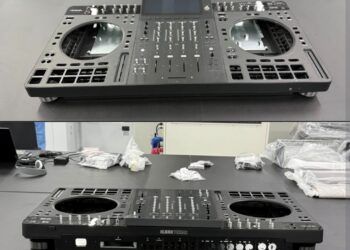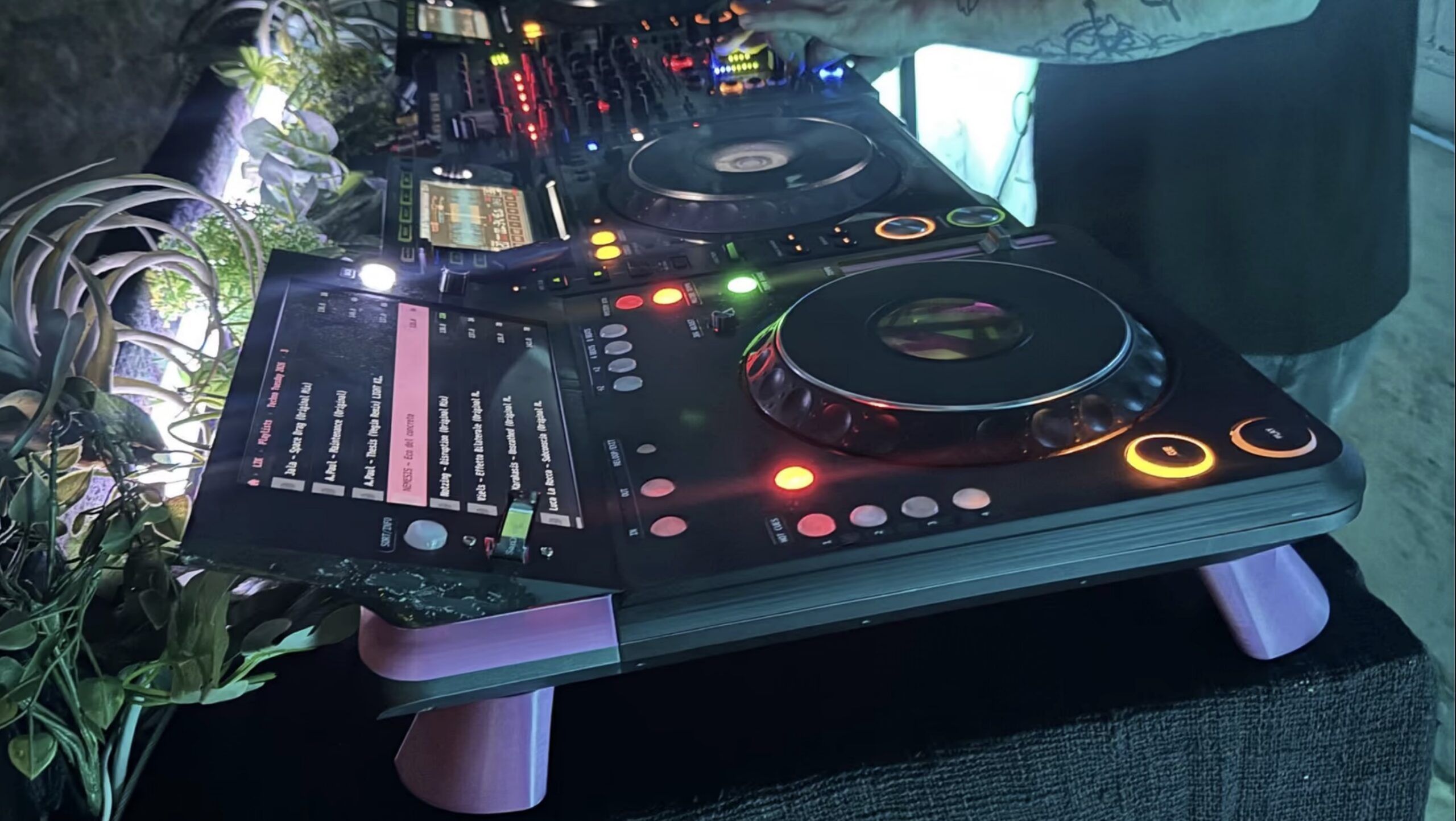
On October 4th, a third deck showed up at Technobase, a techno night in Amsterdam. It sat beside the club’s two CDJs and Xone mixer on a spare channel, with an Ethernet cable running into the same Pro DJ Link network as the Pioneer DJ gear. Samuel Prevost built it himself around a Raspberry Pi 4 and a jog wheel pulled out of a CDJ-1000MK3, and posted it to r/DJsetups this week. I couldn’t resist writing it up here on DJTT.
It’s called TriMixxx, and all of it is open source, from the circuit boards up to the network code that talks to CDJs. DJing could use a lot more of this kind of creativity, people building the gear they want and then taking it into a real booth to see if it holds up.
What’s inside of TriMixxx?
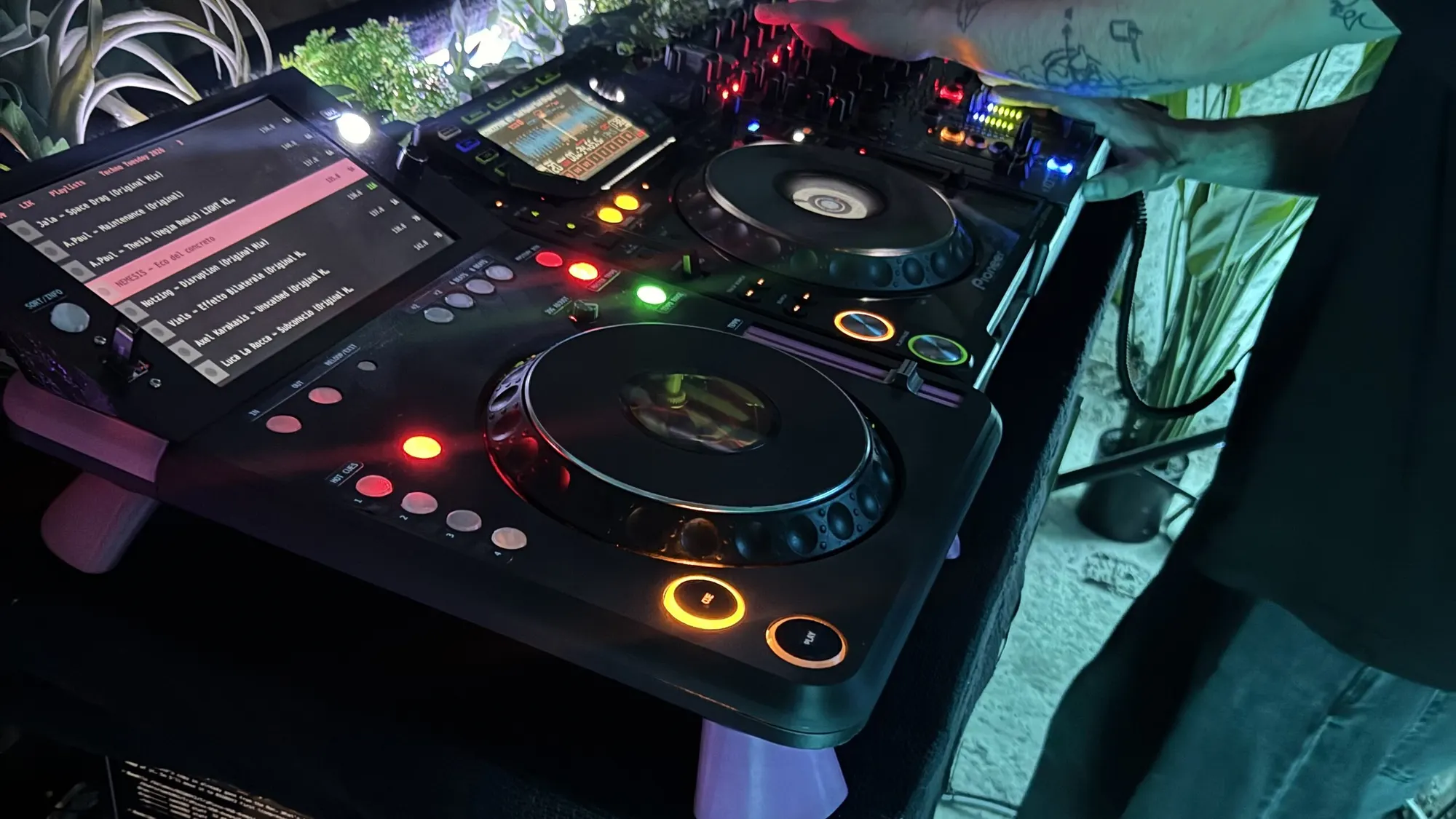
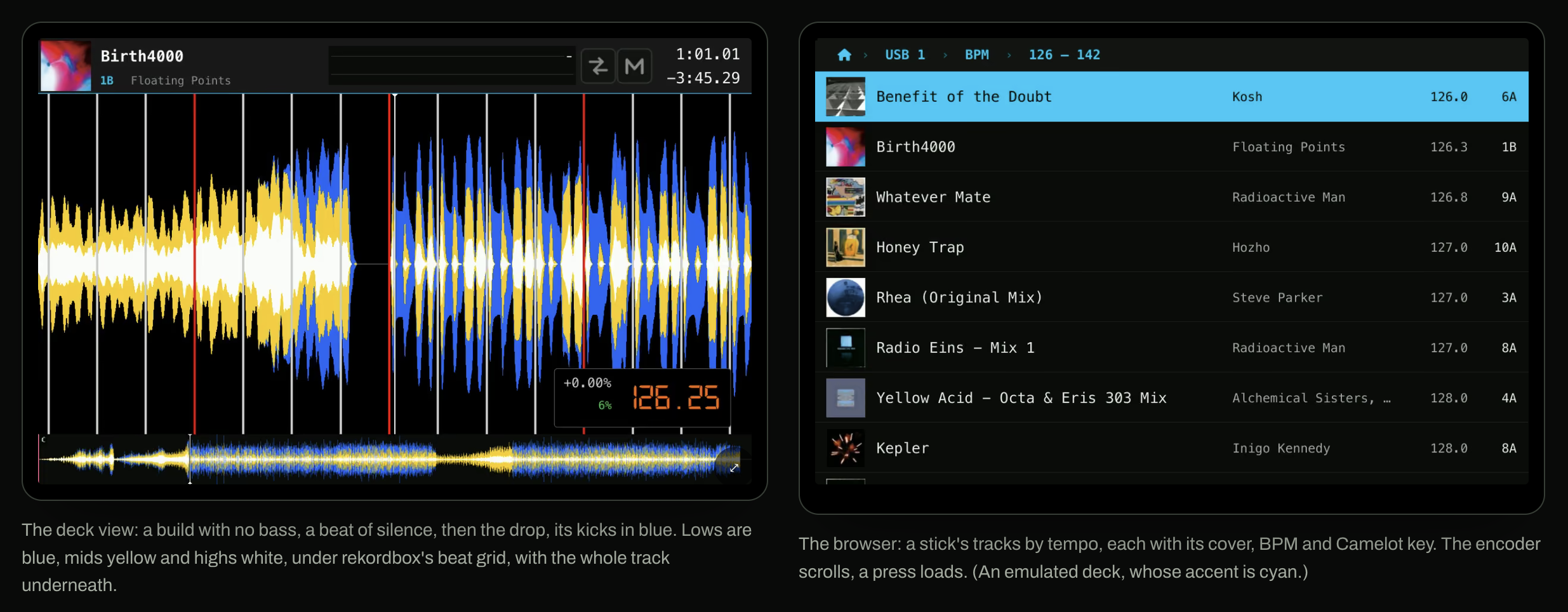
The brain of the unit is a Pi 4 running Prevost’s fork of Mixxx 2.5.6 with a single-deck, CDJ-style skin on a 10.1″ touchscreen. There’s no mouse and no keyboard. You browse with a push encoder, and the UI skin is built around big targets for your thumb, with most of the screen dedicated the track waveform.
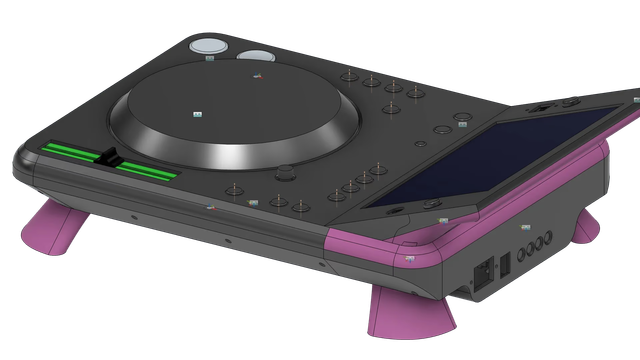
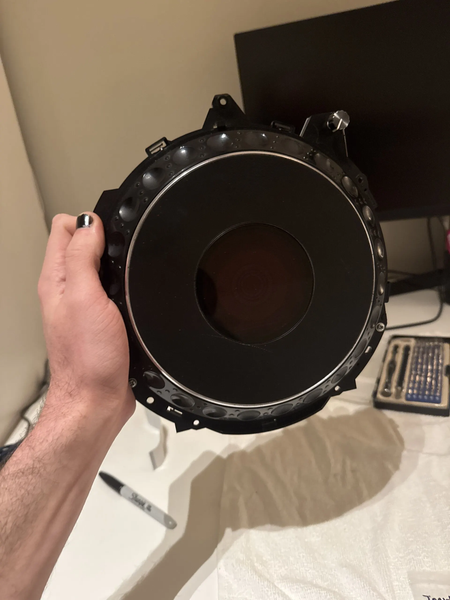
Every control on the surface of the unit goes through PCBs he designed. An ESP32-S3 reads the jog, the tempo fader and the buttons, then talks MIDI to the Pi over a serial line. The 13 RGB pads sit on tiny RISC-V boards chained into two rings, and each pad lights according to what it does (hot cue colors, purple for key sync, a flashing slip). The jog is a full CDJ-1000MK3 assembly, 210mm platter, read at 12,960 counts per turn. The tempo fader runs at 14-bit resolution instead of the 128 steps a most MIDI controls typically use.
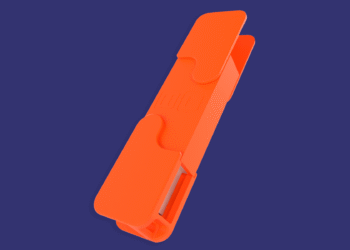
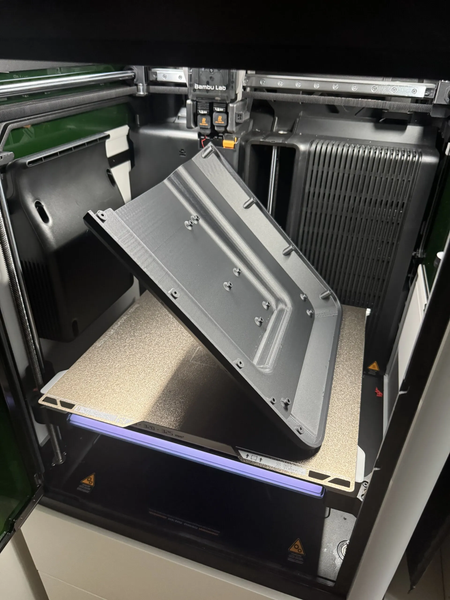
The case is printed in carbon-fiber PETG at 423 x 329 x 85mm, roughly a CDJ-3000’s footprint but a lot lower. Audio leaves the TriMixx using a Behringer UCA222 USB sound card.
For comparison, a CDJ-3000X is priced at $2,999 in the US. While Prevost hasn’t published a parts cost the core of this unit is a Pi and an entry-level sound card.
Pro DJ Link compatibility in a DIY unit
Pro DJ Link is AlphaTheta’s closed protocol, and Prevost reverse engineered it by watching traffic between two CDJ-2000NXS players he owns. He’s not the first to dig in there: James Elliott’s Beat Link has read the protocol for years to drive lighting and visuals. TriMixxx goes a bit further and acts as a player, one CDJs can browse and load from. The unit claims a player number, lists every CDJ’s USB and SD, and loads their tracks with grids, cues and waveforms.
Going the other way, CDJs see the TriMixxx under “LINK” and can play off the sticks plugged into it. Sync works both directions. In his testing, using the TriMixxx as master at -3.05%, a CDJ followed it to 116.34 BPM, matched to the hundredth.
Pro DJ Link should be open, but my gut says that it’s not headed that more that way. AI coding tools have made it a lot faster to pick apart a protocol like this, and with more people poking at CDJs because of it, my guess is AlphaTheta tries to lock it down further. I hope projects like TriMixxx keep showing up regardless.
Features that only a DJ-developer would add
- Pull your stick whenever. Sticks mount read-only, so yanking one mid-set can’t corrupt the library, and the playing track keeps going from the deck’s own copy.
- Two sticks, both on the link. The second one shows up to CDJs as the deck’s SD slot, which every CDJ already knows how to browse.
- Record the set. Run the mixer’s record out into the sound card’s input and it records the whole mix, CDJs included, as a 320kbps MP3 for up to three hours. At the end it writes the file to your stick with a tracklist beside it. After five minutes of silence it asks whether you’re done.
- History. Every track played on the link by any player, across the last three power-ups. Useful when someone asks for an ID and you’ve already moved on.
- Key sync. One press shifts the track onto the master’s Camelot number, between -5 and +6 semitones, keeping its own mode.
- Autoplay. Pick a stick and a genre, and it keeps playing the unplayed track closest in BPM until someone takes over.
Read-only mounting is a smart call, and I suspect AlphaTheta can’t easily copy it, because a CDJ constantly wants to write back to your stick: cue points, loops, play history, grid adjustments. Pulling a stick while it’s in use is also one of the most common ways to corrupt a FAT32 drive. TriMixxx sidesteps that by never writing to the stick unless you tell it to save a recording.
Tempo-aware autoplay is a feature that I want on actual CDJs. The pitch from the developer is simple: during load-in and teardown, when the crew needs music and nobody’s at the decks. CDJs will run a playlist top to bottom in Continue mode, but they won’t pick the next track by tempo, and that’s a small thing a firmware update could add if Alphatheta is taking notes…
One final classic modder reference in the TriMixxx; hold PLAY while it boots and the deck runs DOOM instead, with the jog wheel for turning and the pads as your weapons.
Rapid development
Development is moving fast (from a first gig to release 1.0 in just eleven days), and real-world testing is underway. The official site’s features page marks which features have been tested against real CDJs and which have only run in emulation so far. At the Technobase night, it played the whole night but froze for eighteen seconds loading a big AIFF off a slow stick, and he had a fix out four days later. All the published link testing so far is against the CDJ-2000NXS from 2012, so if you’ve got another unit and some patience, that’s where the project could use some help.
Would I let it on my DJ booth and linked up to my players? Sure, but I’m more experimental than most DJs and sound techs. DJs have been bringing their own hardware into booths since DVS laptops showed up in 2001, and gear like this should be welcome there, as long as the DJ has a backup plan and knows how to troubleshoot when something like that eighteen-second freeze happens during a gig.
On sound, the UCA222 is a 16-bit, 48kHz interface. That’s fine for a third deck at a small night – but next to the quality ESS converters in a 3000X on a serious system, some experienced ears will hear the difference.
I want a DIY CDJ of my very own
Yes, I can relate. But when it comes to TriMixxx, you can’t buy one, and Prevost is clear it isn’t meant to be a product. Building your own means sending KiCad files to JLCPCB, printing a large chassis, buying a donor CDJ for the jog, and flashing RISC-V chips.
The jog is the hardest part to source: Prevost went through three CDJ-1000MK3s on this project, paying €50 for one and €100 each for the other two. He thinks the jog from any CDJ model should work, since it only runs five wires to the controller. I’d be remiss if I didn’t mention the history of a few companies have come close to selling a jog on its own. Behringer’s CMD PL-1 in 2013, Numark’s V7 and the EKS Otus – they all put one big wheel in a box by itself, and none of them found much of an audience. The software and firmware integration never got good enough for many DJs to want one, and CDJ jogs just feel heavier and more consistent than anything sold separately. Old 1000MK3s are great for harvesting, but there’s a limited supply of them.
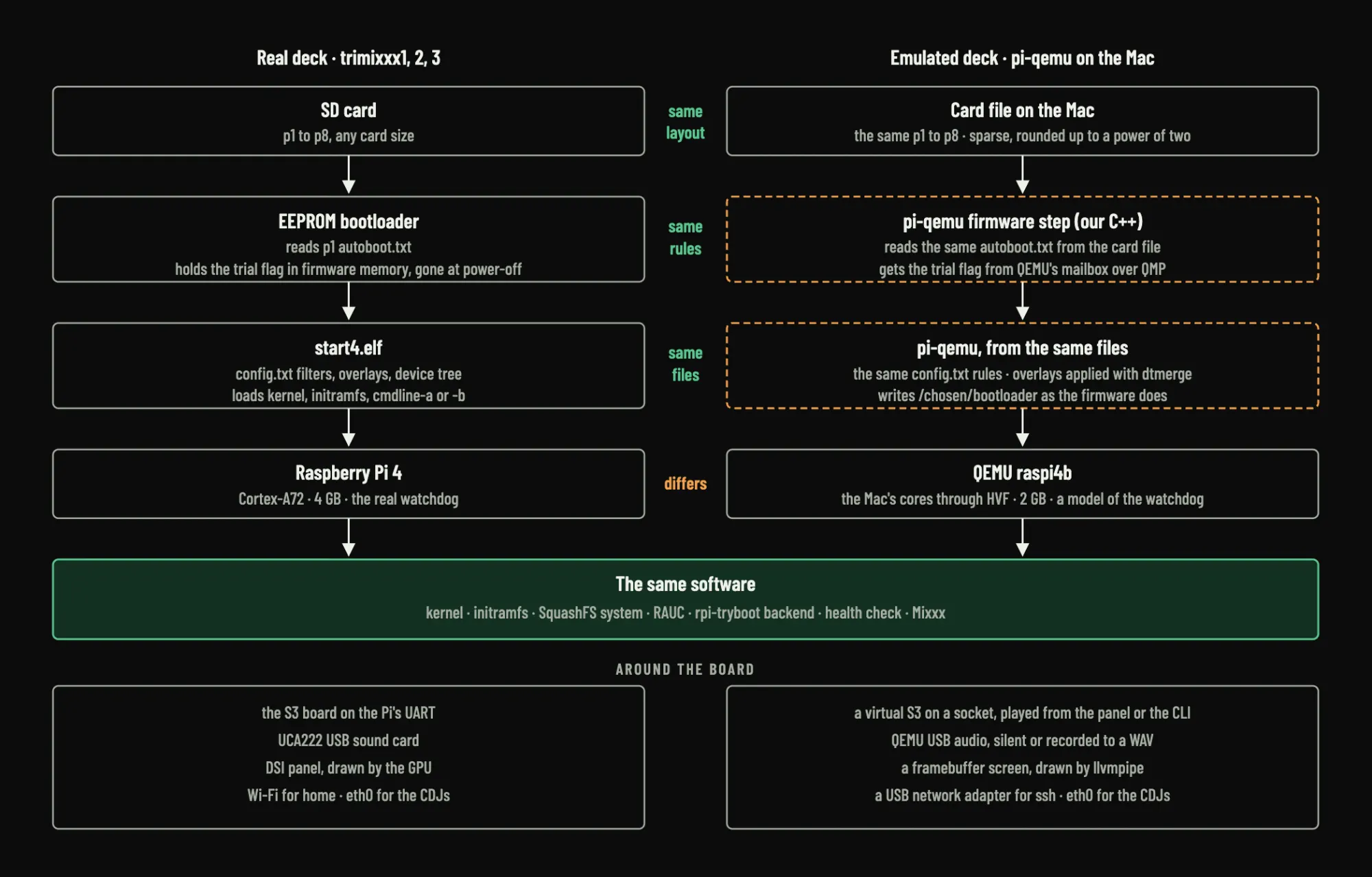
If you want to poke at the project without soldering, Prevost built an emulator that runs a TriMixxx deck on a laptop next to emulated CDJ-2000NXS players, so you can fork the skin or the mapping and test before any hardware is involved. Start with the Technobase write-up, then grab the code on GitHub.
All photos and images are from the official TriMixxx website.