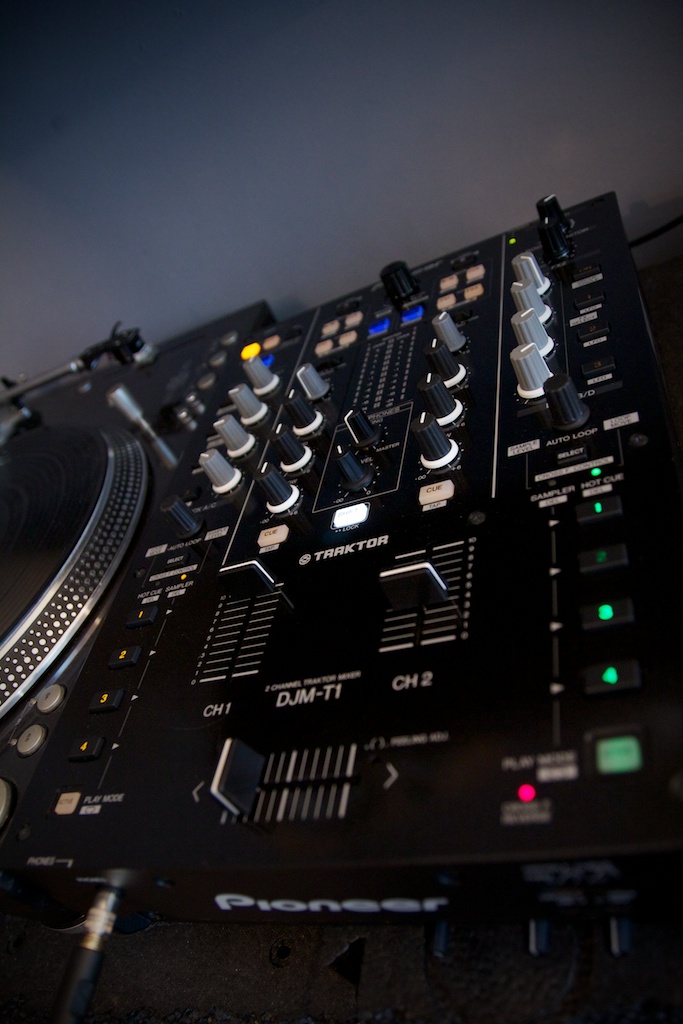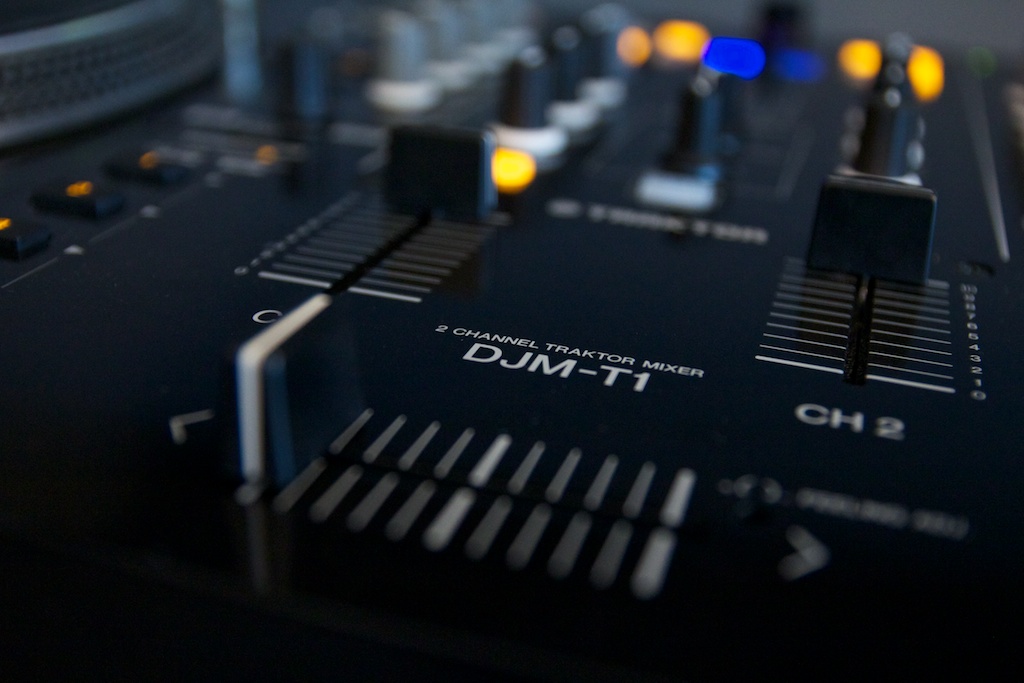
Pioneer and Native Instruments are still sitting in that kissing tree, and following the DDJ-T1 controller and the DJM-900 nexus Traktor Certified mixer is the brand new DJM-T1, a two channel mixer that’s got its eye on the DVS market. Of course, we took a good look at it.
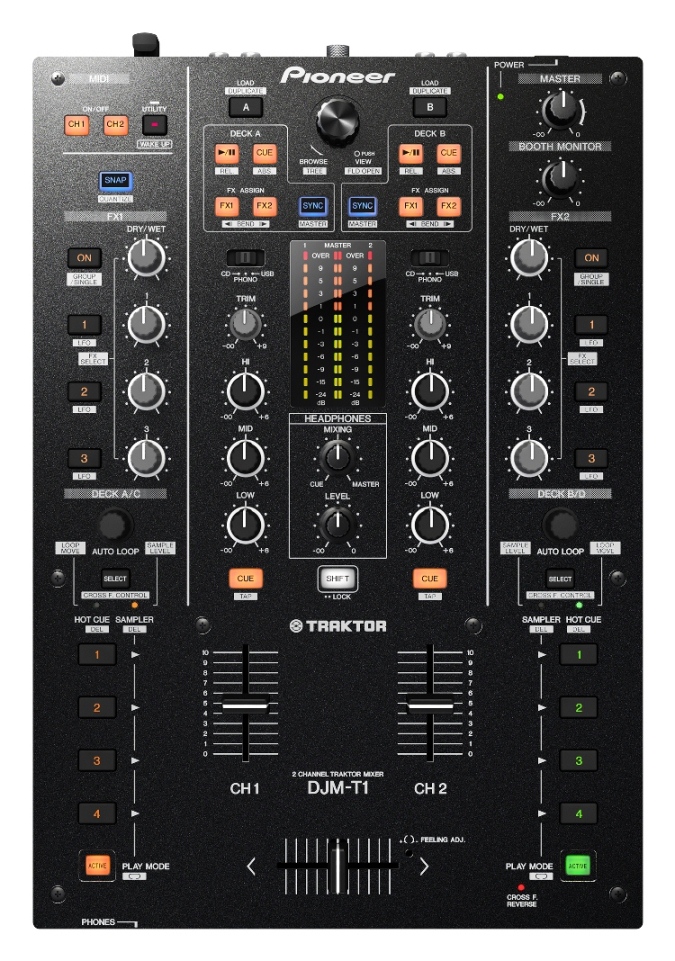
Product: Pioneer DJM-T1
Price: £1279/$1599
Connections: 2 channel Phono & Line, dynamic mic input and RCA aux in, XLR, TRS and RCA out.
Ships with: Traktor Scratch Duo (incl. vinyl and CD)
Audio interface: 24bit/48kHz
.
>
>
>
THE GOOD:
- Great build.
- Flawless Traktor Duo implementation.
THE BAD:
- No channel fader curve adjust.
- Jaw dropping price.
- No post fader effects implementation.
THE BOTTOM LINE:
The DJM-T1 is a great mixer that brings together Pioneer’s sound and looks, Traktor scratch certification, and MIDI control in one box. There’s definitely a price to pay for that convenience though, and there are some issues – no upfader curve adjust is perhaps the biggest. That said, if you love Pioneer, scratching and Traktor, hate cables and bulk and have the readies, it might just be for you.
SOUND AND CONNECTIONS
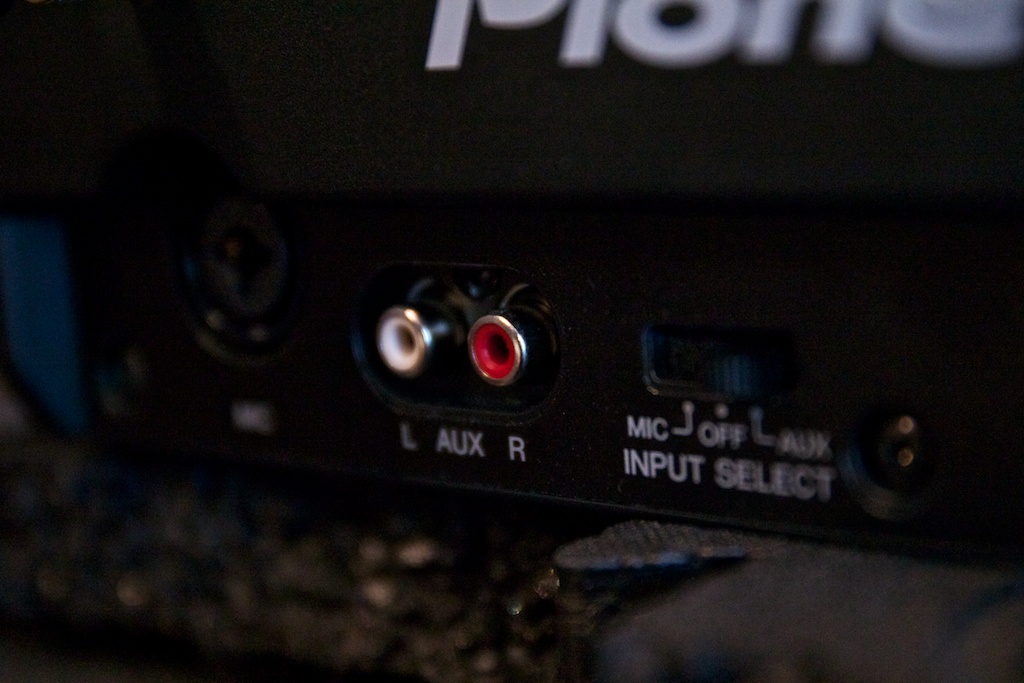
The sound quality on the unit is very good, capable of a lot of loudness for very little noise and a lot of headroom throughout. There’s no doubt that the DJM-T1 sounds great, but it does have a very crisp sound that you may find slightly hollow if you’re used to more saturating analogue mixers. When it comes to connections, Pioneer have ensured that the DJM-T1 isn’t wanting for much. XLR, 1/4″ TRS and RCA connections are all available round the back, as are the phono/line inputs per channel and USB (which we’re glad is on the back rather than the top of the mixer).
On the front of the mixer are the mic inputs and headphone outs, as well as aux in. At first I wasn’t quite sure about the front mounted inputs, as it can be frustrating to have a mic cable dancing in front of your body and for many DJs who are used to having a session input to use as a pseudo third channel (perhaps to play loops from a computer to practice scratching) plugging in from the front looks and feels messy, but considering that the DJM-T1 comes with drivers to operate as an audio interface, the aforementioned situation is rendered moot by setting the computer output via USB.
It would have been fantastic to see a true internal effects send/return for post fader effects operation and, like the DJM-T1’s most obvious competitor the Rane 57, some basic hardware effects. As it is, the absence of external send/return when the mixer’s not connected to a computer there’s no effects capability on the mixer at all.
FEEL

Looking in many aspects like the younger, slimmer cousin of the other top flight mixers in Pioneer’s product line, the DJM-T1 features Pioneer’s lacquered speckled metal fascia and bold multi coloured LED controls.
The layout of the DJM-T1 is as clean as a whistle. The fader section is devoid of any nagging buttons or screws, the cue buttons hide out around the edges, and the top half is neat and symmetrical with bright LED buttons guiding your eyes and fingers to their targets. Considering the DJM-T1 is a standard 12” form factor it gets – I almost wrote crams but it doesn’t feel appropriate – a lot of controls on without being intimidating.
The knobs and faders are typical Pioneer, with fairly stiff channel faders by scratch mixer standards but a smooth crossfader – which is magnetic and features tension adjust and onboard lag and fade controls. It may seem strange for a mixer that doubtlessly nods to the scratch DJ market not to have curve adjust knobs and merely a cut/fade mode, but adjustments are performed digitally and at their sharpest are very sharp – perhaps 1mm cut lag on the model I have in front of me but tolerances in manufacturing may mean that at its sharpest it is even less on some mixers. Upfader adjustment is…well, missing, unfortunately. It’s tough not to see that as a pretty clumsily dropped ball.
MIDI
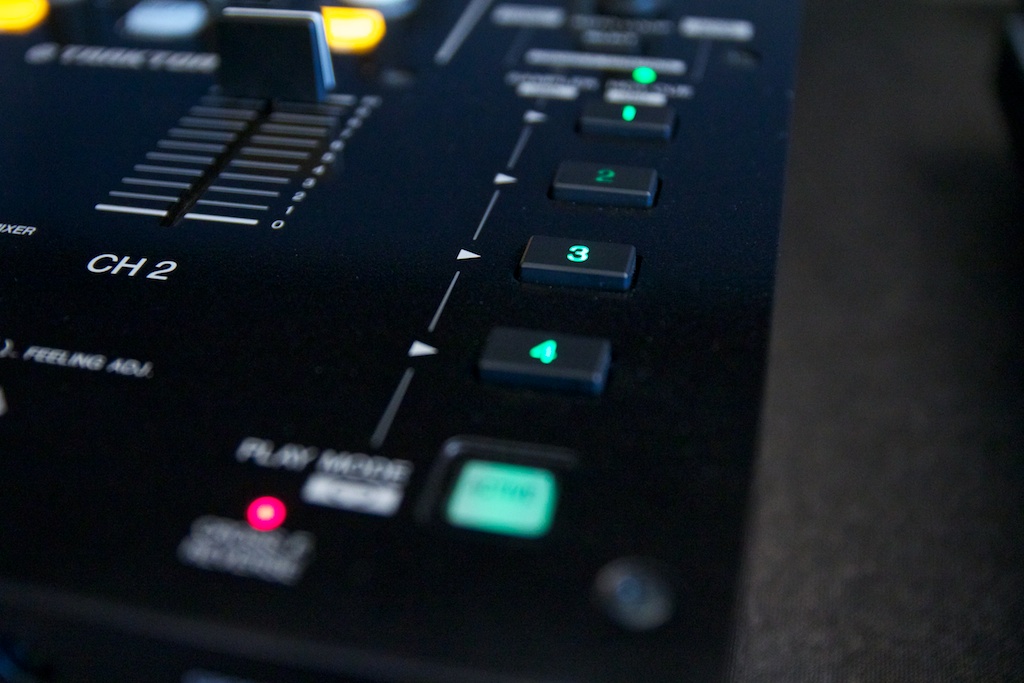
The entire unit, bar the master, booth, and mic attenuation knobs, sends MIDI information. It’s simple to edit mappings in Traktor (and the device controls are all properly named, making it easy to decipher the mappings) and just as easy to control other MIDI software. There are two MIDI channel buttons – we’re not sure whether adding in a second channel is something Pioneer plans in a future driver update (and we’ll update when we find out) but at the moment only one MIDI channel works and there’s no setting in the driver to set the second channel. When switched on, the entire mixer sends MIDI. When off, the mixer section doesn’t.
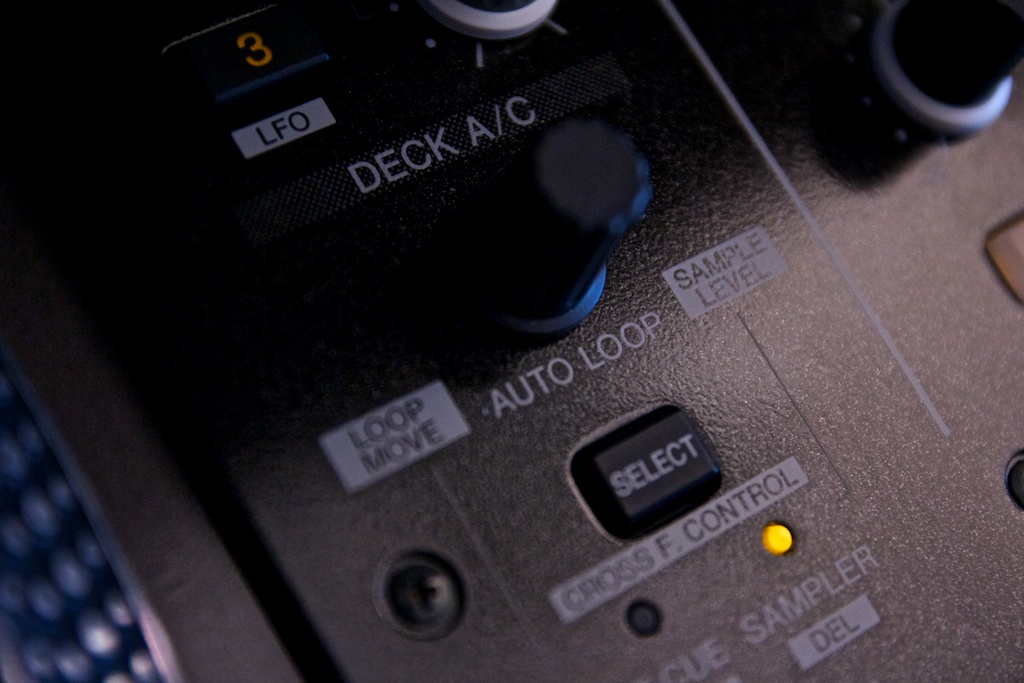
It’s completely painless to use the DJM-T1 to control Traktor directly, as its controls are well laid out and there are no potentially disastrous combinations of shift that could lead to a halted set and distinctly unimpressed crowd. The growing trend of using a single actual deck to control all of Traktor’s virtual ones is really easy to do with the deck duplicate (Instant Doubles, to Serato users) feature simply a Shift-press of the load button. The DJM-T1 ships with Traktor Scratch Duo and thus is restricted to group effects, but it does have settings built in for advanced effect control. It doesn’t, however, have support for four effects banks – and inevitably four decks is off the cards. The sample deck functions get the thumbs up from us though, working flawlessly.
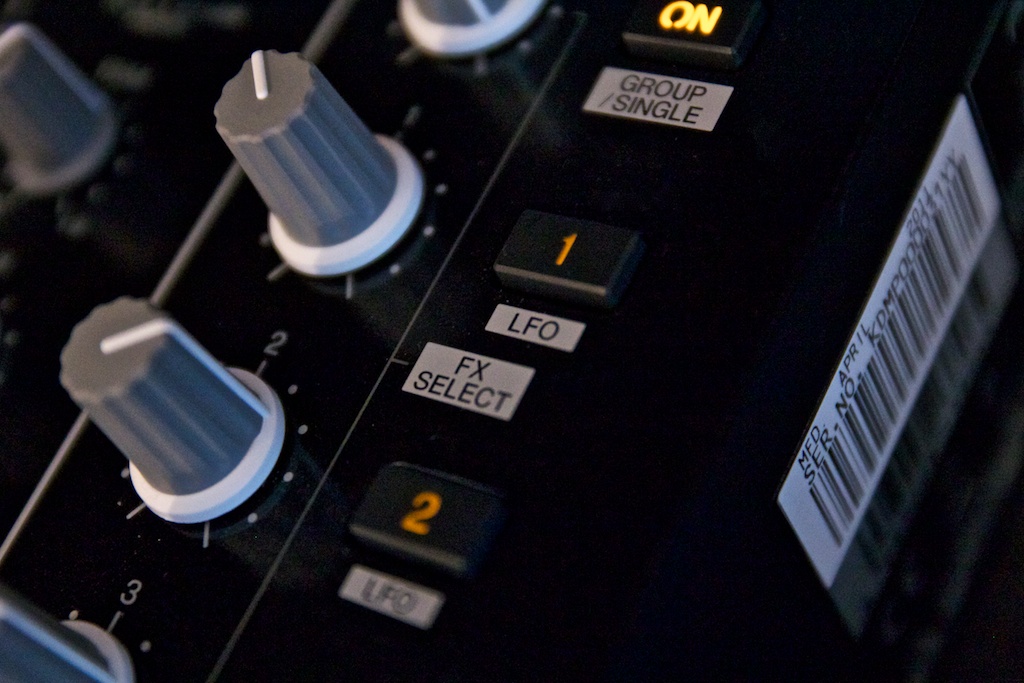
Pioneer’s approach to their new generation of software integrating mixers and controllers is to bolster the capability of the software by adding things in hardware that make up for its limitations. The DJM-T1 features MIDI LFO, which amounts to six LFOs that each modulate a MIDI CC. This function operates at a base hardware level (it can be switched off in settings, though) and doesn’t require Traktor at all – it’s a brilliant feature for automating effects although the lack of tempo sync means that accuracy is down to your ears.
CONCLUSION
So the DJM-T1 has a big sound, big feature set, big ideas and yes you guessed it: big price… and at £1279/$1599 I’m not entirely sure ‘big’ covers it. If you add up what you’re actually getting with the DJM-T1 – pro audio quality, MIDI control and a two in two out stereo audio interface with Traktor certification, you can see where the price has come from, but there’s a definite premium placed on it being an all in one unit. The things that have been missed off the feature list mar what is otherwise a fantastic mixer, and if you can look past those things – the lack of send/return and channel fader curve adjustment the principle omissions – then the DJM-T1 is still very good.
Let us know what you think in the comments!