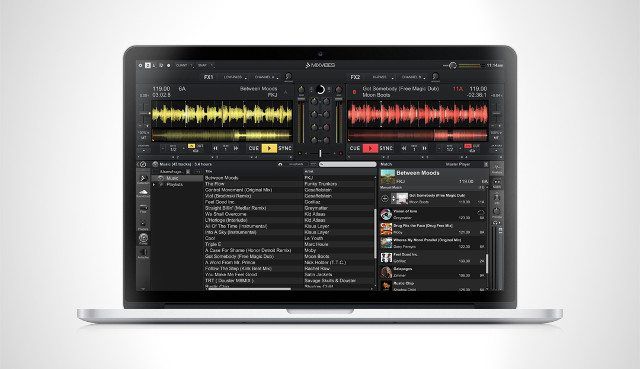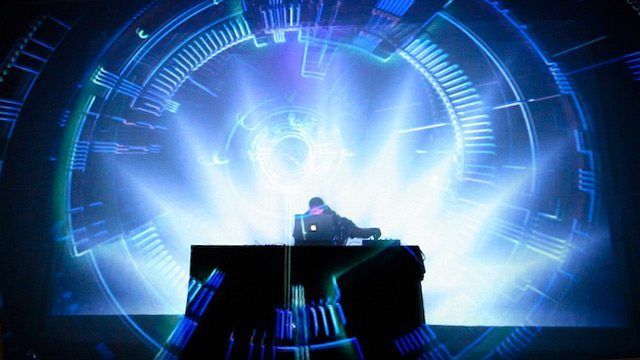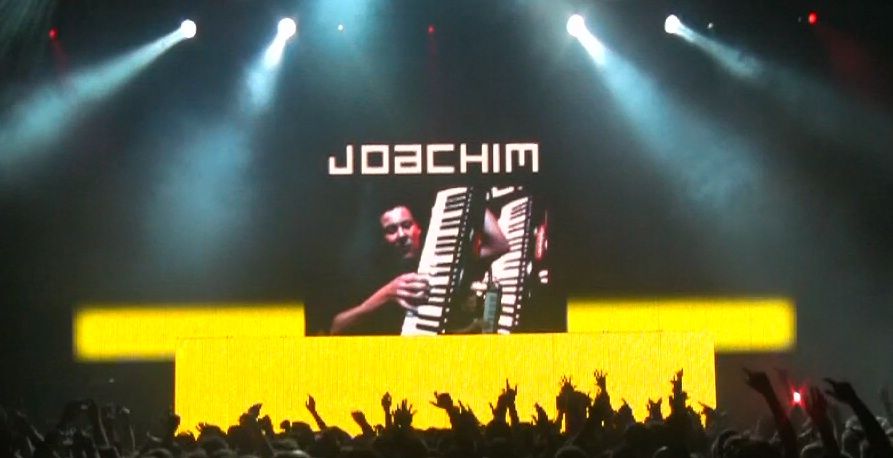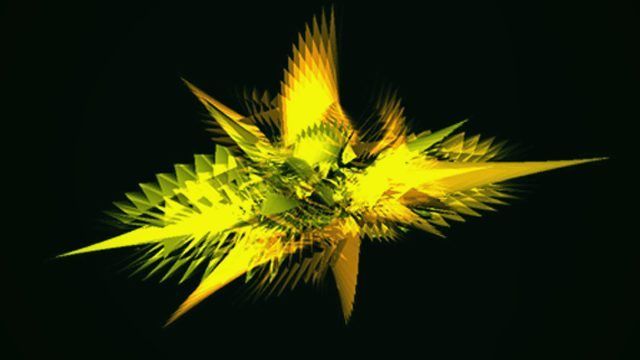
I remember mashing my keyboard to bits when Winamp launched over 15 years ago with its trippy, keyboard controlled graphics. Now projected displays in tandem with DJing are popping up at many headliner shows, and even in bars and smaller clubs. In this article, we’ll look at music visualizers you can use to hypnotize your audience and an introduction to Video DJing (VJ) software for some next level displays.
Chances are we’ve all used a music visualizer with a media player, but visualizing your DJ set for your audience means finding a way to routing the audio output of your DJ program into the visualizer. The easiest way to do this is with an external sound card (I’m using the Presonus Audio Box, see our round-up from last year). With an external soundcard, sending the audio source from your DJ program of choice is as easy as plugging two outputs from the mixer into two inputs and then selecting the input in your soundcard’s mixer program. Arguably the best scenario for routing audio input is to have two computers, one running your music with an output to a second computer, which runs the visualizer and is connected to your display.
You can also use an internal mixer program like Soundflower to re-route audio within your computer. Internal mixers, however, will add significantly to your system overhead so make sure you have the processing power and test extensively before rocking it at your next gig!
The final step is connecting the visualizer to your chosen display. All of the visualizers reviewed allow for at least two displays (where you can work on the visualizer and view the output on another display) and an output resolution of at least 1024×768 or higher, so make sure your screen or projector is up to scratch.
G-Force
Price – $30
Platform: Windows, Mac.
Customizable patterns? Yes, experience recommended
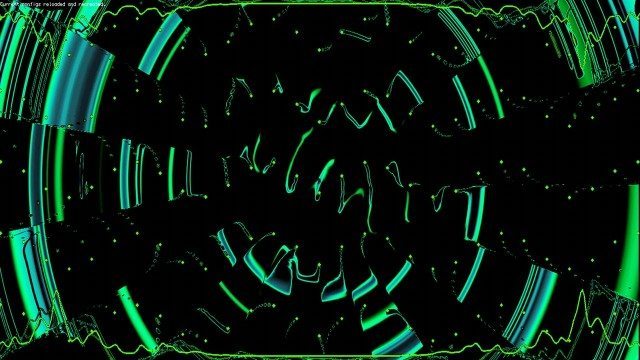
Sound Spectrum’s G-Force offers plugin versions for media players and standalone apps that receive audio input, and allow you to change pattern types, colors and effects through keyboard commands. You can also upload images and videos that play in sequential order. G-force is a set of good entry level visualizers that have a Winamp feel, some better looking than others, straight out the box. If you’re up on your geometry or know how to read through code, custom display scripts can be written in a .txt file to combine patterns and create different transitions between material, but the syntax is anything but straight forward. (A reader points out that technically it’s against EULA guidelines to use this in a broadcast setting, so while this rarely enforced, use at your own risk).
It’s also worth noting that SoundSpectrum make a few other visualizer plugins – Aeon, WhiteCap, and perhaps most interestingly, the slightly cheesy WinterWonders 2011, complete with snowflakes and winter scenes moving in time to your tracks.

VSXu
Price: Free
Platforms: Windows, Linux
Customizable patterns? Yes
A favorite in the demoscene crowd, VSXu is another option for Windows and Linux users (a Mac version is promised). VSXu is unique in it’s ability to treat the visualizer as an object: you can change the viewing perspective, zoom in/out of a pattern and change the absolute position of the program within the screen. VSXu player is a real-time visualizer that takes audio-in and creates some pretty particle and mesh graphic patches based on a built-in audio analysis system (aka Spectral Analyzer). VSXu Artiste lets you create patches in a Max MSP-type environment that you can use with the VSXu player, and even supports timeline actions to play in combination with your set. Still have to work to develop your own transitions and it does not support video, but a good start for Windows/Linux users.
Quartz Composer
Price: Free
Customizable patterns? Yes, programming experience recommended
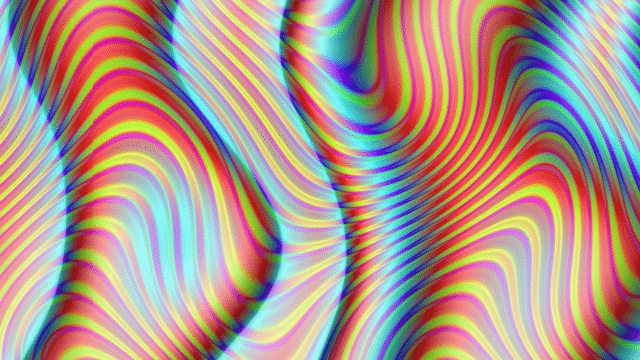
Quartz Composer is a visual programming language used to make the visualizers found in iTunes and provides the architecture for many other audio applications, like Serato. It’s very stable, you can find a lot of visualization scripts online and it can even be used with a video mixer like CoGe to accept MIDI input. Mac users with more time and a tight budget can apparently route some of the built-in visualizers in iTunes to receive audio input. If you want to get your hands dirty, sign up for Apple’s Developer and download Xcode in order to edit QC files (.qtz).
Using audio input as a data source in visualizers make for an easy show but will always suffer from “noise” present in some songs, sounds that are in the background of the track. Most visualizers use a combination of spectral analysis and filters to isolate things like bass tones or snares to make up for this. Interacting with the program while playing, to change patterns or colors for example, also presents potential catastrophes; the wrong key stroke in the wrong program could derail your entire set.
Video DJ/VJ software
Video DJ programs like VirtualDJ ($299), Arkaos ($383), VDMX 5 ($300) or Resolume ($448) to name a FEW let you make detailed visual compositions that are synchronized to your performance, that can be controlled from a MIDI controller and often accept both audio and MIDI inputs. These come fully featured with timed transitions, effects and effect patterns that you can save ahead of time, eliminating the need to create your own presets or patterns or to stay glued to the program when you switch back to your DJ app.
Cell ($89) is a good example of a basic yet powerful and intuitive video mixing tool that comes as both a standalone app and VST plugin. Cell has MIDI learn features for triggering clips and transitions with a controller and allows you to create sequences and shows ahead of time to play with your set, but does’nt support audio or MIDI clock in.
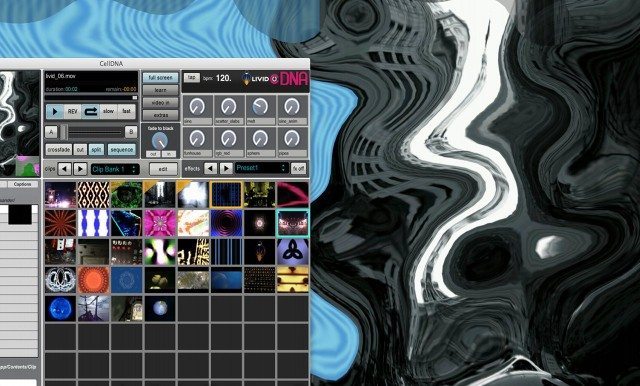
Livid’s new incarnation, Cell DNA ($149 — see photo above) features a BPM sequencer that can receive MIDI from other applications that send MIDI clock out (like Traktor), a 32 preset effect back, video cross-faders and MIDI controllable knobs in addition to the clips and transitions. Most everything can also be triggered via MIDI using Max for Live, in sequence with your audio files. You can also control multiple instances of the program from other computers over the internet and display to up to 4 screens at a time!
Before you make the leap, remember you’ll need a bunch of videos to make a great set (though some VJ programs like VDMX 5 also support Quartz Composer files), even more processor power or another computer, and some inspiration. SoftwareVJ lists many of the VJ options and will help you compare stats between them.
Know of any incredible music visualizers or VJ programs that should be in this list but we haven’t found? Let us know in the comments and we’ll add them!