DJ TechTools
  • Blog
    • DJ Gear
      • DIY Projects
      • Gear Reviews
      • New Products
      • Controllerism
    • Techniques + Tips
      • Beginner DJ
      • Advanced DJ
      • Producer
      • Finger Drummer
    • News + Culture
      • Editorials + Opinions
      • Artist Interviews
      • Performances + Routines
      • How I Play
    • DJ Software Tutorials
      • Serato Tips
        • Traktor Tips
      • CDJ Tips
      • Ableton Live Tips
  • Store
    • Run by real DJs, not a corporation
    • DJ Controllers
      • Midi Fighter Twister
      • Midi Fighter Spectra
      • Midi Fighter 64
      • View All
    • Accessories
      • Chroma USB Drive for DJs
      • Chroma Caps
      • Chroma Cables Audio
      • Chroma Cables USB-A
      • Chroma Cables: USB-C
      • DJTT Gift Card
      • Midi Fighter T-Shirt
      • Keyboard Covers
      • Earplugs by V-Moda
    • Production Gear
    • Soundcards & Mixers
  • Community
    • Popular Forums
      • General Discussion
      • Buy & Sell
      • Reviews
      • Mixes
      • Music Production
      • Show Your Setup
      • Off Topic
    • Handy Links
      • New Posts
      • Private Messages
      • Register
      • Search
    • Midi Maps
      • Traktor
      • Ableton
      • Serato DJ
      • Midi Fighter 3D
      • Midi Fighter Twister
      • Midi Fighter Spectra
  • Midi Fighter
  • Chroma
No Result
View All Result
DJ TechTools
  • Blog
    • DJ Gear
      • DIY Projects
      • Gear Reviews
      • New Products
      • Controllerism
    • Techniques + Tips
      • Beginner DJ
      • Advanced DJ
      • Producer
      • Finger Drummer
    • News + Culture
      • Editorials + Opinions
      • Artist Interviews
      • Performances + Routines
      • How I Play
    • DJ Software Tutorials
      • Serato Tips
        • Traktor Tips
      • CDJ Tips
      • Ableton Live Tips
  • Store
    • Run by real DJs, not a corporation
    • DJ Controllers
      • Midi Fighter Twister
      • Midi Fighter Spectra
      • Midi Fighter 64
      • View All
    • Accessories
      • Chroma USB Drive for DJs
      • Chroma Caps
      • Chroma Cables Audio
      • Chroma Cables USB-A
      • Chroma Cables: USB-C
      • DJTT Gift Card
      • Midi Fighter T-Shirt
      • Keyboard Covers
      • Earplugs by V-Moda
    • Production Gear
    • Soundcards & Mixers
  • Community
    • Popular Forums
      • General Discussion
      • Buy & Sell
      • Reviews
      • Mixes
      • Music Production
      • Show Your Setup
      • Off Topic
    • Handy Links
      • New Posts
      • Private Messages
      • Register
      • Search
    • Midi Maps
      • Traktor
      • Ableton
      • Serato DJ
      • Midi Fighter 3D
      • Midi Fighter Twister
      • Midi Fighter Spectra
  • Midi Fighter
  • Chroma
No Result
View All Result
DJ TechTools

Traktor Pro 2.5 and Kontrol F1 Launch, Exclusive DJ Shiftee Video + Interview

Dan White by Dan White
March 14, 2012
in Controllerism, DJ Controllers, DJ Gear Announcements, News, Traktor Kontrol F1
Reading Time: 4 mins read
0
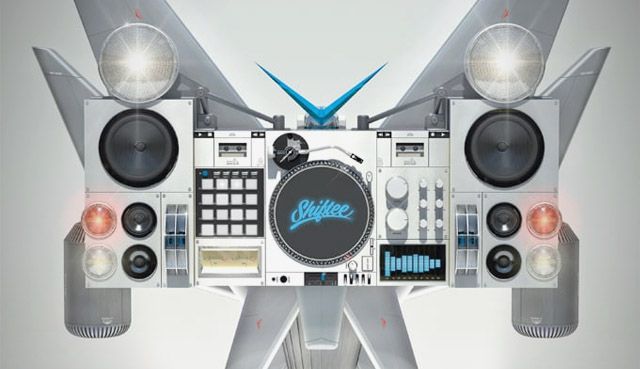
Traktor Pro 2.5 and Kontrol F1 Launch, Exclusive DJ Shiftee Video + Interview
88
VIEWS
Post on FacebookTweet thisUpvote on Reddit

Native Instruments has finally announced the release of Traktor Pro 2.5 and the Kontrol F1 this morning, with an expected in-stores date of May 30th. We’ve got all of the details on the launch, including Native Instruments official promo video with DJ Shiftee. We even landed an interview with Shiftee himself, read on to see his take on the Kontrol F1!

Traktor Kontrol F1
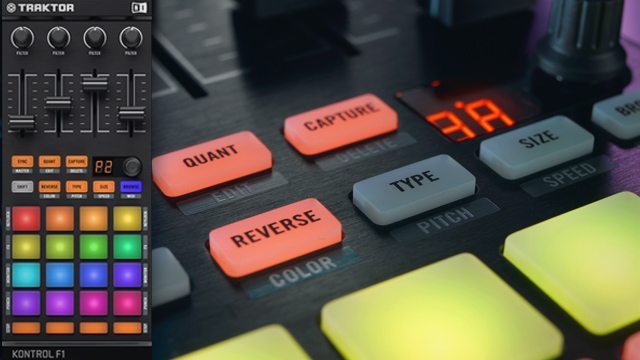
Release Date: May 30th
MSRP: $279 / 249 Euro
What’s Awesome: Integrated LED workflow into Traktor 2.5’s new Remix Decks
Not Quite There: No velocity sensitive pads will limit expression on the pads

Traktor Pro 2.5 Software
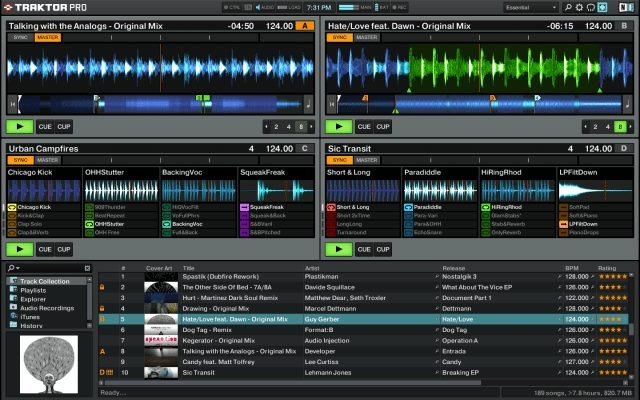
Release Date: May 30th
Upgrade: Free for owners of Traktor Pro 2, Traktor Scratch Pro, Traktor Kontrol S2, Traktor Kontrol S4
What’s Awesome: New Remix Decks (pictured above) allow for serious clip launching loop and one shot activation.
Not Quite There: Being able to wire these Remix Decks into a DAW natively (as with The Bridge for Serato) would have been huge.

Kontrol F1 Video With DJ Shiftee


DJ TechTools Exclusive Interview With DJ Shiftee

Hi Shiftee! How did you go about constructing this routine? Did you develop it with the F1 in mind, or was it something you already had?

I based the routine around a beat of mine I already had (PLS DNT STP ft. LAZERlibby – Raise The Temprature (Shiftee Remix) [LU20 Records] out now on Beatport *cough cough*). Once I learned about the F1, I had an immediate picture in my head of how I could apply my song to this device. Then it was just a matter of figuring everything out with the right samples/loops and determining whether or not I could actually pull it all off. I definitely could not have done this routine with anything but the F1. I love it deeply.

What’s your favorite trick you’ve slipped into this routine?
I was especially excited by the general tactic of changing samples/loops (in PUNCH mode) while beat juggling a single revolution of the record. More subtle tricks included triggering several one shots while scratching. I also pulled a delightful move where I hit the 45 button, the 33 button and the stop/start button simultaneously, and then the stop/start button again to get a funky fresh pitch effect on the turntable. My footwork in the video is also outstanding. I’m like Fred Astaire.
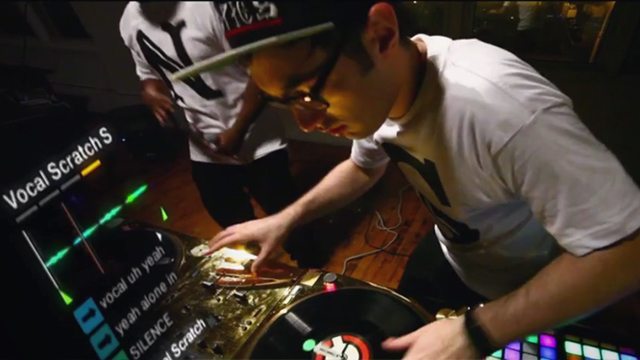
Fred Astaire sure can cut!

How do the various modes work on the F1, and is there LED feedback that works well for each mode?
There is indeed LED feedback for all the different modes. The color options on the F1 are outstanding, giving the user control over the color of each sample and then some. As for modes, you can do unquantized triggering from the start of a sound, quantized triggering from the start of a sound (with user choice of quantiziation), and PUNCH mode. PUNCH mode let’s you immediately jump to the same relative position from sample to sample upon triggering. I use PUNCH mode heavily in the routine. And then there’s even more modes. Modes on modes on modes, son!

Are you using the default mapping on the units?
Yes. I made one addition though, making a single button mass toggle PUNCH mode on and off.
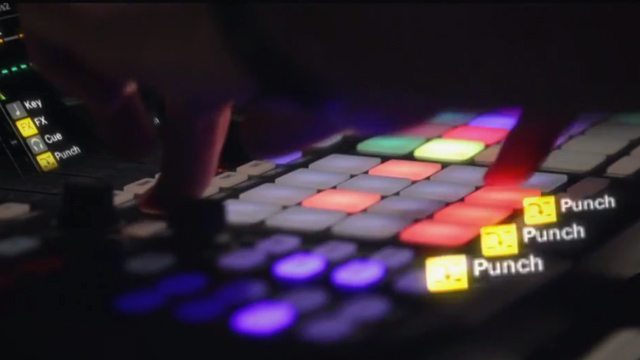
How do you find loop triggering in the remix decks versus the old loop decks?
These Remix decks are way way way way way more expansive than the old loop decks. You have 4×16 = 64 sample slots vs. only 4 in the old loops decks. In these Remix decks, you can sequence these different loops and samples, while you were limited to your 4 samples and only your 4 samples in the old loop decks. As Kanye says, “no one man should have all this power!”

About sample loading: how do group samples load and how are they displayed in Traktor? Is it smooth and comfortable?
Loading a Remix set is as easy as loading a track. Just select the set in your browser and drop it in the deck. Incredibly smooth and comfortable, just like my face after I shave. Or a Snuggie on a cold winter’s night.

Will you be using a pair of Kontrol F1s in your live sets from now on?
I haven’t decided yet, still tweaking things. I’m thinking my live setup will be Maschine + 1 F1. 2 F1s if I need to do this exact routine. Also an electric egg machine for when I get hungry.

Why two F1s instead of one – is it just much easier to control a rapid fire routine, or does the workflow make more sense with two?
You can control all 4 decks with a single F1. However, for this routine I did need the 2 for the rapid fire triggering on both sides.

Do you like using the F1 better than a Maschine?
They are really two different, complimentary beasts. I like F1 for controlling the new Remix decks in Traktor 2.5 and Maschine for controlling the rest of the program. The two are like passionate lovers dancing under the moonlight in Acapulco.

Finally, everyone wants to know – whose awesome pad did you shoot this video in?
That’s Snoop Dogg’s pad. He’s a close friend.

Win A Kontrol F1

Sadly, this contest is over… but on the bright side, we carry the Kontrol F1 in our online store.

Haven’t boarded the Traktor train yet? Good news: the software is included with the Audio 2!
Tags: dj shiftee interviewremix deckstraktor kontrol f1traktor pro 2.5traktor scratch pro 2.5
Share1Tweet1Share
Previous Post

Engine: Denon’s Answer to Rekordbox

Next Post

Pioneer RMX-1000 Announced: New Remix/Sampling Device

Related Posts

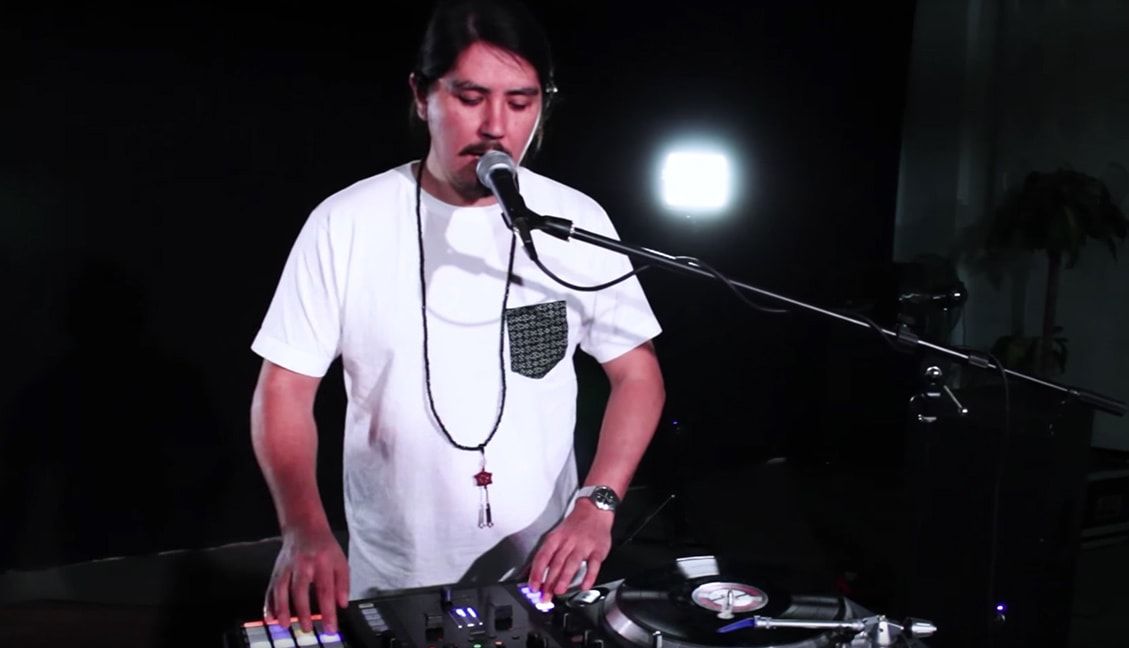
& Beyond: DJ Shiftee Talks Through His New DJ Routine Series
Artist Features

& Beyond: DJ Shiftee Talks Through His New DJ Routine Series

June 23, 2017
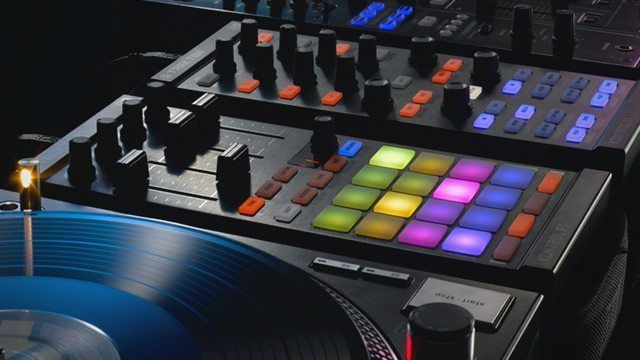
Routine: “I Am Asian Hawk” Vocals + Turntablism + Traktor
Routines

Routine: “I Am Asian Hawk” Vocals + Turntablism + Traktor

June 22, 2017
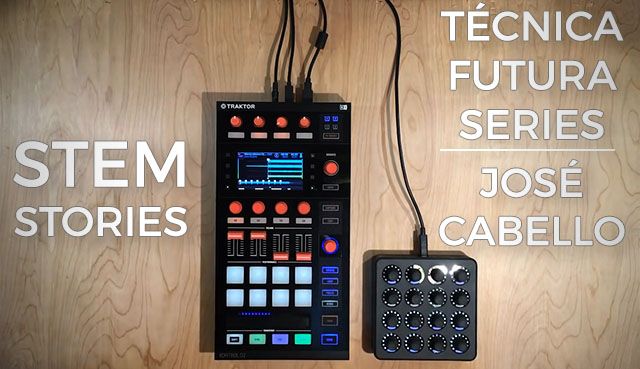
Routine: Stem Stories with José Cabello
News

Routine: Stem Stories with José Cabello

May 15, 2017
Load More
Next Post
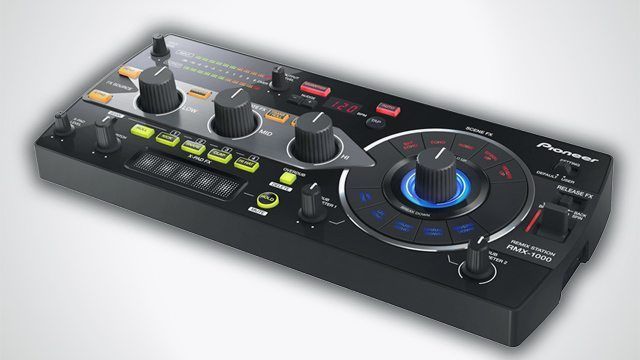
Pioneer RMX-1000 Announced: New Remix/Sampling Device

Pioneer RMX-1000 Announced: New Remix/Sampling Device

Want to reach DJTT's audience here?

Shoot an email to advertising@djtechtools.com

DJTT ads
DJTT newsletter
Midi Fighter
Chat with us
  • ABOUT DJTT
  • CONTACT
  • PRIVACY
  • MIDI FIGHTER HELP
  • ABOUT DJTT
  • JOBS
  • CONTACT US
  • ADVERTISE
  • PRIVACY POLICY
  • ACCESSIBILITY STATEMENT

© 2024 DJ Techtools all rights reserved by DJ TechTools on all content unless otherwise noted.

No Result
View All Result
  • Blog
    • DJ Gear
      • DIY Projects
      • Gear Reviews
      • New Products
      • Controllerism
    • Techniques + Tips
      • Beginner DJ
      • Advanced DJ
      • Producer
      • Finger Drummer
    • News + Culture
      • Editorials + Opinions
      • Artist Interviews
      • Performances + Routines
      • How I Play
    • DJ Software Tutorials
      • Serato Tips
      • CDJ Tips
      • Ableton Live Tips
  • Store
    • Run by real DJs, not a corporation
    • DJ Controllers
      • Midi Fighter Twister
      • Midi Fighter Spectra
      • Midi Fighter 64
      • View All
    • Accessories
      • Chroma USB Drive for DJs
      • Chroma Caps
      • Chroma Cables Audio
      • Chroma Cables USB-A
      • Chroma Cables: USB-C
      • DJTT Gift Card
      • Midi Fighter T-Shirt
      • Keyboard Covers
      • Earplugs by V-Moda
    • Production Gear
    • Soundcards & Mixers
  • Community
    • Popular Forums
      • General Discussion
      • Buy & Sell
      • Reviews
      • Mixes
      • Music Production
      • Show Your Setup
      • Off Topic
    • Handy Links
      • New Posts
      • Private Messages
      • Register
      • Search
    • Midi Maps
      • Traktor
      • Ableton
      • Serato DJ
      • Midi Fighter 3D
      • Midi Fighter Twister
      • Midi Fighter Spectra
  • Midi Fighter
  • Chroma

© 2024 DJ Techtools all rights reserved by DJ TechTools on all content unless otherwise noted.

This website uses cookies. By continuing to use this website you are giving consent to cookies being used. Visit our Privacy and Cookie Policy.