DJ TechTools
  • Blog
    • DJ Gear
      • DIY Projects
      • Gear Reviews
      • New Products
      • Controllerism
    • Techniques + Tips
      • Beginner DJ
      • Advanced DJ
      • Producer
      • Finger Drummer
    • News + Culture
      • Editorials + Opinions
      • Artist Interviews
      • Performances + Routines
      • How I Play
    • DJ Software Tutorials
      • Serato Tips
        • Traktor Tips
      • CDJ Tips
      • Ableton Live Tips
  • Store
    • Run by real DJs, not a corporation
    • DJ Controllers
      • Midi Fighter Twister
      • Midi Fighter Spectra
      • Midi Fighter 64
      • View All
    • Accessories
      • Chroma USB Drive for DJs
      • Chroma Caps
      • Chroma Cables Audio
      • Chroma Cables USB-A
      • Chroma Cables: USB-C
      • DJTT Gift Card
      • Midi Fighter T-Shirt
      • Keyboard Covers
      • Earplugs by V-Moda
    • Production Gear
    • Soundcards & Mixers
  • Community
    • Popular Forums
      • General Discussion
      • Buy & Sell
      • Reviews
      • Mixes
      • Music Production
      • Show Your Setup
      • Off Topic
    • Handy Links
      • New Posts
      • Private Messages
      • Register
      • Search
    • Midi Maps
      • Traktor
      • Ableton
      • Serato DJ
      • Midi Fighter 3D
      • Midi Fighter Twister
      • Midi Fighter Spectra
  • Midi Fighter
  • Chroma
No Result
View All Result
DJ TechTools
  • Blog
    • DJ Gear
      • DIY Projects
      • Gear Reviews
      • New Products
      • Controllerism
    • Techniques + Tips
      • Beginner DJ
      • Advanced DJ
      • Producer
      • Finger Drummer
    • News + Culture
      • Editorials + Opinions
      • Artist Interviews
      • Performances + Routines
      • How I Play
    • DJ Software Tutorials
      • Serato Tips
        • Traktor Tips
      • CDJ Tips
      • Ableton Live Tips
  • Store
    • Run by real DJs, not a corporation
    • DJ Controllers
      • Midi Fighter Twister
      • Midi Fighter Spectra
      • Midi Fighter 64
      • View All
    • Accessories
      • Chroma USB Drive for DJs
      • Chroma Caps
      • Chroma Cables Audio
      • Chroma Cables USB-A
      • Chroma Cables: USB-C
      • DJTT Gift Card
      • Midi Fighter T-Shirt
      • Keyboard Covers
      • Earplugs by V-Moda
    • Production Gear
    • Soundcards & Mixers
  • Community
    • Popular Forums
      • General Discussion
      • Buy & Sell
      • Reviews
      • Mixes
      • Music Production
      • Show Your Setup
      • Off Topic
    • Handy Links
      • New Posts
      • Private Messages
      • Register
      • Search
    • Midi Maps
      • Traktor
      • Ableton
      • Serato DJ
      • Midi Fighter 3D
      • Midi Fighter Twister
      • Midi Fighter Spectra
  • Midi Fighter
  • Chroma
No Result
View All Result
DJ TechTools

Maschine 2.3 Out Now, Free Komplete Select Instruments

Dan White by Dan White
May 18, 2015
in Breaking News, Maschine, News, News + Culture
Reading Time: 3 mins read
0
Maschine 2.3 Out Now, Free Komplete Select Instruments
49
VIEWS
Post on FacebookTweet thisUpvote on Reddit

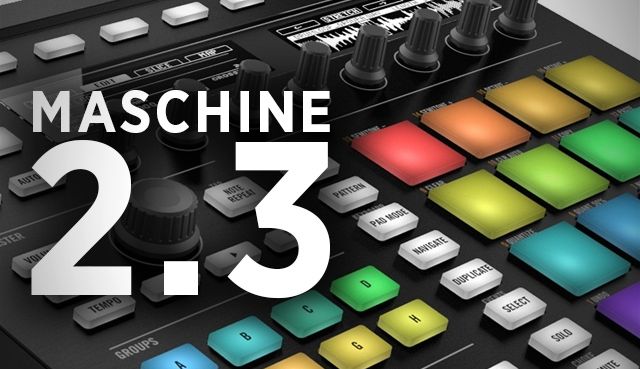
Maschine users have been anxiously awaiting their next update for a number of months, and finally today version 2.3 is just hitting the NI Service Center downloads. In addition to a number of major usability updates (full changelist below), the new version of Maschine includes access to Komplete Select, which is a selection of some of the best instruments from the Komplete library, including Massive, Monark, Reaktor Prism, and more.

Native Instruments has also added a few new effects and sounds to Maschine’s own collection, including the addition of new drum synth engines and new reverb modes.

The update to the Maschine software is available now in the Service Center – but for access to Komplete Select, registered users will have to wait for an email with access details in the next few days, according to a post on the NI forums.

USABILITY IMPROVEMENTS:

  • Empty Sounds are exported as MIDI when exporting Group Patterns. (ie. Sound one is always on MIDI channel one, sound two is always on MIDI channel two, sound three is always on MIDI channel three and so on, even if the group contains sounds with no MIDI.)
  • Komplete Kontrol Keyboards can now be connected to a Maschine instance using a toolbar icon.
  • MIDI input options have changed. “None” now actually means none (ie. no MIDI input even if the sound is in focus), and a new “Focus” entry has been added which allows MIDI input only when the sound is focused.
  • Scene changes can now be recorded in the DAW.
  • It is now possible to navigate between plugin slots when in the browser by pressing SHIFT.
  • A timer has been added to the page numbers on the Maschine classic HW, meaning that the page number no longer blocks the display of sections names.
  • Macros and plugin parameters can now be cut and pasted between pages, as well as renamed.
  • Plugin pages can now be cleared and deleted.
  • Events can now be quantized from the software (using the right click context menu in the pattern area)
  • Root note is automatically selected when slicing sounds to a new group (partial fix for a bug introduced in 2.2)
  • NIS roundtrip (saving presets in KK will update Maschine and the standalone version of the plugins browser with the preset)

NEW INSTRUMENTS AND EFFECTS:

  • A new “Analog” mode has been added to the distortion module (based on the Skreamer module in Guitar Rig). The old distortion is the “Mulholland” mode.
  • A new Cabient Emulation effect has been added (based on control room from Guitar Rig)
  • A new “Breaker” engine has been added to the snare drumsynth.
  • A new “High” engine has been added to the Tom drumsynth.
  • A new “Cymbal” drumsynth has been added, with two modes “Crash” and “Ride”.
  • A new “Hybrid” engine has been added to the Hi-Hat module.
  • The limiter has been updated. The old limiter is available as a “Legacy” mode.
  • Two new reverb modes have been added “Hall” and “Room”. The plate reverb has been moved, so it is in the reverb module. The old reverb has been renamed as “Reverb (Legacy)”

SHARED CHANGES FROM KOMPLETE KONTROL 1.1

  • PluginHost refactoring
  • Arp Hold added
  • Scale Key Mode “Guide”
  • Master/Sound Volume Control added
  • Octave Display added
  • Touchstrip Modes “Tempo”, “Spring” and “Stepped”
  • Touchstrip Controller Page added
  • Kontakt Key Switch String Display
  • Foldable Tag Clouds functionality added
  • Common Abbreviations Update

MASCHINE 2.3 also includes KOMPLETE SELECT – a premium selection of instruments and effects (free for all registered MASCHINE 2 software users):

  • MASSIVE – definitive synth for basses and lead
  • MONARK – iconic monophonic syntheisizer
  • THE GENTLEMAN– vintage upright piano
  • DRUMLAB – acoustic and electronic drums
  • REAKTOR PRISM – vibrant modal synth and effects
  • SCARBEE MARK I – classic electric piano
  • RETRO MACHINES – vintage analog synth and keyboards
  • VINTAGE ORGANS – five drawbar legends reborn
  • WEST AFRICA – polyrhythmic percussion and melodies
  • SOLID BUS COMP – versatile compressor effect

Want a Maschine of your own? Support DJTT and consider buying one in our store. 
Tags: Komplete KeyboardsKomplete Selectmaschinemaschine 2.3
ShareTweetShare
Previous Post

The History Of DJ TechTools

Next Post

MacBook Pro Running Slow? You Need A Solid State Drive

Related Posts

A Prime 4+ and a Kontrol S3 intercut against eachother over a black background
Breaking News

InMusic just bought Native Instruments. So what now for Traktor?

May 8, 2026
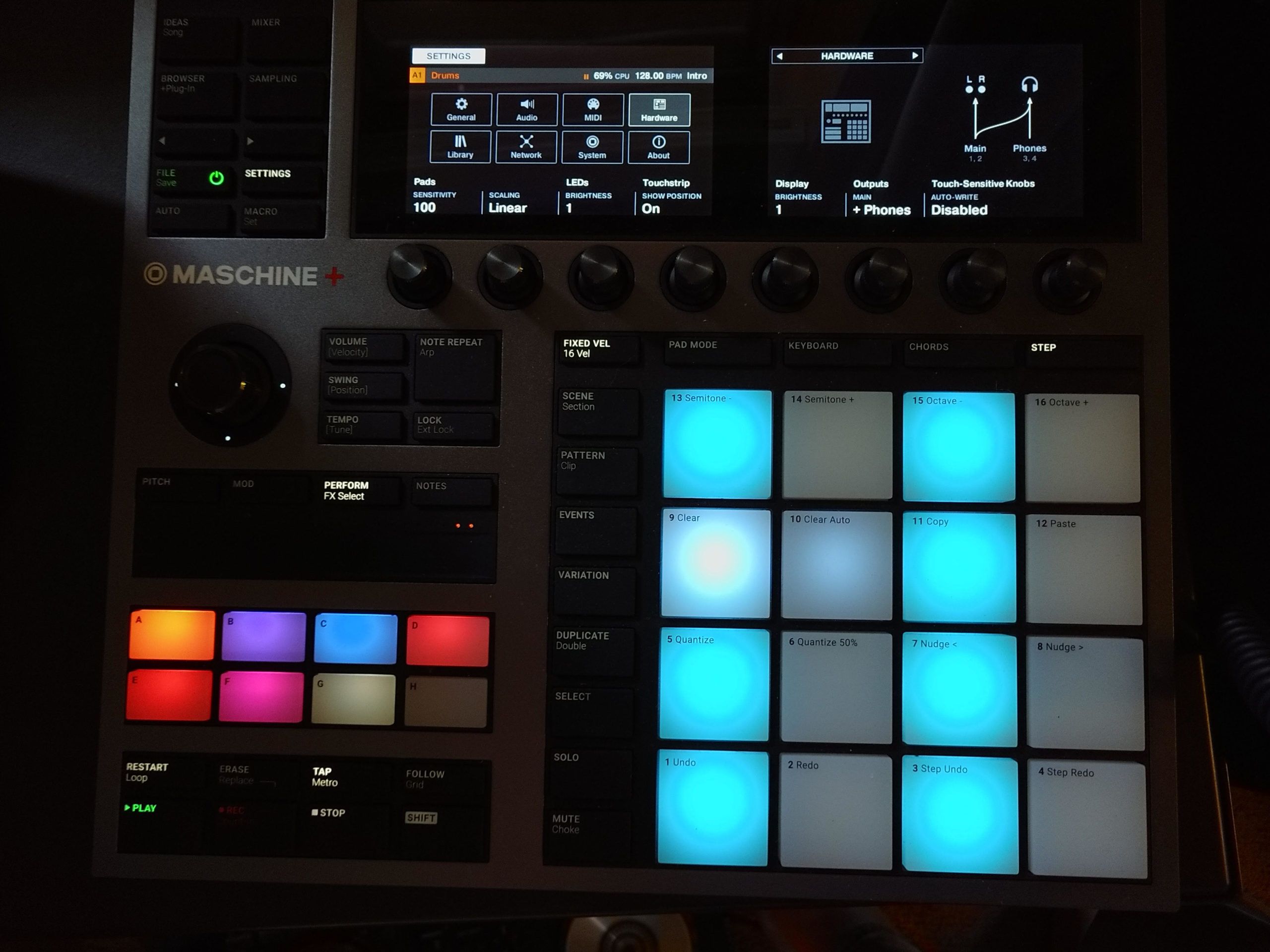
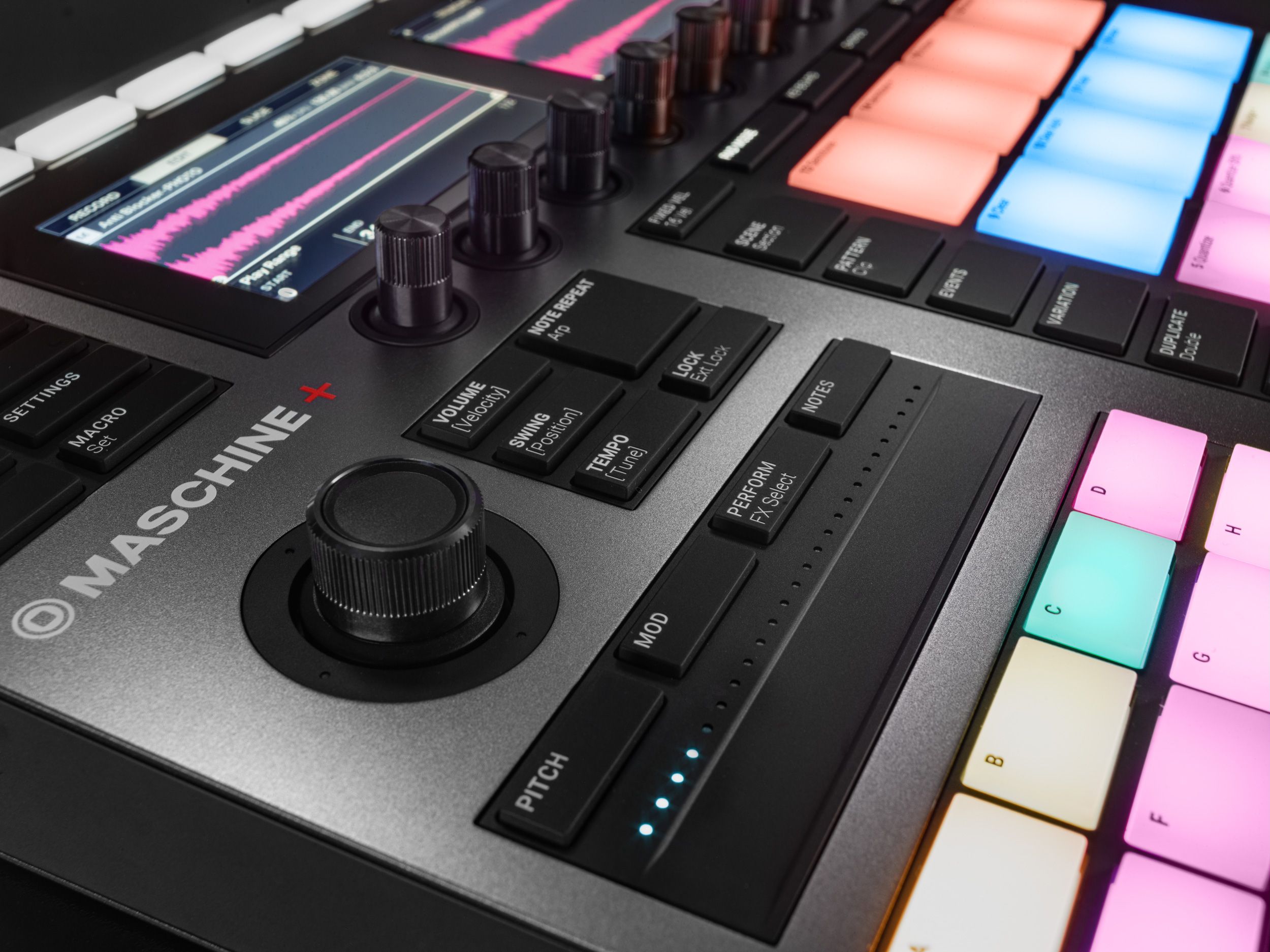
MASCHINE+ Review: Finally, a standalone Maschine, albeit with a $1,400 pricetag
DJ Gear

MASCHINE+ Review: Finally, a standalone Maschine, albeit with a $1,400 pricetag

December 16, 2020
Standalone Maschine+ announced: perform and produce without a computer
DJ Gear Announcements

Standalone Maschine+ announced: perform and produce without a computer

September 8, 2020
Load More
Next Post
MacBook Pro Running Slow? You Need A Solid State Drive

MacBook Pro Running Slow? You Need A Solid State Drive

Want to reach DJTT's audience here?

Shoot an email to advertising@djtechtools.com

DJTT ads
DJTT newsletter
Midi Fighter
Chat with us
  • ABOUT DJTT
  • CONTACT
  • PRIVACY
  • MIDI FIGHTER HELP
  • ABOUT DJTT
  • JOBS
  • CONTACT US
  • ADVERTISE
  • PRIVACY POLICY
  • ACCESSIBILITY STATEMENT

© 2024 DJ Techtools all rights reserved by DJ TechTools on all content unless otherwise noted.

No Result
View All Result
  • Blog
    • DJ Gear
      • DIY Projects
      • Gear Reviews
      • New Products
      • Controllerism
    • Techniques + Tips
      • Beginner DJ
      • Advanced DJ
      • Producer
      • Finger Drummer
    • News + Culture
      • Editorials + Opinions
      • Artist Interviews
      • Performances + Routines
      • How I Play
    • DJ Software Tutorials
      • Serato Tips
      • CDJ Tips
      • Ableton Live Tips
  • Store
    • Run by real DJs, not a corporation
    • DJ Controllers
      • Midi Fighter Twister
      • Midi Fighter Spectra
      • Midi Fighter 64
      • View All
    • Accessories
      • Chroma USB Drive for DJs
      • Chroma Caps
      • Chroma Cables Audio
      • Chroma Cables USB-A
      • Chroma Cables: USB-C
      • DJTT Gift Card
      • Midi Fighter T-Shirt
      • Keyboard Covers
      • Earplugs by V-Moda
    • Production Gear
    • Soundcards & Mixers
  • Community
    • Popular Forums
      • General Discussion
      • Buy & Sell
      • Reviews
      • Mixes
      • Music Production
      • Show Your Setup
      • Off Topic
    • Handy Links
      • New Posts
      • Private Messages
      • Register
      • Search
    • Midi Maps
      • Traktor
      • Ableton
      • Serato DJ
      • Midi Fighter 3D
      • Midi Fighter Twister
      • Midi Fighter Spectra
  • Midi Fighter
  • Chroma

© 2024 DJ Techtools all rights reserved by DJ TechTools on all content unless otherwise noted.

This website uses cookies. By continuing to use this website you are giving consent to cookies being used. Visit our Privacy and Cookie Policy.