DJ TechTools
  • Blog
    • DJ Gear
      • DIY Projects
      • Gear Reviews
      • New Products
      • Controllerism
    • Techniques + Tips
      • Beginner DJ
      • Advanced DJ
      • Producer
      • Finger Drummer
    • News + Culture
      • Editorials + Opinions
      • Artist Interviews
      • Performances + Routines
      • How I Play
    • DJ Software Tutorials
      • Serato Tips
        • Traktor Tips
      • CDJ Tips
      • Ableton Live Tips
  • Store
    • Run by real DJs, not a corporation
    • DJ Controllers
      • Midi Fighter Twister
      • Midi Fighter Spectra
      • Midi Fighter 64
      • View All
    • Accessories
      • Chroma USB Drive for DJs
      • Chroma Caps
      • Chroma Cables Audio
      • Chroma Cables USB-A
      • Chroma Cables: USB-C
      • DJTT Gift Card
      • Midi Fighter T-Shirt
      • Keyboard Covers
      • Earplugs by V-Moda
    • Production Gear
    • Soundcards & Mixers
  • Community
    • Popular Forums
      • General Discussion
      • Buy & Sell
      • Reviews
      • Mixes
      • Music Production
      • Show Your Setup
      • Off Topic
    • Handy Links
      • New Posts
      • Private Messages
      • Register
      • Search
    • Midi Maps
      • Traktor
      • Ableton
      • Serato DJ
      • Midi Fighter 3D
      • Midi Fighter Twister
      • Midi Fighter Spectra
  • Midi Fighter
  • Chroma
No Result
View All Result
DJ TechTools
  • Blog
    • DJ Gear
      • DIY Projects
      • Gear Reviews
      • New Products
      • Controllerism
    • Techniques + Tips
      • Beginner DJ
      • Advanced DJ
      • Producer
      • Finger Drummer
    • News + Culture
      • Editorials + Opinions
      • Artist Interviews
      • Performances + Routines
      • How I Play
    • DJ Software Tutorials
      • Serato Tips
        • Traktor Tips
      • CDJ Tips
      • Ableton Live Tips
  • Store
    • Run by real DJs, not a corporation
    • DJ Controllers
      • Midi Fighter Twister
      • Midi Fighter Spectra
      • Midi Fighter 64
      • View All
    • Accessories
      • Chroma USB Drive for DJs
      • Chroma Caps
      • Chroma Cables Audio
      • Chroma Cables USB-A
      • Chroma Cables: USB-C
      • DJTT Gift Card
      • Midi Fighter T-Shirt
      • Keyboard Covers
      • Earplugs by V-Moda
    • Production Gear
    • Soundcards & Mixers
  • Community
    • Popular Forums
      • General Discussion
      • Buy & Sell
      • Reviews
      • Mixes
      • Music Production
      • Show Your Setup
      • Off Topic
    • Handy Links
      • New Posts
      • Private Messages
      • Register
      • Search
    • Midi Maps
      • Traktor
      • Ableton
      • Serato DJ
      • Midi Fighter 3D
      • Midi Fighter Twister
      • Midi Fighter Spectra
  • Midi Fighter
  • Chroma
No Result
View All Result
DJ TechTools

Mixed In Key 8: X-Ray Waveforms, Auto Cue Points, Tag Editing

Dan White by Dan White
September 12, 2016
in Breaking News, News
Reading Time: 2 mins read
0
Mixed In Key 8: X-Ray Waveforms, Auto Cue Points, Tag Editing
195
VIEWS
Post on FacebookTweet thisUpvote on Reddit

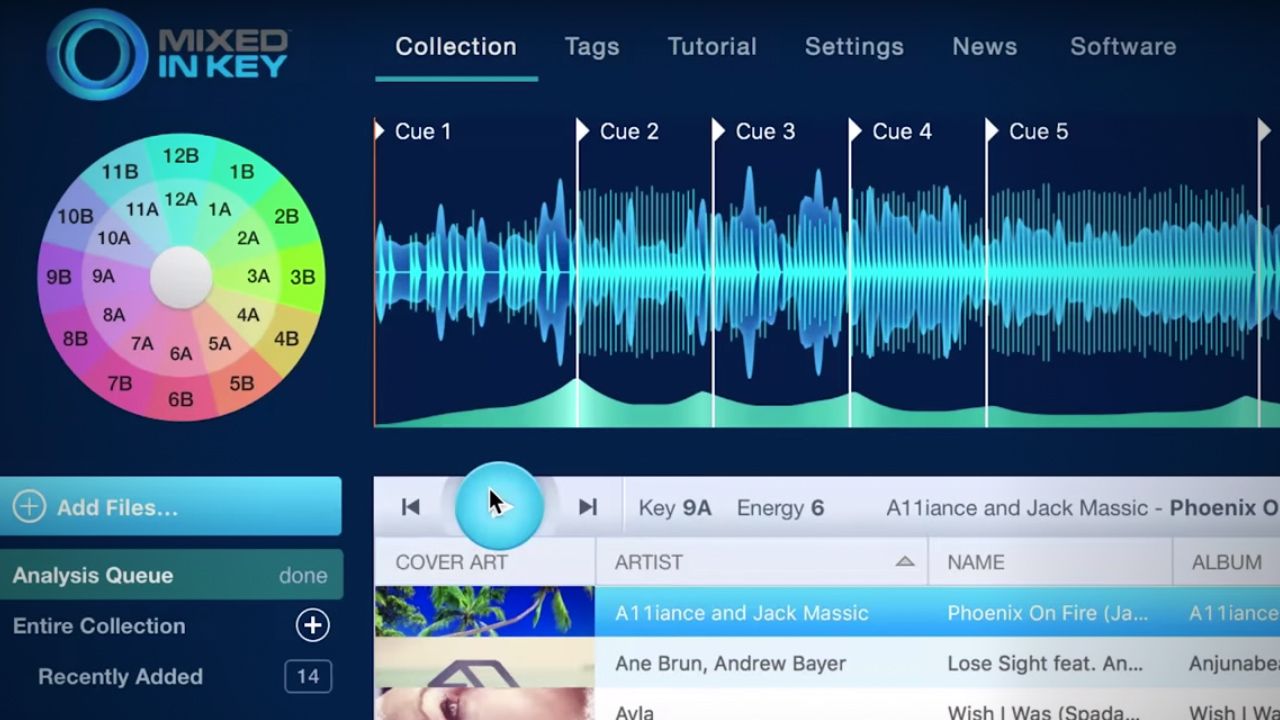
Mixed In Key has released a brand new version of their key analysis software, Mixed In Key 8. In addition to incredibly accurate key detection of tracks, the new version of the software has new features for playlist and ID3 tag cleaning, cue point detection, and more.

  • Software: Mixed In Key 8
  • Developer: Mixed In Key
  • Availability: Out now
  • Price: $29 for current users, $58 for new

Cue Curve / Cue Point Detection Algorithm

The last version of Mixed In Key, released in January 2015, incorporated a new system that automatically detected and placed cue points for Serato and Traktor users. This new version continues to do that, but has incorporated some new functionality as well:

“The bottom of the audio player shows our new invention, the Cue Curve. If you see a tall peak that looks like Mount Fuji, that means you can drop a perfect cue point there.

cuecurve

Your Cue Points are always snapped to the beat. Mixed In Key will load the official Serato and Traktor beatgrid, and will make sure that your Cue Points line up. You can edit everything yourself, and sync with Serato and Traktor automatically.”

X-Ray Waveforms

xray

The new waveform view in Mixed in Key 8 allows DJs to quickly see the volume of the melody and the transients created by the drumbeat – which makes it easier to find sections of the song to place cue points.

Metabliss ID3 Tag Manager Built In

Mixed In Key has incorporated of their standalone MetaBliss ID3 tag manager app into this new version 8 of the key detection software. It allows DJs to treat their library like an Excel spreadsheet – jumping into individual ID3 fields and cleaning them up.

You can also quickly correct issues like extra spaces, extraneous promo links in the track comments, and change the case automatically to a number of options.

Get more details on this release of Mixed In Key 8 on the official site here. 

Tags: id3 tagMetaBlissmixed in keymixed in key 8
Share2Tweet1Share
Previous Post

Everything You Need To Know About Roland’s DJ-808 Serato Controller

Next Post

Serato DJ 1.9.3 Beta: Ableton Link Tempo Sync

Related Posts

Mixed In Key Live can analyze tracks from streaming platforms, DAWs, and any audio on your Mac
DJ Software

Mixed In Key Live can analyze tracks from streaming platforms, DAWs, and any audio on your Mac

November 5, 2021
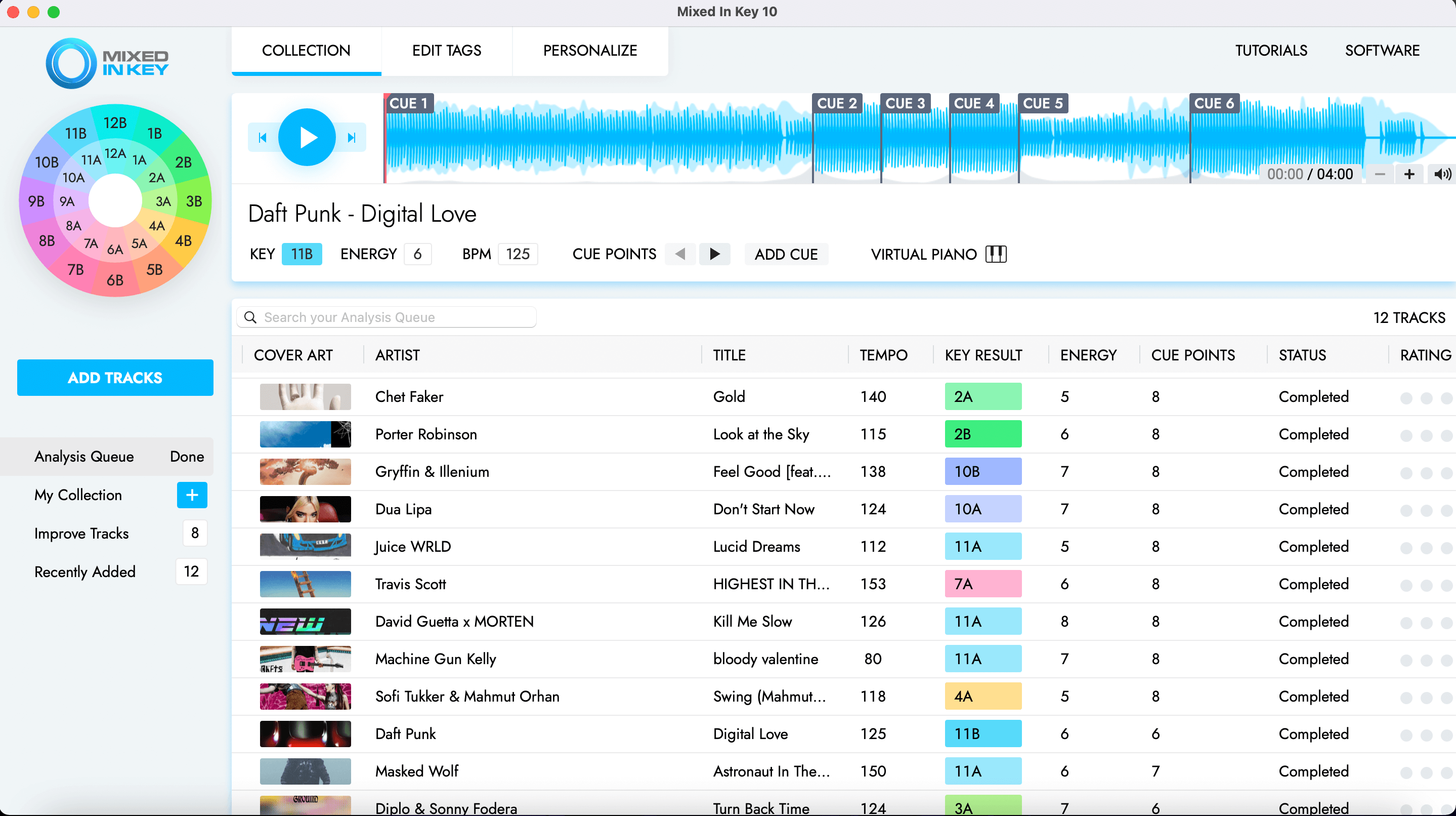
Mixed In Key 10: improved key detection, cue point exporting, & a UI update
DJ Gear

Mixed In Key 10: improved key detection, cue point exporting, & a UI update

May 6, 2021
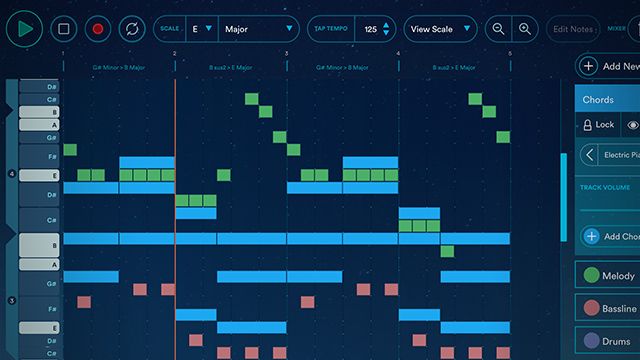
Odesi Midi Composition Tool
Breaking News

Odesi: Music Composition Software From Mixed In Key

December 9, 2015
Load More
Next Post
Serato DJ 1.9.3 Beta: Ableton Link Tempo Sync

Serato DJ 1.9.3 Beta: Ableton Link Tempo Sync

Want to reach DJTT's audience here?

Shoot an email to advertising@djtechtools.com

DJTT ads
DJTT newsletter
Midi Fighter
Chat with us
  • ABOUT DJTT
  • CONTACT
  • PRIVACY
  • MIDI FIGHTER HELP
  • ABOUT DJTT
  • JOBS
  • CONTACT US
  • ADVERTISE
  • PRIVACY POLICY
  • ACCESSIBILITY STATEMENT

© 2024 DJ Techtools all rights reserved by DJ TechTools on all content unless otherwise noted.

No Result
View All Result
  • Blog
    • DJ Gear
      • DIY Projects
      • Gear Reviews
      • New Products
      • Controllerism
    • Techniques + Tips
      • Beginner DJ
      • Advanced DJ
      • Producer
      • Finger Drummer
    • News + Culture
      • Editorials + Opinions
      • Artist Interviews
      • Performances + Routines
      • How I Play
    • DJ Software Tutorials
      • Serato Tips
      • CDJ Tips
      • Ableton Live Tips
  • Store
    • Run by real DJs, not a corporation
    • DJ Controllers
      • Midi Fighter Twister
      • Midi Fighter Spectra
      • Midi Fighter 64
      • View All
    • Accessories
      • Chroma USB Drive for DJs
      • Chroma Caps
      • Chroma Cables Audio
      • Chroma Cables USB-A
      • Chroma Cables: USB-C
      • DJTT Gift Card
      • Midi Fighter T-Shirt
      • Keyboard Covers
      • Earplugs by V-Moda
    • Production Gear
    • Soundcards & Mixers
  • Community
    • Popular Forums
      • General Discussion
      • Buy & Sell
      • Reviews
      • Mixes
      • Music Production
      • Show Your Setup
      • Off Topic
    • Handy Links
      • New Posts
      • Private Messages
      • Register
      • Search
    • Midi Maps
      • Traktor
      • Ableton
      • Serato DJ
      • Midi Fighter 3D
      • Midi Fighter Twister
      • Midi Fighter Spectra
  • Midi Fighter
  • Chroma

© 2024 DJ Techtools all rights reserved by DJ TechTools on all content unless otherwise noted.

This website uses cookies. By continuing to use this website you are giving consent to cookies being used. Visit our Privacy and Cookie Policy.