DJ TechTools
  • Blog
    • DJ Gear
      • DIY Projects
      • Gear Reviews
      • New Products
      • Controllerism
    • Techniques + Tips
      • Beginner DJ
      • Advanced DJ
      • Producer
      • Finger Drummer
    • News + Culture
      • Editorials + Opinions
      • Artist Interviews
      • Performances + Routines
      • How I Play
    • DJ Software Tutorials
      • Serato Tips
        • Traktor Tips
      • CDJ Tips
      • Ableton Live Tips
  • Store
    • Run by real DJs, not a corporation
    • DJ Controllers
      • Midi Fighter Twister
      • Midi Fighter Spectra
      • Midi Fighter 64
      • View All
    • Accessories
      • Chroma USB Drive for DJs
      • Chroma Caps
      • Chroma Cables Audio
      • Chroma Cables USB-A
      • Chroma Cables: USB-C
      • DJTT Gift Card
      • Midi Fighter T-Shirt
      • Keyboard Covers
      • Earplugs by V-Moda
    • Production Gear
    • Soundcards & Mixers
  • Community
    • Popular Forums
      • General Discussion
      • Buy & Sell
      • Reviews
      • Mixes
      • Music Production
      • Show Your Setup
      • Off Topic
    • Handy Links
      • New Posts
      • Private Messages
      • Register
      • Search
    • Midi Maps
      • Traktor
      • Ableton
      • Serato DJ
      • Midi Fighter 3D
      • Midi Fighter Twister
      • Midi Fighter Spectra
  • Midi Fighter
  • Chroma
No Result
View All Result
DJ TechTools
  • Blog
    • DJ Gear
      • DIY Projects
      • Gear Reviews
      • New Products
      • Controllerism
    • Techniques + Tips
      • Beginner DJ
      • Advanced DJ
      • Producer
      • Finger Drummer
    • News + Culture
      • Editorials + Opinions
      • Artist Interviews
      • Performances + Routines
      • How I Play
    • DJ Software Tutorials
      • Serato Tips
        • Traktor Tips
      • CDJ Tips
      • Ableton Live Tips
  • Store
    • Run by real DJs, not a corporation
    • DJ Controllers
      • Midi Fighter Twister
      • Midi Fighter Spectra
      • Midi Fighter 64
      • View All
    • Accessories
      • Chroma USB Drive for DJs
      • Chroma Caps
      • Chroma Cables Audio
      • Chroma Cables USB-A
      • Chroma Cables: USB-C
      • DJTT Gift Card
      • Midi Fighter T-Shirt
      • Keyboard Covers
      • Earplugs by V-Moda
    • Production Gear
    • Soundcards & Mixers
  • Community
    • Popular Forums
      • General Discussion
      • Buy & Sell
      • Reviews
      • Mixes
      • Music Production
      • Show Your Setup
      • Off Topic
    • Handy Links
      • New Posts
      • Private Messages
      • Register
      • Search
    • Midi Maps
      • Traktor
      • Ableton
      • Serato DJ
      • Midi Fighter 3D
      • Midi Fighter Twister
      • Midi Fighter Spectra
  • Midi Fighter
  • Chroma
No Result
View All Result
DJ TechTools

Learn To Finger Drum: Mad Zach’s Basic Tutorial

Dan White by Dan White
March 4, 2013
in Controllerism, DJTT Gear, How-To Video Tutorials, Video Posts
Reading Time: 2 mins read
0
Learn To Finger Drum: Mad Zach’s Basic Tutorial
52
VIEWS
Post on FacebookTweet thisUpvote on Reddit

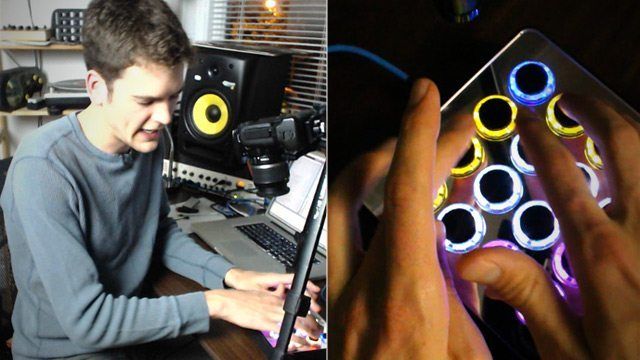
With the rise in live performers who are using finger drumming techniques in their shows, it’s become apparent that learning how to play beats on a MIDI controller is yet another way to rise to the top for DJs and producers. In this article Mad Zach will provide you with a free tutorial on how to get started with only a keyboard, along with a full length 30 minute tutorial that goes into even greater depth.
The truth is, you don’t need a fancy MIDI controller to get started playing beats (although it makes a difference when you get to advanced techniques), just your computer keyboard is a great place to start. That’s why Mad Zach uses a keyboard in the above video – as learning the fundamentals of what he’s teaching doesn’t require special tools.

Improved finger drumming abilities translate to a number of DJ and producer related skills, from jamming out on cue points to live recording a drum track for a new remix – it’s a great way to become a more well-rounded musician overall.

The full-length tutorial is available here for $10. 

THE LESSONS:

As noted in the video, Mad Zach has split up the full video into 5 easy-to-follow lessons. Here’s what you’ll learn in the full tutorial:

  • Lesson 1: Ergonomic and Sample Layout:  The first, most critical thing when you’re learning finger drumming is ergonomics. You’ve probably heard the word “ergonomics” mostly in the context of office furniture and fancy pens, but all it really means is the study of efficiency in working environments. And you about to do some work on this beat so we need to get you as efficient as possible!
  • Lesson 2: Beats to Practice:  Practice makes perfect, but its hard when you don’t know what to practice! In this lesson Mad Zach shows us a ton of different beats to practice, mainly focused on the right hand and drums.
  • Lesson 3: Techniques for the Left Hand: Once we’ve got the beat groovin’ on the right hand its time to bring in some basslines and atmospheres on the left. We start simple and work up to some more complicated grooves, there’s a lot of different
  • Lesson 4: Fills and Flourishes: A routine can get pretty stagnant if it just loops endlessly, in lesson 4 MZ introduces us to one of his favorite fills, and shows off some techniques for varying up the beat and adding some “spice.”
  • Lesson 5: Advanced Techniques: In the final section we take the routine to the frontier of controllerism with advanced techniques like crabbing, envelope tickling, and using risers to transition between energy levels.
  • BONUS Level: Practicing a Routine: As a culmination of the techniques shown in the tutorial, Mad Zach walks us through a complete routine that incorporates all the elements shown in the tutorial.
Tags: finger drummingfinger drumming techniquesmad zachplaying beats on MIDI contorllersTutorial
ShareTweetShare
Previous Post

The Guardian: Are Small Club Nights Dead?

Next Post

Ableton Live 9 Now Available + Push Presales

Related Posts

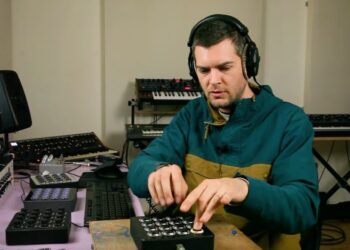
Control an entire studio with Midi Fighter Spectra (like Mad Zach)
Finger Drumming

Control an entire studio with Midi Fighter Spectra (like Mad Zach)

May 9, 2025
Mad Zach playing soundpacks on a Midi Fighter Spectra
Finger Drumming

Mad Zach Returns: Playing soundpacks in 2025

March 25, 2025
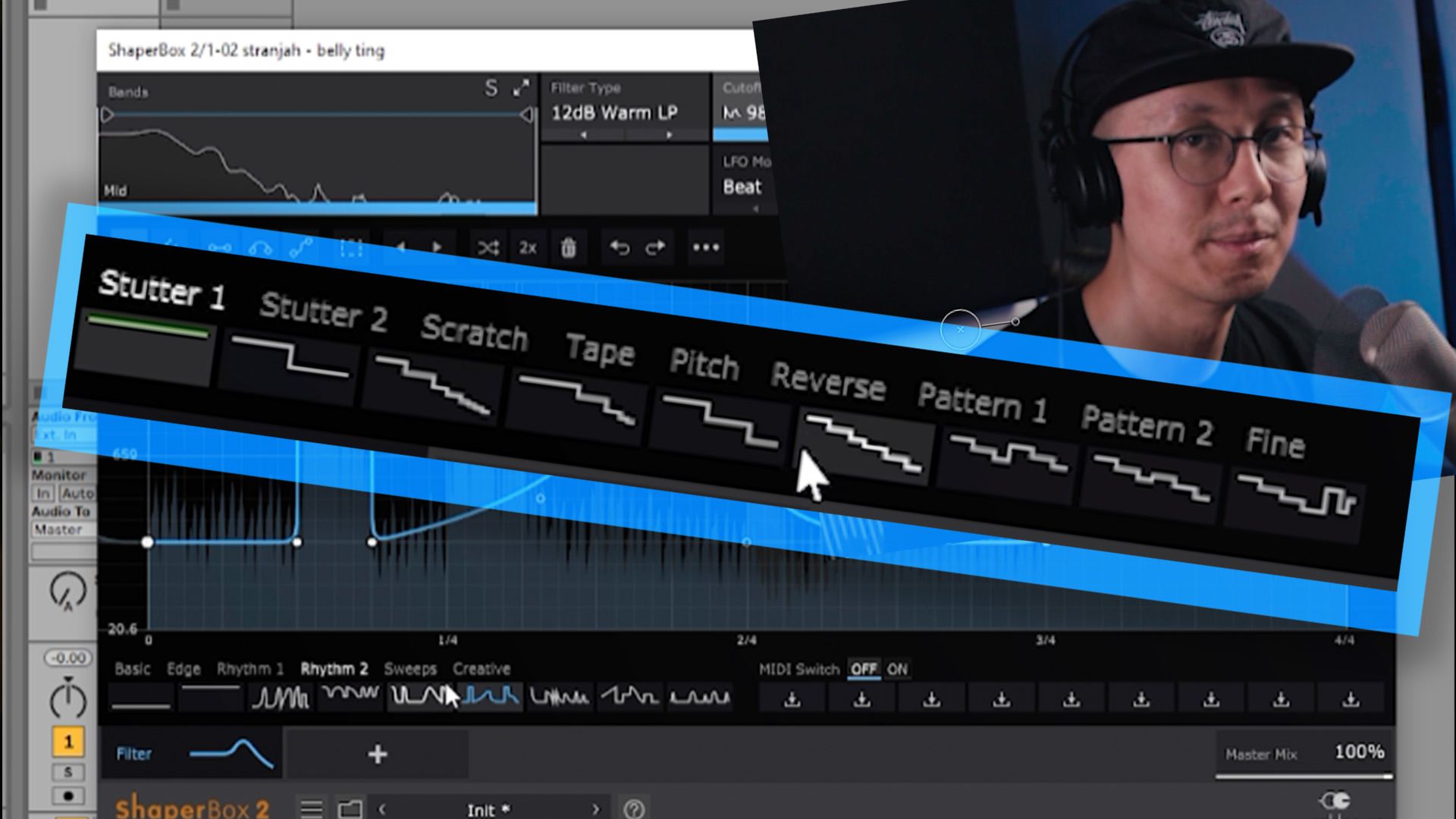
A quick way to add stutter/cut FX in Ableton Live
Ableton Live Tips

A quick way to add stutter/cut FX in Ableton Live

August 13, 2020
Load More
Next Post
Ableton Live 9 Now Available + Push Presales

Ableton Live 9 Now Available + Push Presales

Want to reach DJTT's audience here?

Shoot an email to advertising@djtechtools.com

DJTT ads
DJTT newsletter
Midi Fighter
Chat with us
  • ABOUT DJTT
  • CONTACT
  • PRIVACY
  • MIDI FIGHTER HELP
  • ABOUT DJTT
  • JOBS
  • CONTACT US
  • ADVERTISE
  • PRIVACY POLICY
  • ACCESSIBILITY STATEMENT

© 2024 DJ Techtools all rights reserved by DJ TechTools on all content unless otherwise noted.

No Result
View All Result
  • Blog
    • DJ Gear
      • DIY Projects
      • Gear Reviews
      • New Products
      • Controllerism
    • Techniques + Tips
      • Beginner DJ
      • Advanced DJ
      • Producer
      • Finger Drummer
    • News + Culture
      • Editorials + Opinions
      • Artist Interviews
      • Performances + Routines
      • How I Play
    • DJ Software Tutorials
      • Serato Tips
      • CDJ Tips
      • Ableton Live Tips
  • Store
    • Run by real DJs, not a corporation
    • DJ Controllers
      • Midi Fighter Twister
      • Midi Fighter Spectra
      • Midi Fighter 64
      • View All
    • Accessories
      • Chroma USB Drive for DJs
      • Chroma Caps
      • Chroma Cables Audio
      • Chroma Cables USB-A
      • Chroma Cables: USB-C
      • DJTT Gift Card
      • Midi Fighter T-Shirt
      • Keyboard Covers
      • Earplugs by V-Moda
    • Production Gear
    • Soundcards & Mixers
  • Community
    • Popular Forums
      • General Discussion
      • Buy & Sell
      • Reviews
      • Mixes
      • Music Production
      • Show Your Setup
      • Off Topic
    • Handy Links
      • New Posts
      • Private Messages
      • Register
      • Search
    • Midi Maps
      • Traktor
      • Ableton
      • Serato DJ
      • Midi Fighter 3D
      • Midi Fighter Twister
      • Midi Fighter Spectra
  • Midi Fighter
  • Chroma

© 2024 DJ Techtools all rights reserved by DJ TechTools on all content unless otherwise noted.

This website uses cookies. By continuing to use this website you are giving consent to cookies being used. Visit our Privacy and Cookie Policy.