DJ TechTools
  • Blog
    • DJ Gear
      • DIY Projects
      • Gear Reviews
      • New Products
      • Controllerism
    • Techniques + Tips
      • Beginner DJ
      • Advanced DJ
      • Producer
      • Finger Drummer
    • News + Culture
      • Editorials + Opinions
      • Artist Interviews
      • Performances + Routines
      • How I Play
    • DJ Software Tutorials
      • Serato Tips
        • Traktor Tips
      • CDJ Tips
      • Ableton Live Tips
  • Store
    • Run by real DJs, not a corporation
    • DJ Controllers
      • Midi Fighter Twister
      • Midi Fighter Spectra
      • Midi Fighter 64
      • View All
    • Accessories
      • Chroma USB Drive for DJs
      • Chroma Caps
      • Chroma Cables Audio
      • Chroma Cables USB-A
      • Chroma Cables: USB-C
      • DJTT Gift Card
      • Midi Fighter T-Shirt
      • Keyboard Covers
      • Earplugs by V-Moda
    • Production Gear
    • Soundcards & Mixers
  • Community
    • Popular Forums
      • General Discussion
      • Buy & Sell
      • Reviews
      • Mixes
      • Music Production
      • Show Your Setup
      • Off Topic
    • Handy Links
      • New Posts
      • Private Messages
      • Register
      • Search
    • Midi Maps
      • Traktor
      • Ableton
      • Serato DJ
      • Midi Fighter 3D
      • Midi Fighter Twister
      • Midi Fighter Spectra
  • Midi Fighter
  • Chroma
No Result
View All Result
DJ TechTools
  • Blog
    • DJ Gear
      • DIY Projects
      • Gear Reviews
      • New Products
      • Controllerism
    • Techniques + Tips
      • Beginner DJ
      • Advanced DJ
      • Producer
      • Finger Drummer
    • News + Culture
      • Editorials + Opinions
      • Artist Interviews
      • Performances + Routines
      • How I Play
    • DJ Software Tutorials
      • Serato Tips
        • Traktor Tips
      • CDJ Tips
      • Ableton Live Tips
  • Store
    • Run by real DJs, not a corporation
    • DJ Controllers
      • Midi Fighter Twister
      • Midi Fighter Spectra
      • Midi Fighter 64
      • View All
    • Accessories
      • Chroma USB Drive for DJs
      • Chroma Caps
      • Chroma Cables Audio
      • Chroma Cables USB-A
      • Chroma Cables: USB-C
      • DJTT Gift Card
      • Midi Fighter T-Shirt
      • Keyboard Covers
      • Earplugs by V-Moda
    • Production Gear
    • Soundcards & Mixers
  • Community
    • Popular Forums
      • General Discussion
      • Buy & Sell
      • Reviews
      • Mixes
      • Music Production
      • Show Your Setup
      • Off Topic
    • Handy Links
      • New Posts
      • Private Messages
      • Register
      • Search
    • Midi Maps
      • Traktor
      • Ableton
      • Serato DJ
      • Midi Fighter 3D
      • Midi Fighter Twister
      • Midi Fighter Spectra
  • Midi Fighter
  • Chroma
No Result
View All Result
DJ TechTools

Scratch Track: Scratch With Timecode In Any DAW

Dan White by Dan White
August 8, 2013
in News + Culture, Turntablism Tips
Reading Time: 3 mins read
0
Scratch Track: Scratch With Timecode In Any DAW
680
VIEWS
Post on FacebookTweet thisUpvote on Reddit

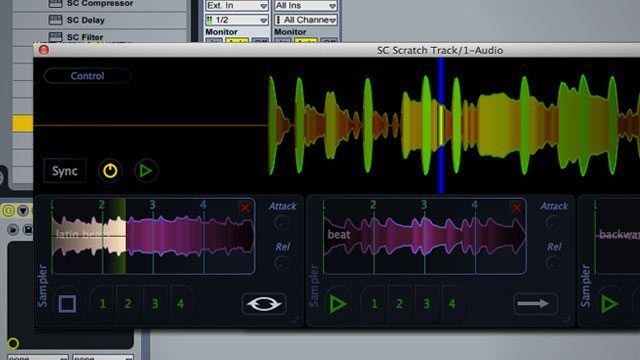
The small crew at Stagecraft Software has just finished and released their latest project, Scratch Track, which is a VST plugin that allows timecoded vinyl to be used in any DAW or audio software that supports plugins. Watch a complete demonstration of all of the plugin’s features that take timecode to the next level, read our quick interview with the developer, and enter to win one of three copies of the VST, all inside today’s article.

SCRATCH TRACK OVERVIEW

EXCLUSIVE INSIGHT WITH THE DEVELOPER

We spoke to Aaron – the founder and sole employee of Stagecraft Software – to learn more about the plugin.

Hey Aaron! What are the biggest advantages of using Scratch Track in a DAW versus a normal DVS system?

Being a modular plugin certainly has its advantages. We can route the audio in creative ways, adding chains of effects to the turntables output, automating the parameters in ways that would not be possible in the real world (64th note crossfades, etc), syncing of the clips to the DAW playhead (beat matching loops, which means we can scratch them, but then resync at will), and recording snippets of sounds from the DAW to the plugin for immediate scratching (the plugin can record loops from the DAW).

But the real advantage here is that we can record the outputs directly. From an EDM producer’s standpoint – this gets rid of the need for a massive amount of equipment, and a library of printed vinyls to scratch, plus reduces latency because we don’t need to use rewire or other third party drivers to route the audio from the DVS to the DAW. With one turntable, some time coded vinyl, and this plugin, you can lay down a collection of scratches immediately. Put simply, this is the easiest way to add scratches to a track.

What timecode vinyl does Scratch Tracks support?

Serato Scratch Live, Traktor Scratch, Traktor MKII, Torq, Ms Pinky.

Can you use scratch track to beatmatch/mix tracks in a more traditional manner well?

Full tracks can be loaded up, and there is support for beat matching. Having said that – this product is not focused on traditional DJing (there are no playlists, and you cannot hold longer tracks in loop mode as you might with traditional DVS systems). It will allow you to crossfade between the DAW output and what is playing on the turntable, however, so for the DJ who wants to alternate between playing a track, and performing within a DAW environment, this is just the ticket.

How is the latency? Will vinyl purists be happy with the response?

On par with any DVS system – the turntable velocity curve is recalculated every 32 samples, regardless of input buffer size. The crossfade uses nonlinear equations to smooth the response between incoming midi notes, giving an extremely natural response curve. It is definitely up to professional standards.

How big is your team, and how long did this project take?

Ha!  My team is me.  I use “we” in all the videos because my marketing team (also me) thinks that sounds better.  I have ongoing work with several well known music companies however, and am developing a VST effects library in conjunction with OpenLabs.  Look for all that coming soon.

What’s next?

Well, a few things are in the works.

  • A more traditional DJ DVS plugin is definitely coming soon (two turntables, plus playlists), to allow traditional DJing inside ableton and other hosts
  • Several more plugins are already available on the website (Cloud Browser – which allows you to search SoundsCloud and then drag-n-drop samples right into your DAW, as well as a really nice delay plugin).
  • A few new and innovative plugins are on the way (a beat analyzer that lets you grab the beat from incoming audio in real time and replicate it with different sounds, or as midi, and some DJ glitch style effects)
  • And the ongoing standalone project (Livetronica Studio), which is a fresh approach to modular DJing.  This is a standalone, live performance oriented, drum machine, plus plugin host plus synth, plus sequencer, plus DVS.  Basically a DAW environment that allows scratching.  Don’t expect this too be perfect just yet, but the beta is up and easily available on the website.

DJTT SCRATCH TRACK GIVEAWAY

Want a copy for yourself, for free? We’re giving away three, just use the widget below:


Thanks to Aaron for spending a few minutes answering our questions – check out Stagecraft Software’s site for more about his ongoing projects. 
Tags: dawsscratch trackscratching in dawsstagecraft softwaretimecodetimecode in abletonturntablism
Share6Tweet4Share
Previous Post

Pioneer Introduces S-DJ 50/60/80X DJ Monitors

Next Post

Mad Zach’s “Evil Lurks on a Summer Day” Interactive Music Release

Related Posts

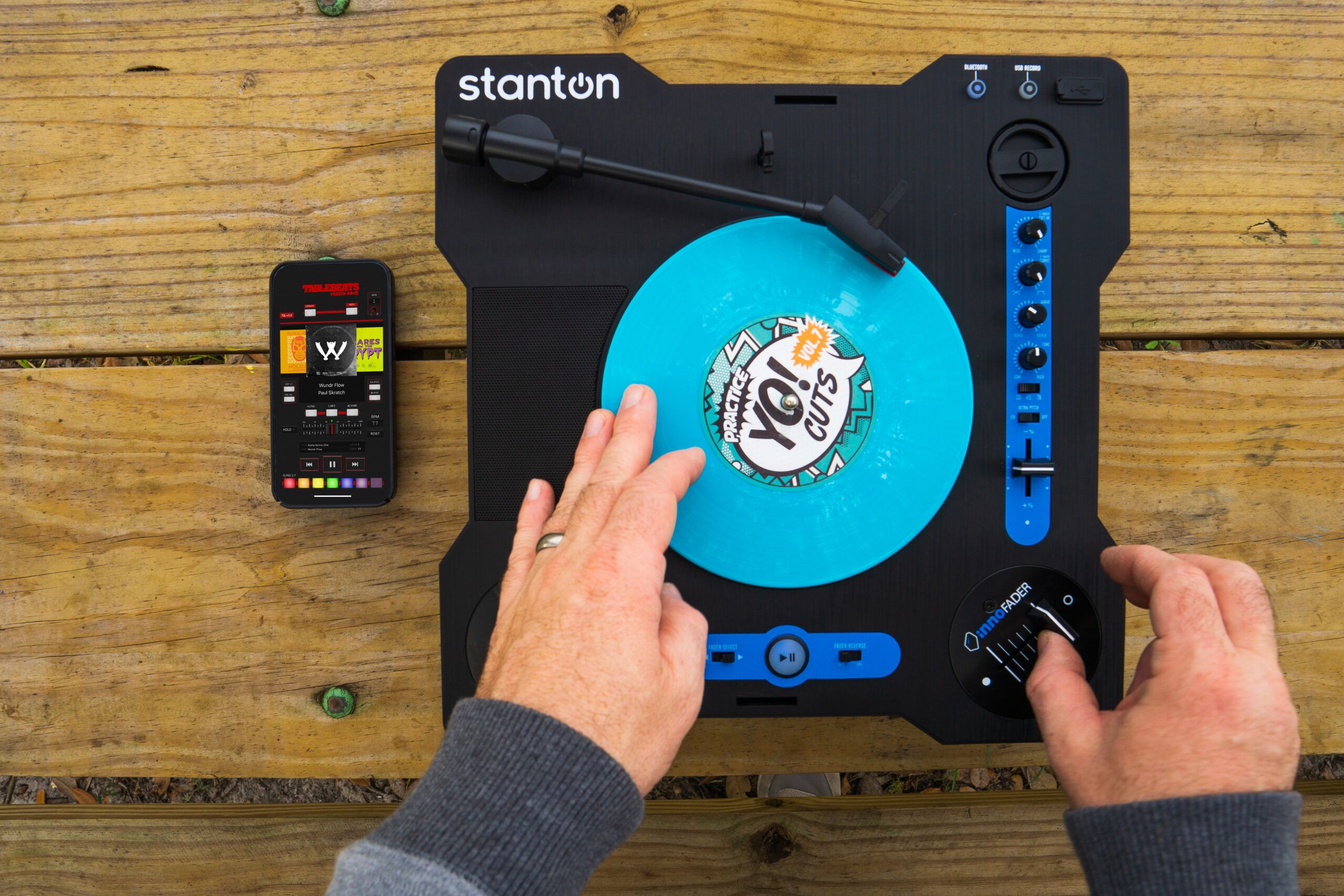
Stanton returns, launches STX: the only portable scratch turntable with an Innofader crossfader
DJ Gear

Stanton returns, launches STX: the only portable scratch turntable with an Innofader crossfader

February 21, 2023
We Tested 3 Online Music Creation Tools You Can Try In 2023: Soundful, Soundtrap + Soundation
Production Tips

We Tested 3 Online Music Creation Tools You Can Try In 2023: Soundful, Soundtrap + Soundation

December 28, 2022
Mixers, music, and the Brothers Macklovitch: a chat with A-Trak
Artist Features

Mixers, music, and the Brothers Macklovitch: a chat with A-Trak

August 26, 2021
Load More
Next Post
Mad Zach’s “Evil Lurks on a Summer Day” Interactive Music Release

Mad Zach's "Evil Lurks on a Summer Day" Interactive Music Release

Want to reach DJTT's audience here?

Shoot an email to advertising@djtechtools.com

DJTT ads
DJTT newsletter
Midi Fighter
Chat with us
  • ABOUT DJTT
  • CONTACT
  • PRIVACY
  • MIDI FIGHTER HELP
  • ABOUT DJTT
  • JOBS
  • CONTACT US
  • ADVERTISE
  • PRIVACY POLICY
  • ACCESSIBILITY STATEMENT

© 2024 DJ Techtools all rights reserved by DJ TechTools on all content unless otherwise noted.

No Result
View All Result
  • Blog
    • DJ Gear
      • DIY Projects
      • Gear Reviews
      • New Products
      • Controllerism
    • Techniques + Tips
      • Beginner DJ
      • Advanced DJ
      • Producer
      • Finger Drummer
    • News + Culture
      • Editorials + Opinions
      • Artist Interviews
      • Performances + Routines
      • How I Play
    • DJ Software Tutorials
      • Serato Tips
      • CDJ Tips
      • Ableton Live Tips
  • Store
    • Run by real DJs, not a corporation
    • DJ Controllers
      • Midi Fighter Twister
      • Midi Fighter Spectra
      • Midi Fighter 64
      • View All
    • Accessories
      • Chroma USB Drive for DJs
      • Chroma Caps
      • Chroma Cables Audio
      • Chroma Cables USB-A
      • Chroma Cables: USB-C
      • DJTT Gift Card
      • Midi Fighter T-Shirt
      • Keyboard Covers
      • Earplugs by V-Moda
    • Production Gear
    • Soundcards & Mixers
  • Community
    • Popular Forums
      • General Discussion
      • Buy & Sell
      • Reviews
      • Mixes
      • Music Production
      • Show Your Setup
      • Off Topic
    • Handy Links
      • New Posts
      • Private Messages
      • Register
      • Search
    • Midi Maps
      • Traktor
      • Ableton
      • Serato DJ
      • Midi Fighter 3D
      • Midi Fighter Twister
      • Midi Fighter Spectra
  • Midi Fighter
  • Chroma

© 2024 DJ Techtools all rights reserved by DJ TechTools on all content unless otherwise noted.

This website uses cookies. By continuing to use this website you are giving consent to cookies being used. Visit our Privacy and Cookie Policy.