DJ TechTools
  • Blog
    • DJ Gear
      • DIY Projects
      • Gear Reviews
      • New Products
      • Controllerism
    • Techniques + Tips
      • Beginner DJ
      • Advanced DJ
      • Producer
      • Finger Drummer
    • News + Culture
      • Editorials + Opinions
      • Artist Interviews
      • Performances + Routines
      • How I Play
    • DJ Software Tutorials
      • Serato Tips
        • Traktor Tips
      • CDJ Tips
      • Ableton Live Tips
  • Store
    • Run by real DJs, not a corporation
    • DJ Controllers
      • Midi Fighter Twister
      • Midi Fighter Spectra
      • Midi Fighter 64
      • View All
    • Accessories
      • Chroma USB Drive for DJs
      • Chroma Caps
      • Chroma Cables Audio
      • Chroma Cables USB-A
      • Chroma Cables: USB-C
      • DJTT Gift Card
      • Midi Fighter T-Shirt
      • Keyboard Covers
      • Earplugs by V-Moda
    • Production Gear
    • Soundcards & Mixers
  • Community
    • Popular Forums
      • General Discussion
      • Buy & Sell
      • Reviews
      • Mixes
      • Music Production
      • Show Your Setup
      • Off Topic
    • Handy Links
      • New Posts
      • Private Messages
      • Register
      • Search
    • Midi Maps
      • Traktor
      • Ableton
      • Serato DJ
      • Midi Fighter 3D
      • Midi Fighter Twister
      • Midi Fighter Spectra
  • Midi Fighter
  • Chroma
No Result
View All Result
DJ TechTools
  • Blog
    • DJ Gear
      • DIY Projects
      • Gear Reviews
      • New Products
      • Controllerism
    • Techniques + Tips
      • Beginner DJ
      • Advanced DJ
      • Producer
      • Finger Drummer
    • News + Culture
      • Editorials + Opinions
      • Artist Interviews
      • Performances + Routines
      • How I Play
    • DJ Software Tutorials
      • Serato Tips
        • Traktor Tips
      • CDJ Tips
      • Ableton Live Tips
  • Store
    • Run by real DJs, not a corporation
    • DJ Controllers
      • Midi Fighter Twister
      • Midi Fighter Spectra
      • Midi Fighter 64
      • View All
    • Accessories
      • Chroma USB Drive for DJs
      • Chroma Caps
      • Chroma Cables Audio
      • Chroma Cables USB-A
      • Chroma Cables: USB-C
      • DJTT Gift Card
      • Midi Fighter T-Shirt
      • Keyboard Covers
      • Earplugs by V-Moda
    • Production Gear
    • Soundcards & Mixers
  • Community
    • Popular Forums
      • General Discussion
      • Buy & Sell
      • Reviews
      • Mixes
      • Music Production
      • Show Your Setup
      • Off Topic
    • Handy Links
      • New Posts
      • Private Messages
      • Register
      • Search
    • Midi Maps
      • Traktor
      • Ableton
      • Serato DJ
      • Midi Fighter 3D
      • Midi Fighter Twister
      • Midi Fighter Spectra
  • Midi Fighter
  • Chroma
No Result
View All Result
DJ TechTools

Recording A Layered String Section For Electronic Productions

Dan White by Dan White
February 21, 2016
in Production Tips
Reading Time: 2 mins read
0
Recording Instruments: String Section
46
VIEWS
Post on FacebookTweet thisUpvote on Reddit

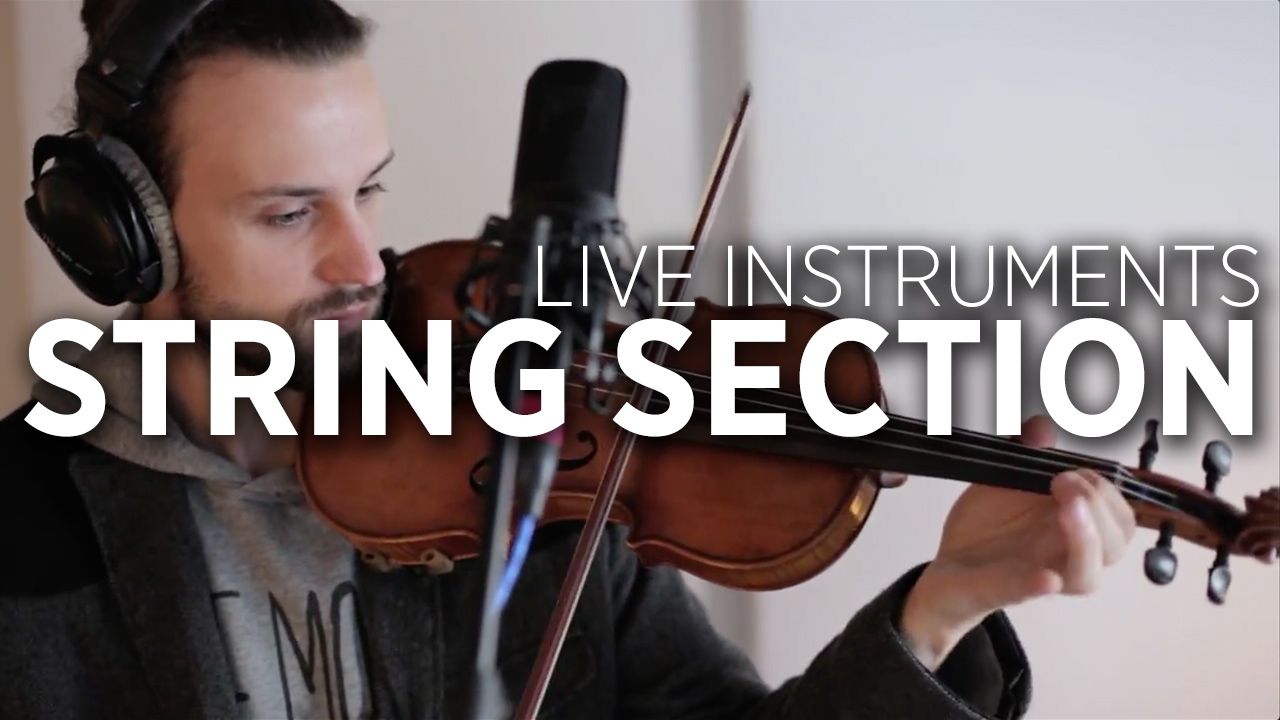
We’ve got another fantastic tutorial that we shot with the team over at Riverside Studios in Berlin – this time with film music composer and producer Emanuel Bender, who shares how to record layered violins to create a string section in a dance music production. Watch the full tutorial inside to get a taste of how simple it can be to create an advanced strings track with just a few takes and a single instrument.

  • The mic that Emanuel uses is an Audio Technica AT4033a (available on Amazon for $399), which is a cardioid condenser microphone. Emanuel uses this mic because he finds it captures the “softness of the strings” well – if you want sharper recordings of transients, he recommends a small diaphragm microphone.
  • To record a sound that emulates a string section (like an orchestra) stay about 30-40cm (~1.5 feet) away from the mic when setting up.
  • For gritty, staccato sounds, record closer to to the microphone to get more of those details.
  • In your DAW, pan the tracks to the left and to the right to create various “players” in the space of your track. Think of it again like a seated orchestra – each instrument will be in a slightly different space.
  • For treatment, Emanuel uses a UAD Teletronix LA-2A compressor, iZotope Alloy 2‘s Exciter, and AustrianConcert and Lexicon 224 reverbs.
  • Not much EQing is needed on strings, except for a simple low cut.

Hear some of Emanuel Bender’s work in the Soundcloud player embedded below:

Special thanks once again to Riverside for helping to make such an awesome production-oriented series. Watch more great tutorials from this live instrument series: 
  • Recording Kick Drums
  • Making An Analog/Modular Kick Sound
  • Recording a Kalimba
  • Working With A Vocalist In The Studio
Tags: berlinlayeringrecording studioriverside studiosstringsviolin
ShareTweetShare
Previous Post

10 Things That Beatport Got Wrong (Plus A Few They Got Right)

Next Post

Traktor Stem View: Everyone Can Now See + Map Stems

Related Posts

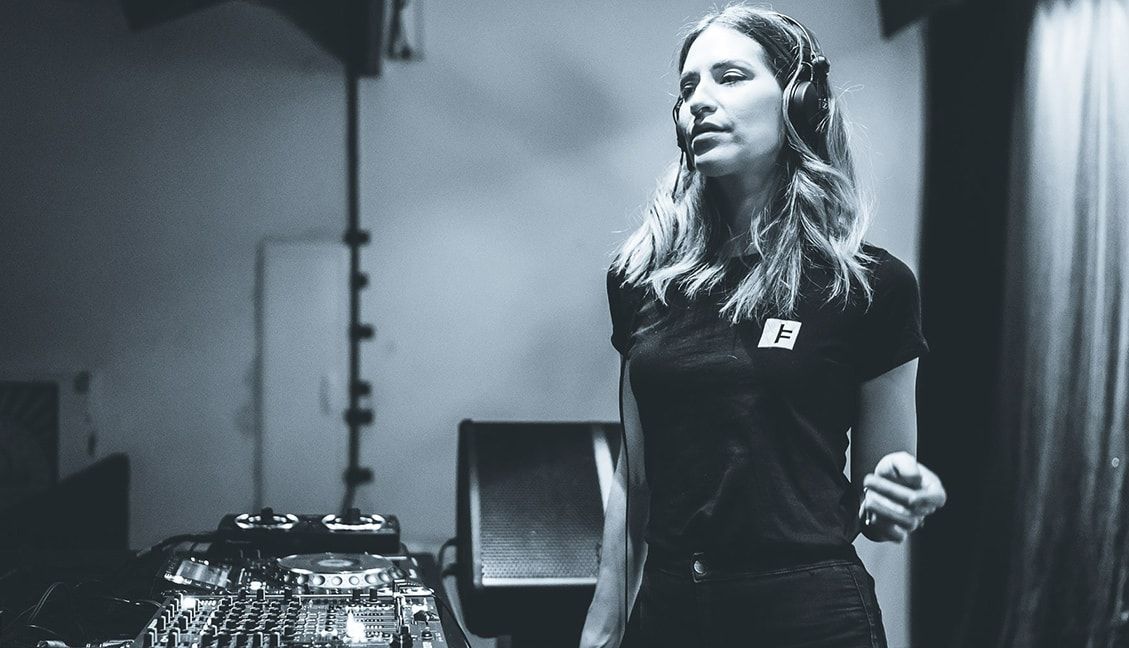
La Fleur: Resident DJ Spotlight
Artist Features

Resident DJ Spotlight: La Fleur – Watergate, Berlin

February 23, 2018
CDR: How Producers Can Test Their Tracks In A Club
Music

CDR: How Producers Can Test Their Tracks In A Club

April 5, 2016
Pan-Pot Interview: Recording Shakers In The Studio
Ableton Live Tips

Pan-Pot Interview: Recording Shakers In The Studio

March 20, 2016
Load More
Next Post
Traktor Stem View: Everyone Can Now See + Map Stems

Traktor Stem View: Everyone Can Now See + Map Stems

Want to reach DJTT's audience here?

Shoot an email to advertising@djtechtools.com

DJTT ads
DJTT newsletter
Midi Fighter
Chat with us
  • ABOUT DJTT
  • CONTACT
  • PRIVACY
  • MIDI FIGHTER HELP
  • ABOUT DJTT
  • JOBS
  • CONTACT US
  • ADVERTISE
  • PRIVACY POLICY
  • ACCESSIBILITY STATEMENT

© 2024 DJ Techtools all rights reserved by DJ TechTools on all content unless otherwise noted.

No Result
View All Result
  • Blog
    • DJ Gear
      • DIY Projects
      • Gear Reviews
      • New Products
      • Controllerism
    • Techniques + Tips
      • Beginner DJ
      • Advanced DJ
      • Producer
      • Finger Drummer
    • News + Culture
      • Editorials + Opinions
      • Artist Interviews
      • Performances + Routines
      • How I Play
    • DJ Software Tutorials
      • Serato Tips
      • CDJ Tips
      • Ableton Live Tips
  • Store
    • Run by real DJs, not a corporation
    • DJ Controllers
      • Midi Fighter Twister
      • Midi Fighter Spectra
      • Midi Fighter 64
      • View All
    • Accessories
      • Chroma USB Drive for DJs
      • Chroma Caps
      • Chroma Cables Audio
      • Chroma Cables USB-A
      • Chroma Cables: USB-C
      • DJTT Gift Card
      • Midi Fighter T-Shirt
      • Keyboard Covers
      • Earplugs by V-Moda
    • Production Gear
    • Soundcards & Mixers
  • Community
    • Popular Forums
      • General Discussion
      • Buy & Sell
      • Reviews
      • Mixes
      • Music Production
      • Show Your Setup
      • Off Topic
    • Handy Links
      • New Posts
      • Private Messages
      • Register
      • Search
    • Midi Maps
      • Traktor
      • Ableton
      • Serato DJ
      • Midi Fighter 3D
      • Midi Fighter Twister
      • Midi Fighter Spectra
  • Midi Fighter
  • Chroma

© 2024 DJ Techtools all rights reserved by DJ TechTools on all content unless otherwise noted.

This website uses cookies. By continuing to use this website you are giving consent to cookies being used. Visit our Privacy and Cookie Policy.