DJ TechTools
  • Blog
    • DJ Gear
      • DIY Projects
      • Gear Reviews
      • New Products
      • Controllerism
    • Techniques + Tips
      • Beginner DJ
      • Advanced DJ
      • Producer
      • Finger Drummer
    • News + Culture
      • Editorials + Opinions
      • Artist Interviews
      • Performances + Routines
      • How I Play
    • DJ Software Tutorials
      • Serato Tips
        • Traktor Tips
      • CDJ Tips
      • Ableton Live Tips
  • Store
    • Run by real DJs, not a corporation
    • DJ Controllers
      • Midi Fighter Twister
      • Midi Fighter Spectra
      • Midi Fighter 64
      • View All
    • Accessories
      • Chroma USB Drive for DJs
      • Chroma Caps
      • Chroma Cables Audio
      • Chroma Cables USB-A
      • Chroma Cables: USB-C
      • DJTT Gift Card
      • Midi Fighter T-Shirt
      • Keyboard Covers
      • Earplugs by V-Moda
    • Production Gear
    • Soundcards & Mixers
  • Community
    • Popular Forums
      • General Discussion
      • Buy & Sell
      • Reviews
      • Mixes
      • Music Production
      • Show Your Setup
      • Off Topic
    • Handy Links
      • New Posts
      • Private Messages
      • Register
      • Search
    • Midi Maps
      • Traktor
      • Ableton
      • Serato DJ
      • Midi Fighter 3D
      • Midi Fighter Twister
      • Midi Fighter Spectra
  • Midi Fighter
  • Chroma
No Result
View All Result
DJ TechTools
  • Blog
    • DJ Gear
      • DIY Projects
      • Gear Reviews
      • New Products
      • Controllerism
    • Techniques + Tips
      • Beginner DJ
      • Advanced DJ
      • Producer
      • Finger Drummer
    • News + Culture
      • Editorials + Opinions
      • Artist Interviews
      • Performances + Routines
      • How I Play
    • DJ Software Tutorials
      • Serato Tips
        • Traktor Tips
      • CDJ Tips
      • Ableton Live Tips
  • Store
    • Run by real DJs, not a corporation
    • DJ Controllers
      • Midi Fighter Twister
      • Midi Fighter Spectra
      • Midi Fighter 64
      • View All
    • Accessories
      • Chroma USB Drive for DJs
      • Chroma Caps
      • Chroma Cables Audio
      • Chroma Cables USB-A
      • Chroma Cables: USB-C
      • DJTT Gift Card
      • Midi Fighter T-Shirt
      • Keyboard Covers
      • Earplugs by V-Moda
    • Production Gear
    • Soundcards & Mixers
  • Community
    • Popular Forums
      • General Discussion
      • Buy & Sell
      • Reviews
      • Mixes
      • Music Production
      • Show Your Setup
      • Off Topic
    • Handy Links
      • New Posts
      • Private Messages
      • Register
      • Search
    • Midi Maps
      • Traktor
      • Ableton
      • Serato DJ
      • Midi Fighter 3D
      • Midi Fighter Twister
      • Midi Fighter Spectra
  • Midi Fighter
  • Chroma
No Result
View All Result
DJ TechTools

MixBox2: A Super-Simple DJ Set Recording Device For iOS

Dan White by Dan White
January 31, 2017
in News + Culture
Reading Time: 4 mins read
0
Evermix MixBox2
216
VIEWS
Post on FacebookTweet thisUpvote on Reddit

One of the more annoying processes in the current digital DJ world is recording, processing, and publishing a mix or live DJ set. Setting up a digital recorder, checking levels, making sure you have the right cables, batteries, etc is only half the battle. A new device, MixBox2, aims to bring a portable, rapid solution to record DJ sets right onto your phone, and publish them online. Read on for details.

MixBox2: Recording DJ Sets With Your Phone
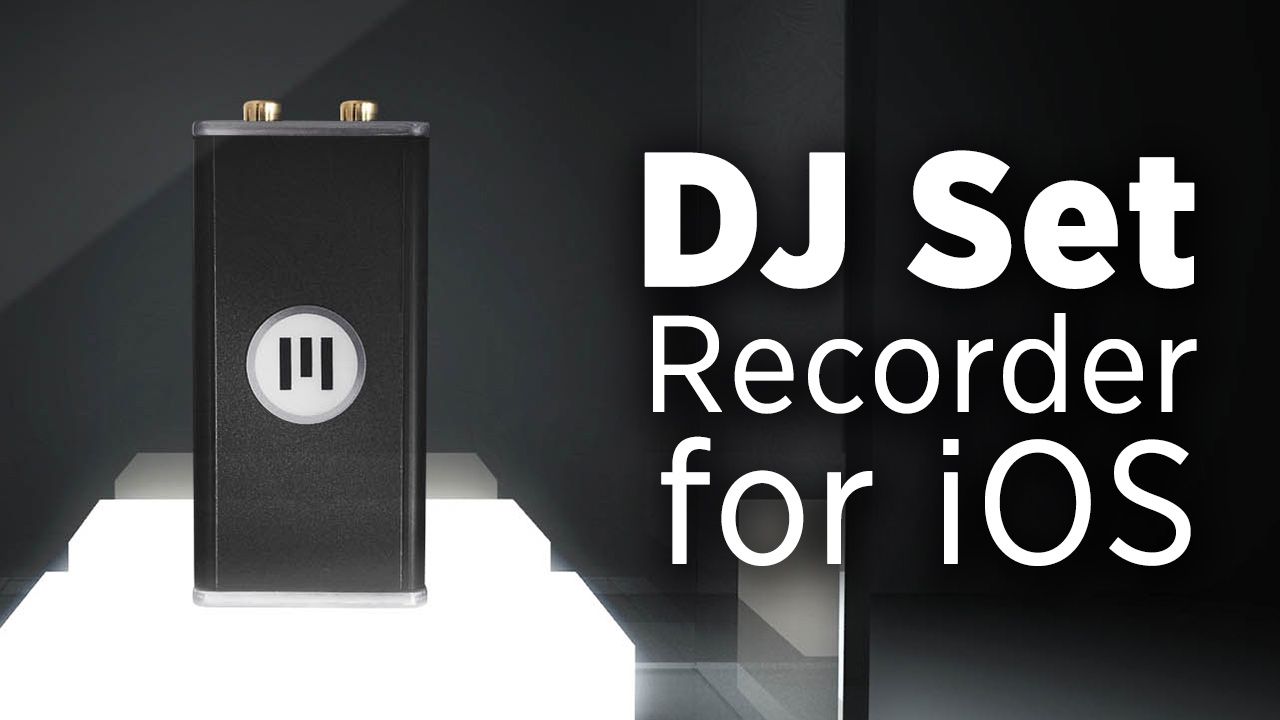
  • Product: MixBox2
  • Manufacturer: Evermix
  • Availability: 250 units available via an Indiegogo campaign in February, delivered in March 2017
  • Price: £75 / ~$95 on Indiegogo for first 50; retail/future pricing £95 / ~$119

What Is The MixBox2?

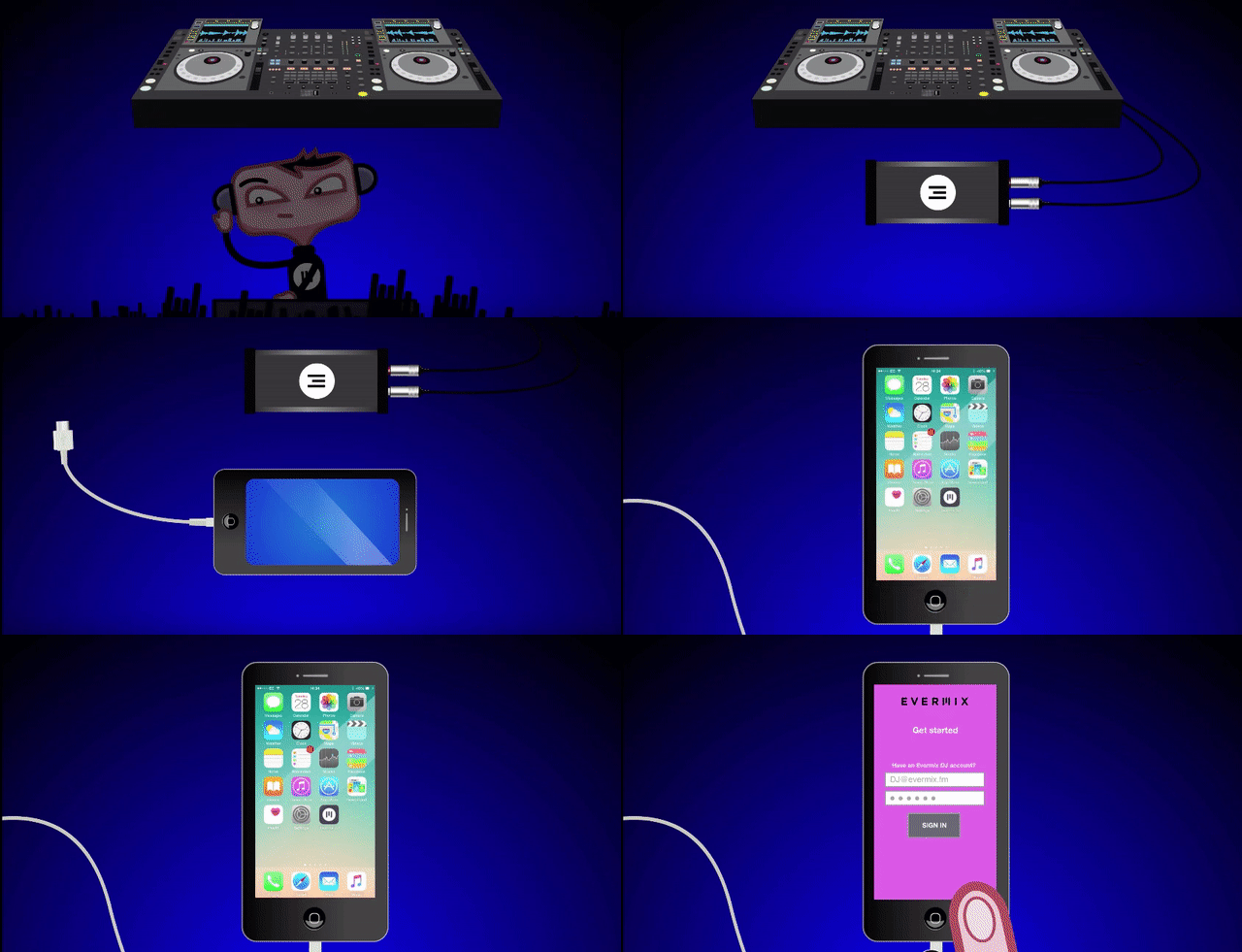
The MixBox2 is pretty simple: it’s a dedicated device designed to be a simple plug-and-play recorder for DJ sets. To set it up, plug in a pair of RCA cables from the Record Out on a DJ mixer. Then plug in your iPhone/iPad/iPod touch to the MixBox 2 (the iOS device is where the actual mix is being stored) via a 7 pin DIN to Apple Lightning cable.

The MixBox 2 also can be powered by the same iOS device – which means that battery power is a consideration when using it – or you can also use the micro USB port to power it instead of draining your phone. The press release has a bit more about their own power testing:

“MixBox2 is powered by the DJ’s iPhone, iPad, or iPod Touch and can record for many hours without any additional external power, removing any audio noise problems associated with using an external USB power supply. During testing impressive power-usage results were achieved: a one hour set used just 10% of an iPhone 7 battery with screen off, and 20% with screen constantly on.”

What About Audio Quality?

There’s an LED indicator that shows how the audio input is coming in – it “glows white when correctly connected, blue when an audio signal is recognised, and red when the audio signal is clipping.” Here’s the input guidelines from the press release:

  • This version requires that input signal level is limited to +18dBu.
  • A constant Blue LED indicates signal is present greater than -70dBu
  • A bright red LED flash indicates any peak signal clipping over +18dBu

In terms of audio quality, there’s a “high quality 24-bit AKM Analogue to Digital Converter with a smooth noise floor with no audible tones”, and the unit can make recordings in lossless WAV 320 kbps AAC, or 192kbps AAC.

In terms of frequency response, the MixBox2 is within +- 0.5dB from 30Hz to 18KHz at sample rate of 44.1KHz, and records from 30Hz to 20KHz at that same sample rate.

One of the biggest issues with recording sets is too hot of a signal – which can be really common when you’re DJing on a mixer with no Record Out. We asked the MixBox2 team about how they tackle this issue in the device, and they shared this with us:

“This has been tricky as most mixers don’t have rec out levels. The MixBox2 will glow red to alert the DJ to check the levels if they’re in the red. After a lot of testing we have got to a point where the recordings are very forgiving even when the mixer is pushed. However at the end of the day there is only so much any recording device can do with an overly distorted signal.

We’ve worked with a group of 500 DJs and promoters over the last year to optimise the original spec of the MixBox and we’ve now added a function that makes a small reduction to the gain automatically when the levels are consistently in the red over a period of time which will rescue sets that might otherwise have been distorted. This is all handled within the MixBox and the app can ‘talk’ to the MixBox which enables us to make ongoing adjustments to the hardware via updates to the app.”

Who/What Is Evermix?
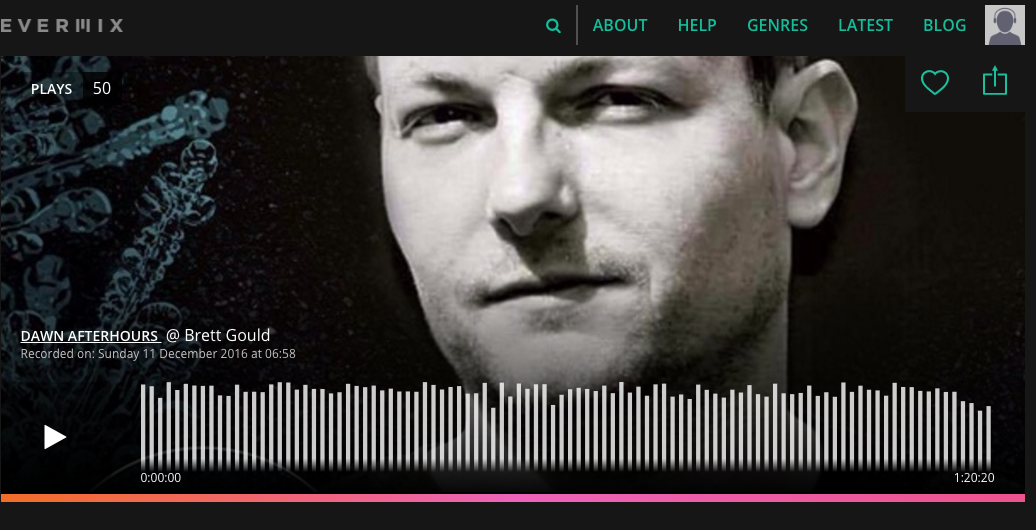
Evermix DJ Mix portal
A DJ mix on Evermix.fm

The MixBox2 is clearly a clever way for the company behind it to get a bit more attention as well. Evermix was started in 2015 as a site that aimed to “connect electronic music fans with amazing DJ sets” on their website. With this new hardware product, they’re clearly taking aim at other mix hosting sites – and it makes sense. The iOS companion app for the MixBox2 is directly integrated with Evermix, so uploading the mix that you just recorded is seamless and simple.

The MixBox2 crowdfunding first run of units is set to launch in a few weeks on Indiegogo – with early backers getting a discounted price. Here’s the link to sign up for notifications when it goes live.
Read next: How To Record Your DJ Set Right (And Why It Matters)

Tags: evermixmixbox2recording DJ mixes
Share2Tweet1Share
Previous Post

Serato DJ 1.9.6 Public Beta: DVS Updates, Performance Enhancements

Next Post

DJ Fong Fong’s SliderKut Scratching Tool Heads To Kickstarter

Related Posts

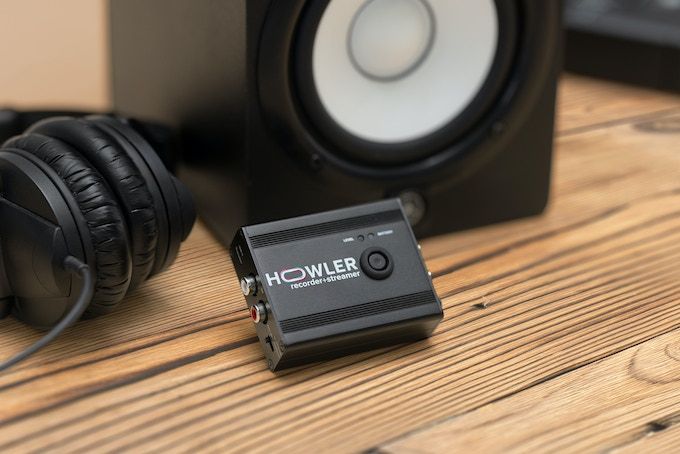
Meet Howler, a 2-in-1 device that records + livestreams high-quality audio from any source
News

Meet Howler, a 2-in-1 device that records + livestreams high-quality audio from any source

November 4, 2022
DJM-REC: Pioneer DJ’s New Set Recorder for iOS
NAMM 2018

DJM-REC: Pioneer DJ’s New Set Recorder for iOS

January 23, 2018
Recording a DJ set with crowd noise
Basic DJ Tips

How To Record + Mix A DJ Set With Live Crowd Noise

December 11, 2017
Load More
Next Post
SliderKut Linear Timecode

DJ Fong Fong's SliderKut Scratching Tool Heads To Kickstarter

Want to reach DJTT's audience here?

Shoot an email to advertising@djtechtools.com

DJTT ads
DJTT newsletter
Midi Fighter
Chat with us
  • ABOUT DJTT
  • CONTACT
  • PRIVACY
  • MIDI FIGHTER HELP
  • ABOUT DJTT
  • JOBS
  • CONTACT US
  • ADVERTISE
  • PRIVACY POLICY
  • ACCESSIBILITY STATEMENT

© 2024 DJ Techtools all rights reserved by DJ TechTools on all content unless otherwise noted.

No Result
View All Result
  • Blog
    • DJ Gear
      • DIY Projects
      • Gear Reviews
      • New Products
      • Controllerism
    • Techniques + Tips
      • Beginner DJ
      • Advanced DJ
      • Producer
      • Finger Drummer
    • News + Culture
      • Editorials + Opinions
      • Artist Interviews
      • Performances + Routines
      • How I Play
    • DJ Software Tutorials
      • Serato Tips
      • CDJ Tips
      • Ableton Live Tips
  • Store
    • Run by real DJs, not a corporation
    • DJ Controllers
      • Midi Fighter Twister
      • Midi Fighter Spectra
      • Midi Fighter 64
      • View All
    • Accessories
      • Chroma USB Drive for DJs
      • Chroma Caps
      • Chroma Cables Audio
      • Chroma Cables USB-A
      • Chroma Cables: USB-C
      • DJTT Gift Card
      • Midi Fighter T-Shirt
      • Keyboard Covers
      • Earplugs by V-Moda
    • Production Gear
    • Soundcards & Mixers
  • Community
    • Popular Forums
      • General Discussion
      • Buy & Sell
      • Reviews
      • Mixes
      • Music Production
      • Show Your Setup
      • Off Topic
    • Handy Links
      • New Posts
      • Private Messages
      • Register
      • Search
    • Midi Maps
      • Traktor
      • Ableton
      • Serato DJ
      • Midi Fighter 3D
      • Midi Fighter Twister
      • Midi Fighter Spectra
  • Midi Fighter
  • Chroma

© 2024 DJ Techtools all rights reserved by DJ TechTools on all content unless otherwise noted.

This website uses cookies. By continuing to use this website you are giving consent to cookies being used. Visit our Privacy and Cookie Policy.